Category: IT Security
-
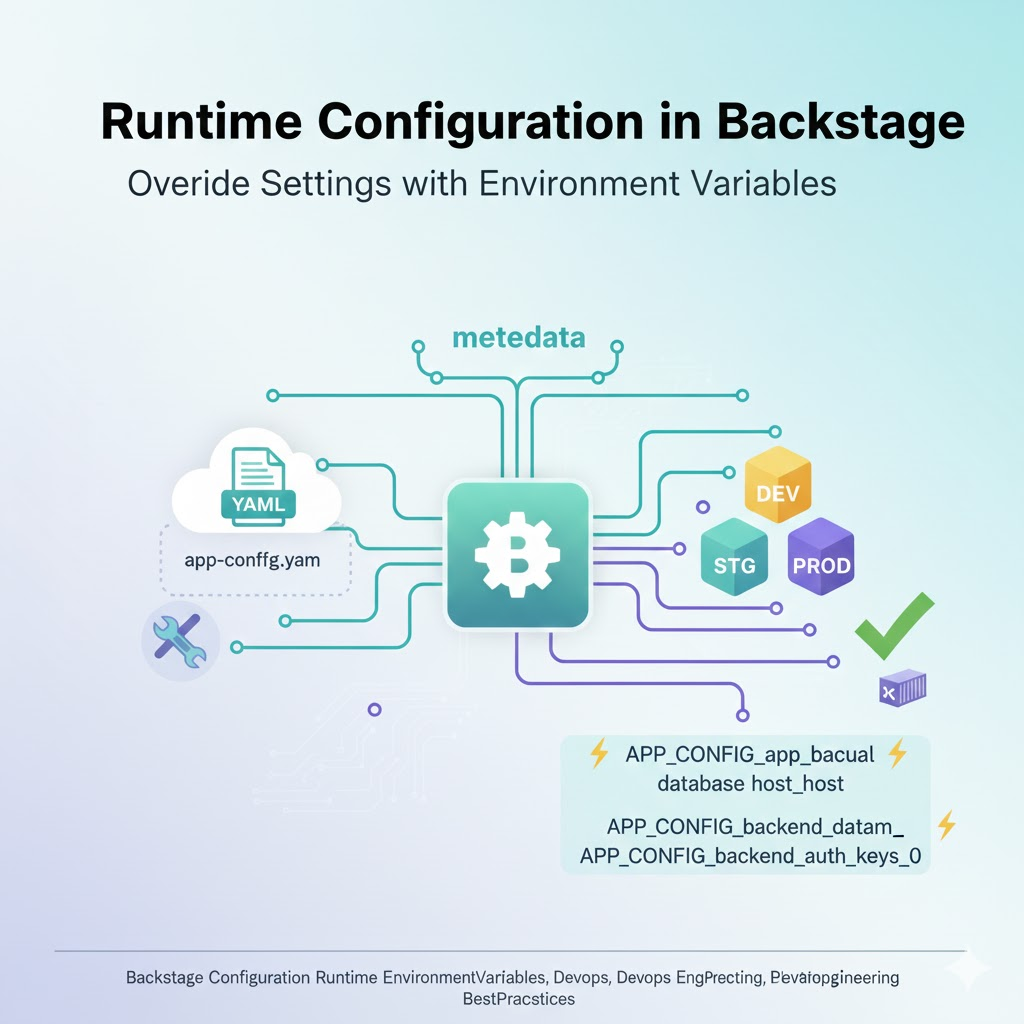
Backstage Operations Tip: The Magic of Instantly Changing Configuration Values at Runtime (Environment Variables Edition)
Hello! Today, we’ll delve into the most direct way to change configurations in real-time (Runtime) when deploying Backstage to a production environment, without modifying already built artifacts. 🚀 In a development environment, you can directly modify the app-config.yaml file, but in a production environment deployed with Docker containers, modifying the file and rebuilding every time…
-
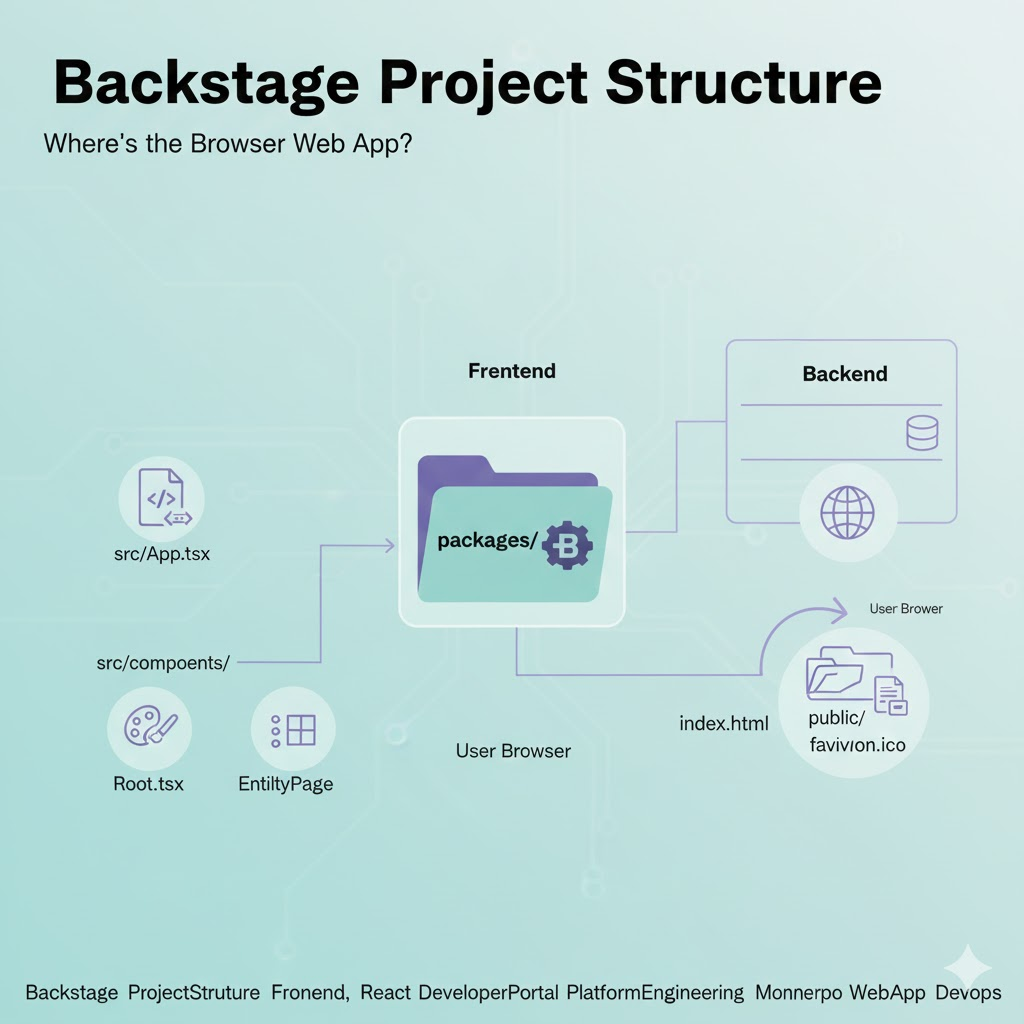
🏠 Diving into Backstage Project Structure: Where is the Web App for Browsers?
Hello! Today, we’ll delve into a crucial piece of information you need to grasp first when customizing Backstage or adding plugins: the project structure. 🚀 Backstage has a monorepo structure, where numerous packages are bundled together. After initially creating a project, it’s common to wonder, “Among all these folders, where on earth is the code…
-
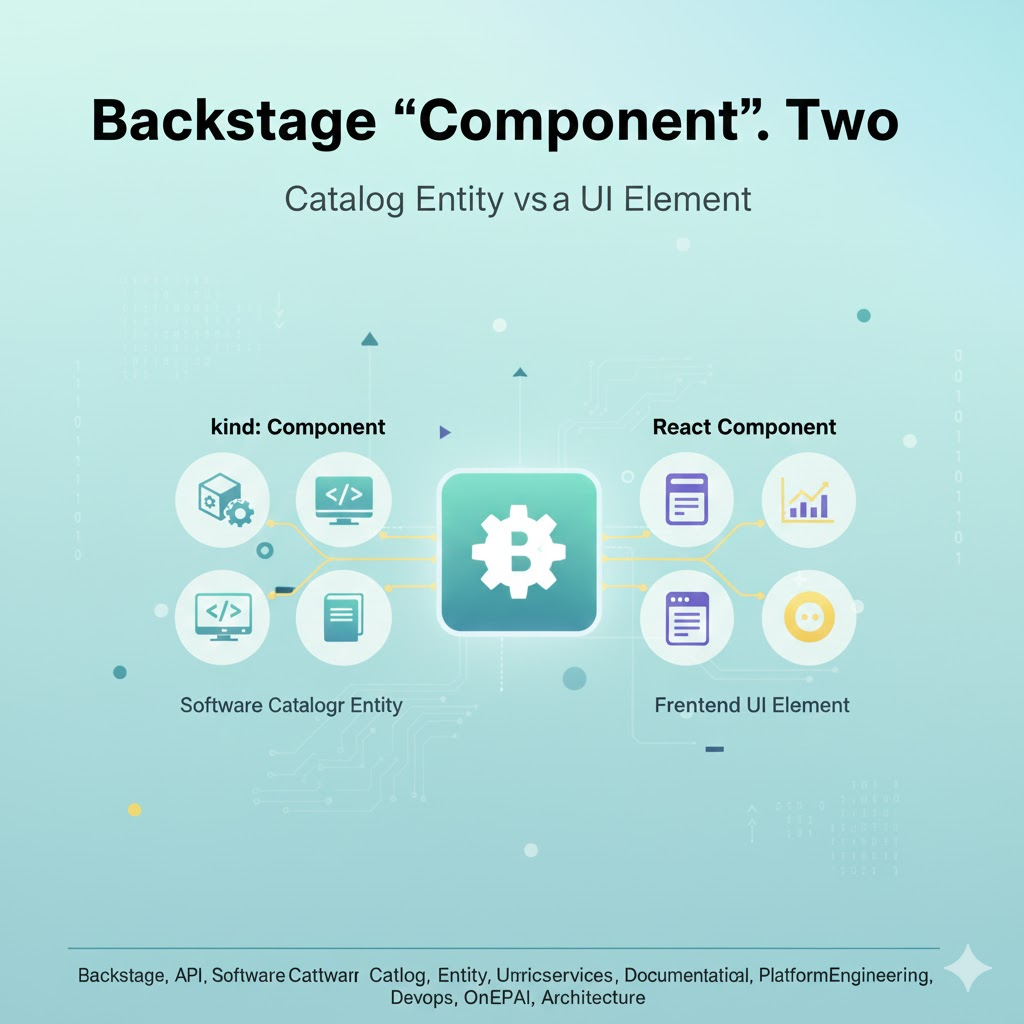
A Deep Dive into Backstage Architecture: Interaction between Software Entities and React Components
Hello! Today, we’re going to take a closer look at how one of Backstage’s core concepts, the “Component,” is used in two different contexts. 🚀 This is one of the most confusing aspects for those new to Backstage. However, clearly understanding the meaning of these two ‘components’ will allow you to grasp the Backstage architecture…
-
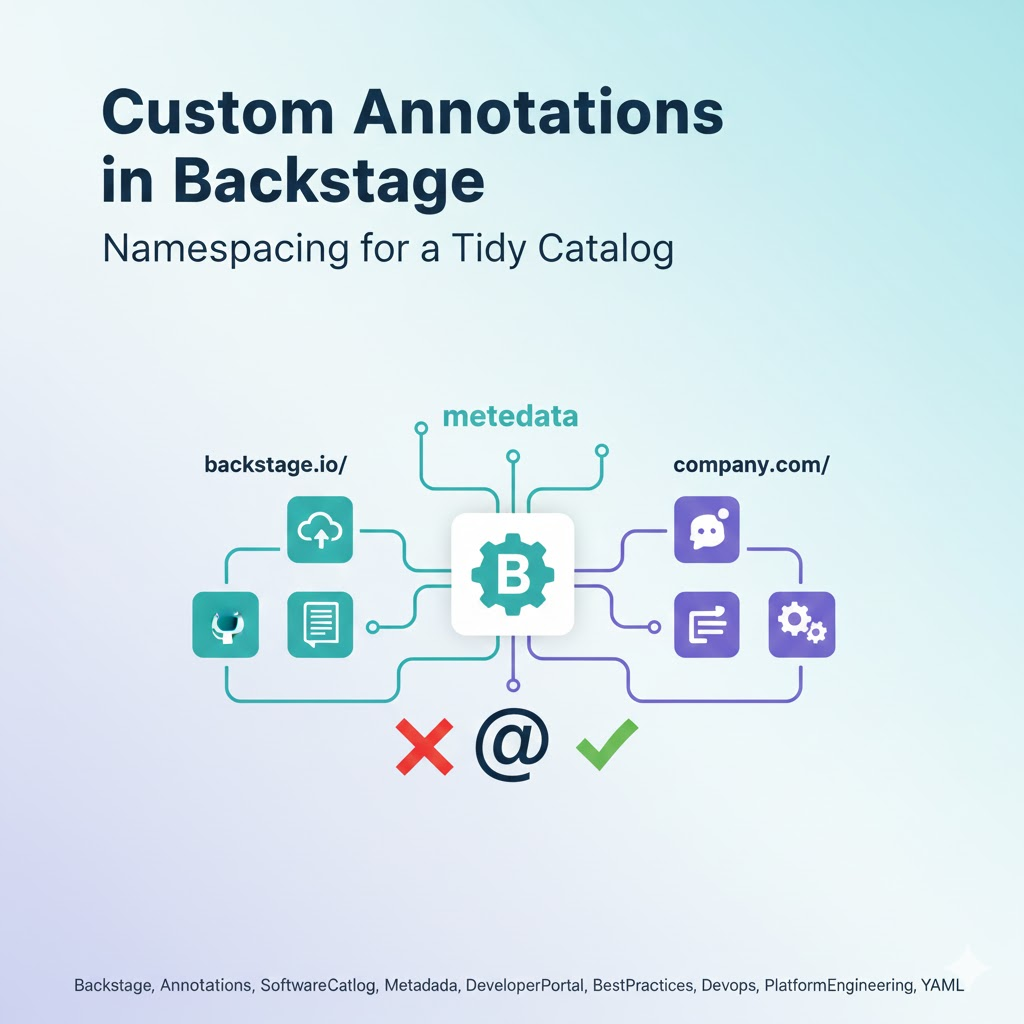
Extending Backstage: Defining Custom Annotations and Preventing Reserved Keyword Conflicts
Hello! Today, we’ll delve deep into Annotations, which maximize Backstage’s flexibility, and specifically the Namespacing rules that are essential for their management. 🚀 When operating Backstage, you often want to add special data unique to your organization beyond its basic features. This is where annotations come in. However, using just any name can lead to…
-
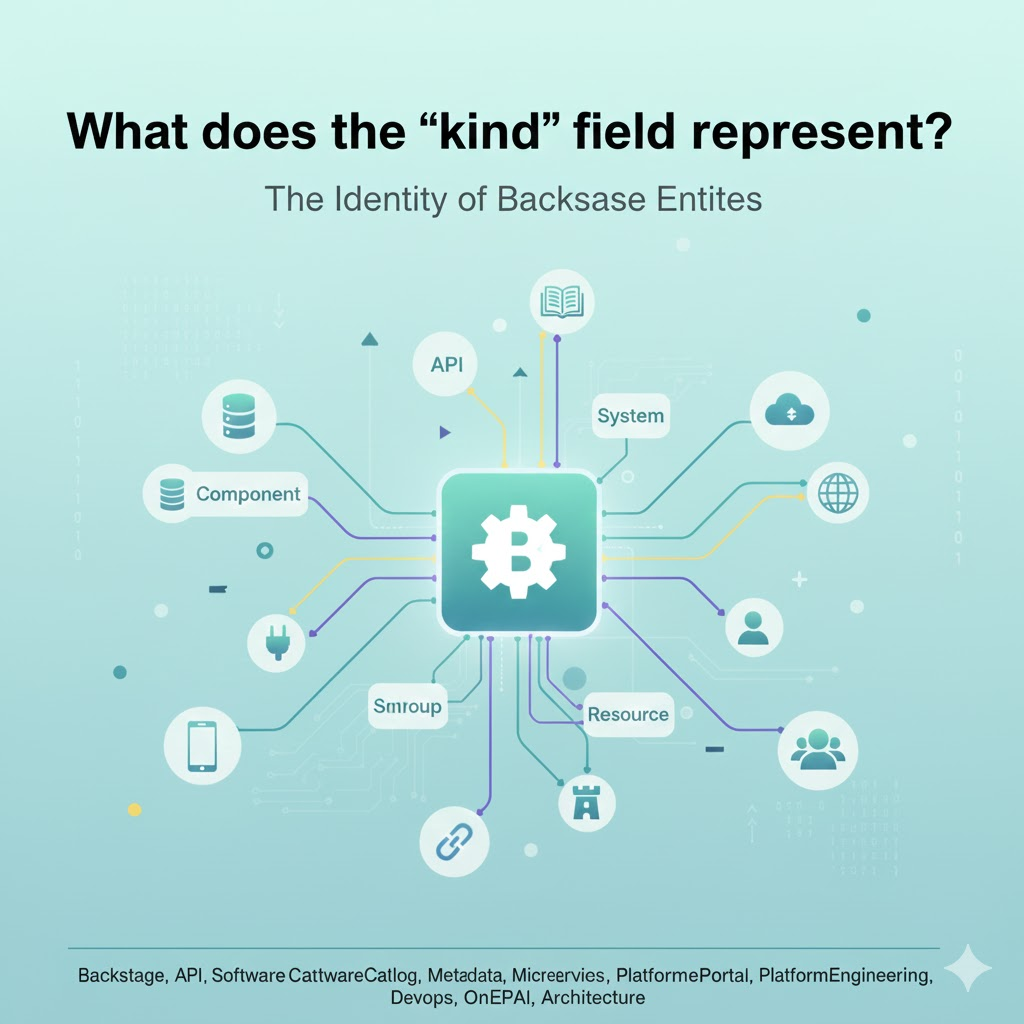
Understanding the Identity of Backstage Entities: A Complete Guide to the kind Field (From Component to Resource)
Hello everyone! Today, we’re going to deeply explore the kind field of the catalog-info.yaml file, which is the core of Backstage and can be considered the starting point for all metadata. 🚀 Understanding exactly what this field means and what types it includes, which you’ll encounter first when setting up Backstage, will completely change your…
-
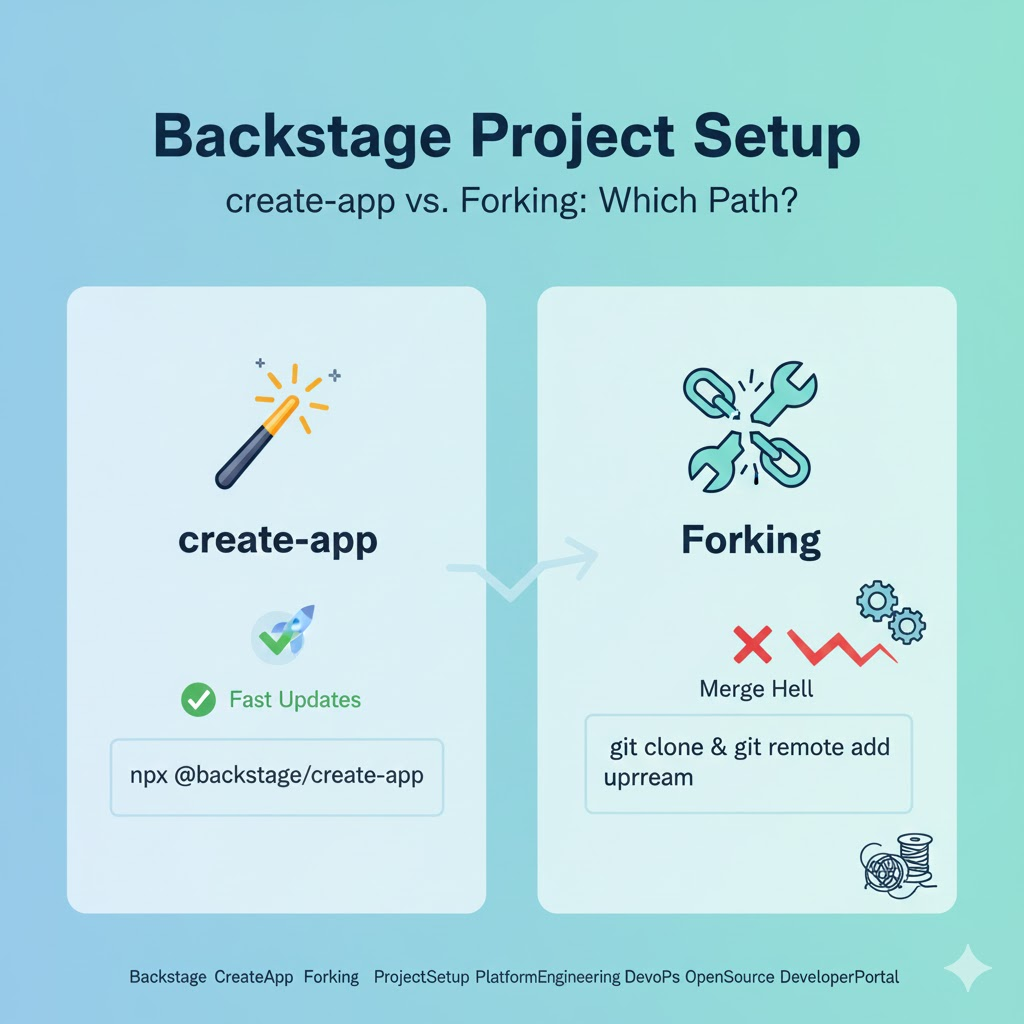
The First Step to Adopting Backstage: create-app vs Fork, What’s Your Choice?
Hello! Today, we’ll delve deeply into the first crossroads faced by those looking to adopt Backstage: “How to start a project?” 🚀 Backstage is not merely software to download and install; it’s a framework that you build to suit your organization. The choice between using npx @backstage/create-app and Forking the main repository determines the fate…
-
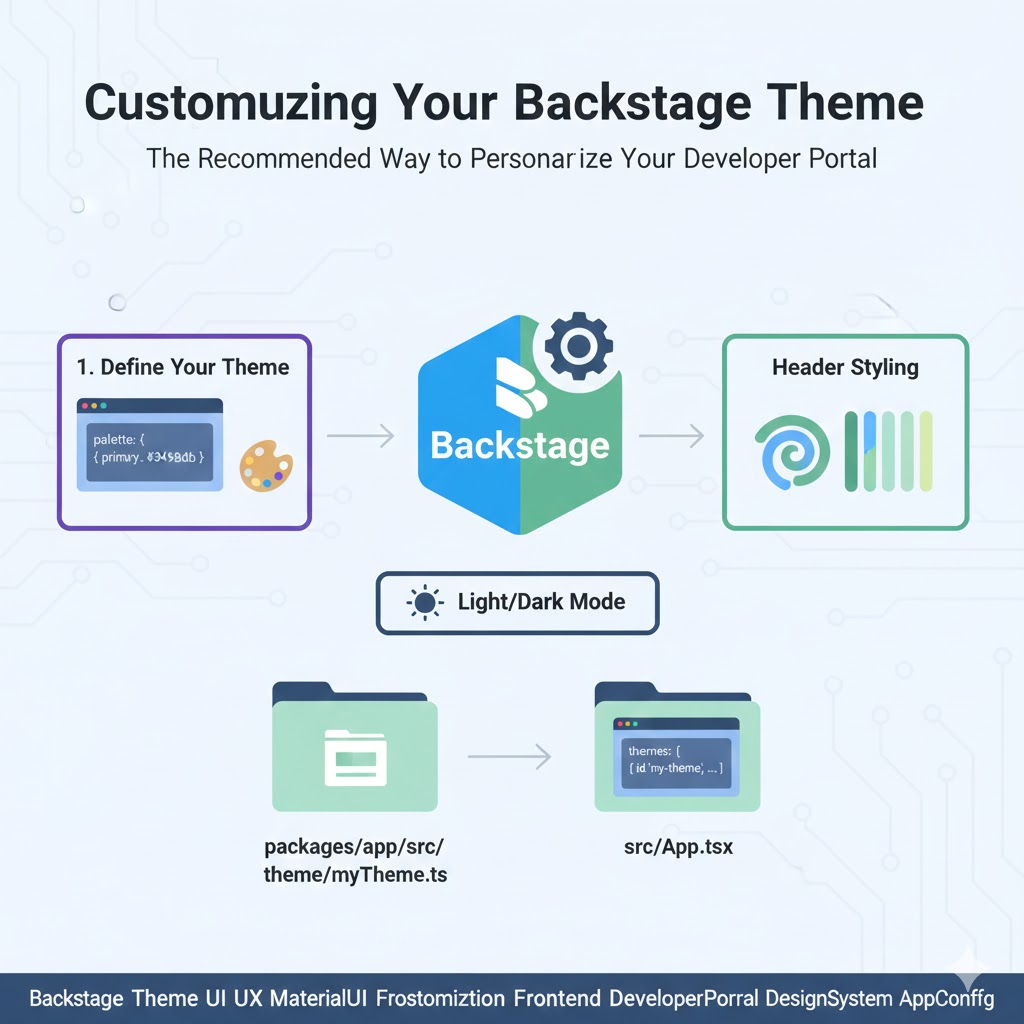
Creating Our Company’s Backstage: Recommended Theme Customization Guide
Hello! Today, we’ll delve deeply into ‘Theme Customization’, one of the most crucial elements determining Backstage’s user experience. 🎨 Beyond merely providing functionality, Backstage should be a platform that can project our company’s brand identity. While the default themes are excellent, changing the theme to match the company’s logo colors or design guidelines plays a…
-
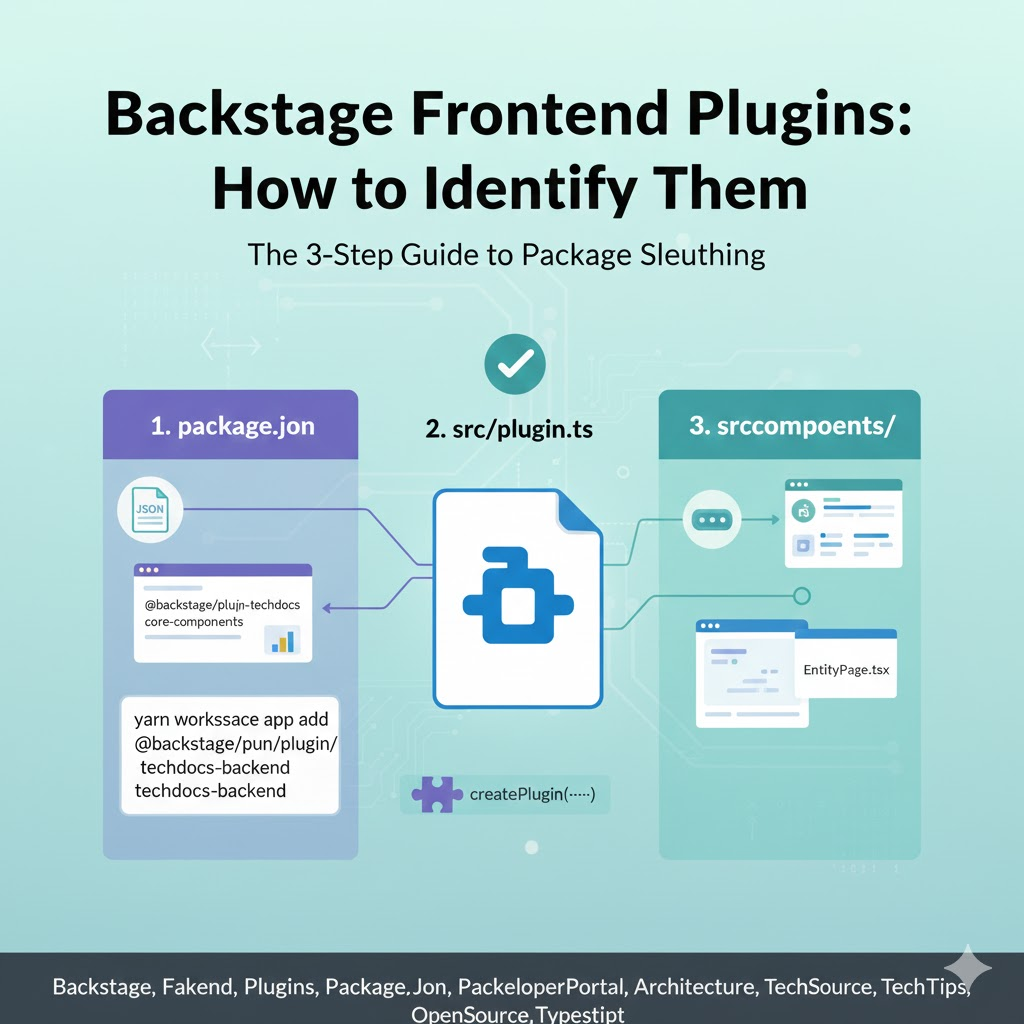
Backstage Package Detectives: Find Frontend Plugins in 5 Seconds
Hello! Today, we’re embarking on a deep dive into the vast monorepo forest of Backstage with the theme: “How can I tell if this package is a frontend plugin?” 🕵️♂️ Backstage is composed of countless packages, making it easy to get lost when you first encounter it. However, with just a few clear ‘clues,’ you…
-
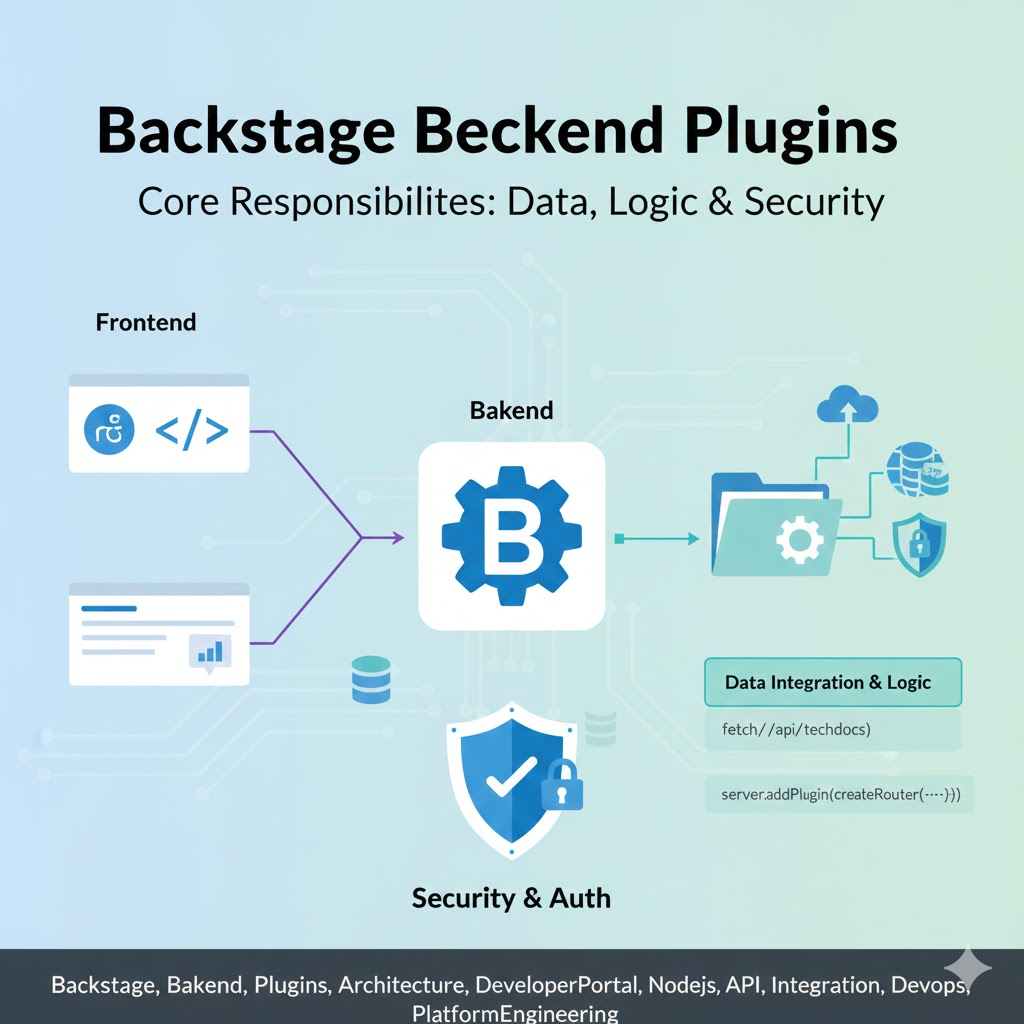
The Unsung Heroes of Backstage: A Comprehensive Overview of Backend Plugin Responsibilities and Roles
Hello everyone! Today, we’re going to delve into the core roles and responsibilities of Backend Plugins, the robust pillars supporting Backstage’s powerful ecosystem. 🚀 When you first encounter Backstage, you might focus on its dazzling frontend UI, but all the magic of fetching, processing, and securing data actually happens in the backend. Through this article,…
-
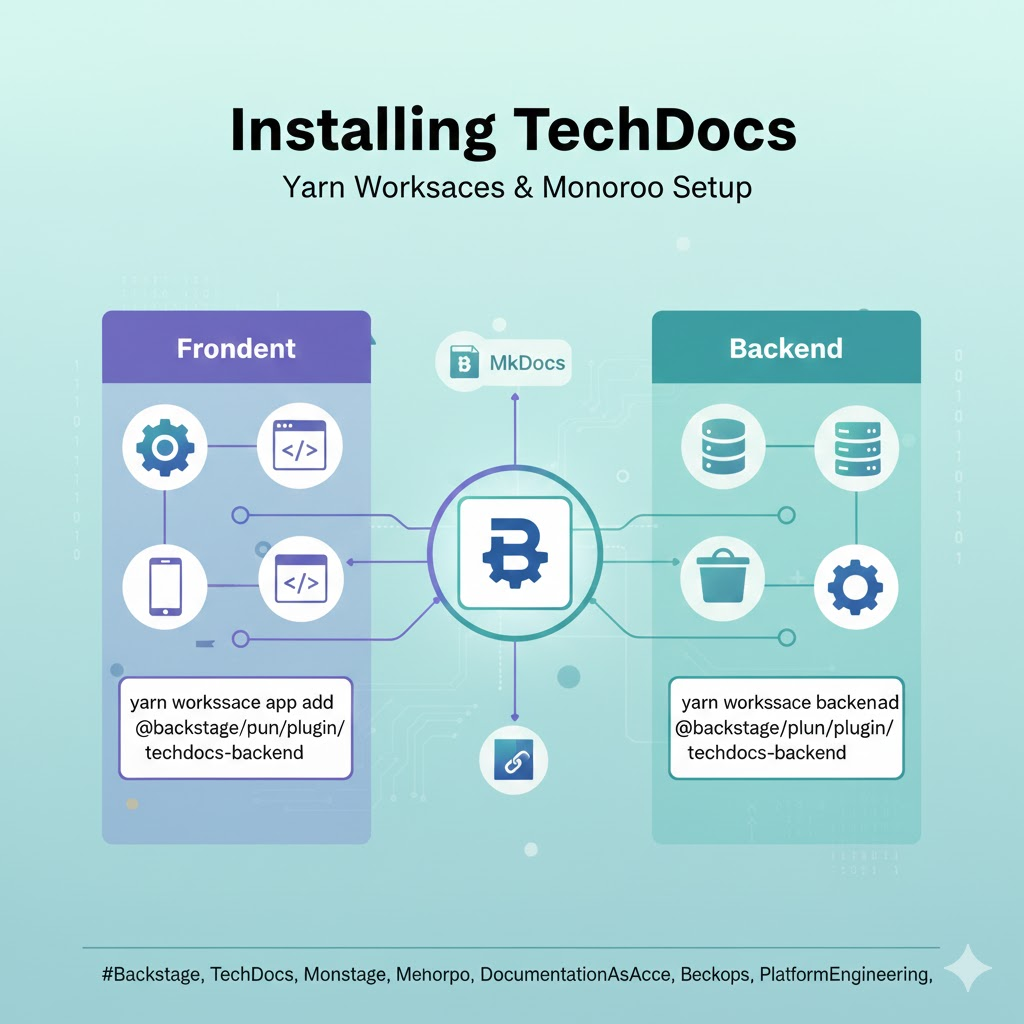
Revitalize Backstage! Complete TechDocs Installation and Yarn Workspace Setup Guide
Hello everyone! Today, we’re going to dive into a detailed guide on how to install TechDocs, one of Backstage’s core features and often called the ‘flower’ of Developer Experience (DevEx). 🚀 After setting up a new Backstage monorepo, have you ever felt lost trying to add TechDocs for “Documentation as Code” management, wondering which commands…