Hello! Today, we’re going to take a closer look at how one of Backstage’s core concepts, the “Component,” is used in two different contexts. 🚀
This is one of the most confusing aspects for those new to Backstage. However, clearly understanding the meaning of these two ‘components’ will allow you to grasp the Backstage architecture and its practical applications much more deeply. Through this article today, we will completely resolve that confusion! 💡
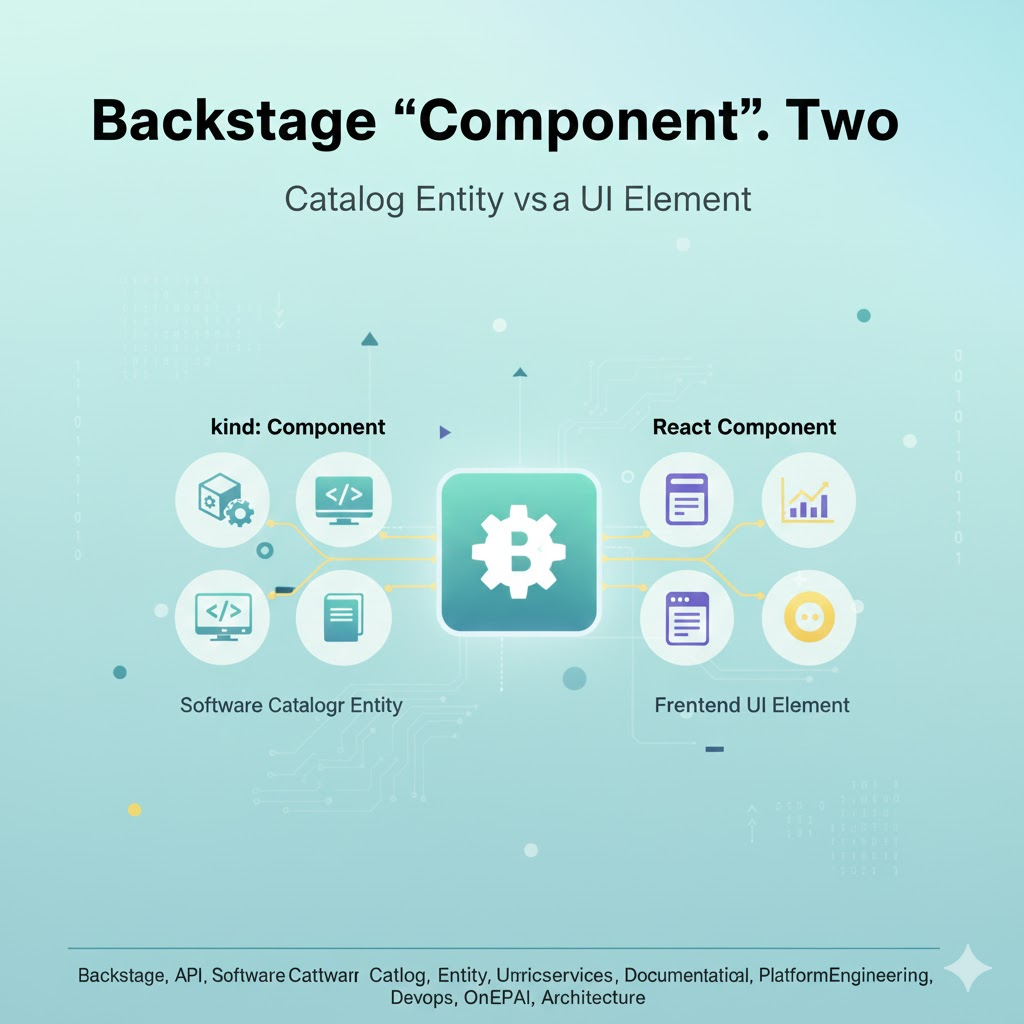
🏗️ Two Meanings of ‘Component’ in Backstage
In Backstage, the term “component” is used in two main contexts. One is kind: Component as a software catalog entity, and the other is a React component that constitutes the frontend UI. It is crucial to distinguish between these two.
1. kind: Component (Software Catalog Entity) 🧩
The first meaning refers to the most basic entity type in Backstage’s Software Catalog model. It represents a unit of software implemented with actual code, such as your services, libraries, or websites.
✅ Key Features
- Definition: Defined as kind: Component within the catalog-info.yaml file.
- Role:
- Code Unit: Represents microservices, web applications, libraries, mobile apps, etc., that perform specific business logic.
- Ownership: Includes metadata such as who is responsible for this service (owner) and which system it belongs to (system).
- Visibility: Acts as a central point for connecting and viewing the component’s TechDocs, CI/CD status, alerts, dashboards, and more at a glance in the Backstage UI.
- Examples:
- payment-service (microservice)
- user-dashboard-frontend (frontend web app)
- shared-logging-library (reusable library)
📊 kind: Component YAML Example
YAML
apiVersion: backstage.io/v1alpha1
kind: Component         # 👈 This is the first meaning of 'Component'.
metadata:
  name: order-processing-service
  description: 고객의 주문을 처리하고 결제 시스템과 연동하는 백엔드 서비스
  annotations:
    github.com/project-slug: example-org/order-service
spec:
  type: service          # Type of the component (e.g., service, website, library)
  lifecycle: production
  owner: team-nova       # The team responsible for this service
  system: e-commerce-platform # The system this service belongs to
Here, kind: Component refers to an actual block of software code called “order-processing-service.”
2. Frontend React Component (UI Building Block) 🎨
The second meaning refers to a “React component” as a building block that constitutes the user interface (UI) of the Backstage frontend. This is consistent with the general usage of the ReactJS framework.
✅ Key Features
- Definition: A React code file (tsx, jsx) written in TypeScript/JavaScript.
- Role:
- UI Rendering: Responsible for UI elements that display specific functionality on the screen or handle user input.
- Reusability: Makes various UI components such as buttons, cards, tables, charts, and detailed information panels for specific entities into reusable units.
- Plugin Development: When developing Backstage plugins, all UI you create is composed of a combination of React components.
- Examples:
- (Component that renders the entire entity detail page)
- (Card component that displays TechDocs documents)
- (Component that displays a cost analysis dashboard)
🖥️ React Component Code Example
TypeScript
// packages/app/src/components/catalog/EntityPage.tsx (Part of the Backstage app)

import React from 'react';
import { EntityPageLayout } from '@backstage/plugin-catalog';
import {
  EntityAboutCard,
  EntityLinksCard,
  EntityCatalogGraphCard,
} from '@backstage/plugin-catalog';
// ... and import various other React components.

export const customEntityPage = (
  <EntityPageLayout>
    <EntityPageLayout.Content>
      {/* 👈 Here, EntityAboutCard is a React component. */}
      <EntityAboutCard variant="gridItem" />
      <EntityLinksCard variant="gridItem" />
      <EntityCatalogGraphCard variant="gridItem" />
    </EntityPageLayout.Content>
    {/* ... other tabs and components ... */}
  </EntityPageLayout>
);
In the code above, EntityPageLayout, EntityAboutCard, etc., are all React components, which are visual elements that make up the Backstage UI.
🎯 Correctly Connecting the Two Meanings of ‘Component’
Now, it’s important to understand how these two meanings of ‘component’ are connected.
- kind: Component (Software Entity) is the actual software registered in the Backstage catalog.
- React Component (UI Building Block) plays the role of fetching the information of that kind: Component entity and visually displaying it in the Backstage UI.
For example, when a kind: Component entity named “order-processing-service” is registered in the catalog, the React components of the Backstage frontend, including and other React components, read the metadata of this entity and render it beautifully on the screen. ✨
🏁 Conclusion: Distinguishing ‘Component’ by Context
In Backstage, the term “component” has two meanings depending on the context:
- kind: Component in the Software Catalog: An entity representing an actual software code unit such as your application, service, or library.
- Frontend React Component: A UI building block that creates the Backstage UI and visually represents entity information.
Accurately distinguishing and understanding these two meanings will greatly help you grasp Backstage’s architecture more clearly, effectively build a catalog tailored to your organization, and even develop plugins yourself if needed! 🚀
Leave a Reply