Hello! Today, we’ll delve into a crucial piece of information you need to grasp first when customizing Backstage or adding plugins: the project structure. 🚀
Backstage has a monorepo structure, where numerous packages are bundled together. After initially creating a project, it’s common to wonder, “Among all these folders, where on earth is the code for the screen (web app) that users see when they connect?” Today, we’ll completely resolve that question for you! 💡
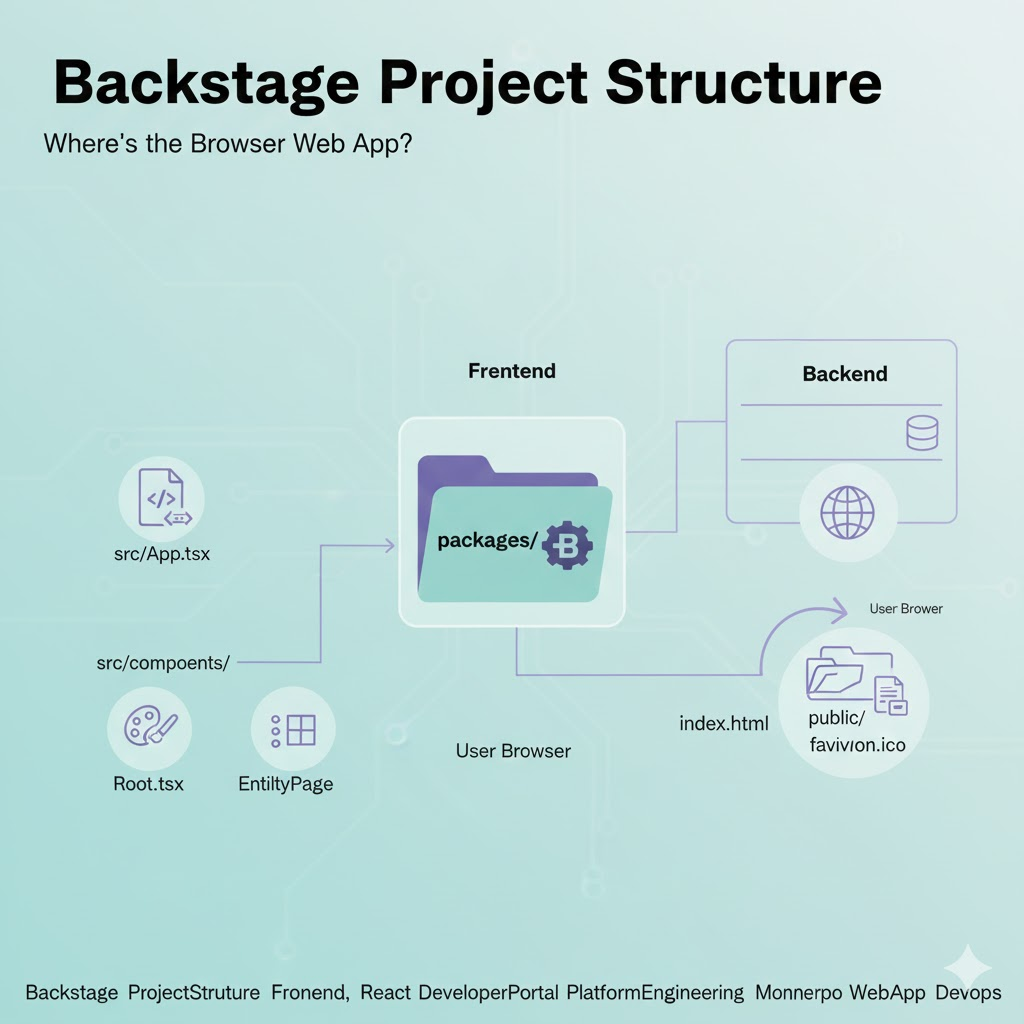
📍 The Answer: The Home of the Web App, packages/app
In the default Backstage project structure, the frontend web app displayed in the user’s browser is located at the following path:
📂 /packages/app
Backstage has a clearly separated structure for backend (packages/backend) and frontend (packages/app). All UI and page configurations that we access through the browser are done within this app folder.
🔍 Peeking Inside the packages/app Folder 🕵️♂️
Just knowing the location isn’t enough, right? Let’s take a detailed look at how the packages/app folder is organized.
1. src/App.tsx (Main Gateway) 🚪
This file is the heart of the Backstage frontend.
- All routing settings are managed here.
- It defines which plugin will be displayed at which URL path (/catalog, /docs, etc.).
- It’s also where sidebar menu configuration and the app’s overall theme are connected.
2. src/components/ (UI Building Blocks) 🧩
This is where UI components used throughout the app are located.
- Root.tsx: If you want to change the sidebar (Sidebar) logo or menu configuration, you need to modify this file.
- catalog/EntityPage.tsx: This is a very important file that determines the layout of the service detail page (e.g., which cards to place).
3. public/ (Static Resources) 🖼️
Static files directly accessible by the browser are stored here.
- favicon.ico, index.html, and logo image files are located here.
🏗️ Why specifically under packages/? (The Magic of Monorepo)
The reason Backstage is divided into packages/app and packages/backend is for scalability.
- Separation of Concerns: Frontend developers can focus solely on React code within the app folder, and backend developers can focus on Node.js logic within the backend folder. 🛠️
- Plugin Architecture: Backstage is built by assembling numerous external plugins. The app package acts as a container that brings together the UIs of these plugins. 📦
- Independent Builds: It provides the flexibility to independently build or deploy the frontend and backend as needed. 🏎️
💡 Practical Tip: Checklist for Modifying UI
If you want to change the Backstage screen, remember the following order!
- Want to change sidebar icons or menus? ➡️ packages/app/src/components/Root.tsx
- Want to add a new plugin page? ➡️ Add Route in packages/app/src/App.tsx
- Want to adjust tabs on the catalog detail screen? ➡️ packages/app/src/components/catalog/EntityPage.tsx
- Want to change the browser tab name or icon? ➡️ packages/app/public/index.html
🏁 Conclusion: All UI Starts from packages/app
In the vast system of Backstage, the frontline that meets the user is packages/app. By understanding this structure, you’ve already succeeded in 50% of Backstage customization! 🚀
Now, don’t hesitate to open the packages/app folder and envision your own wonderful developer portal. 🎨
Leave a Reply