Hello! Today, we’ll delve into the most direct way to change configurations in real-time (Runtime) when deploying Backstage to a production environment, without modifying already built artifacts. 🚀
In a development environment, you can directly modify the app-config.yaml file, but in a production environment deployed with Docker containers, modifying the file and rebuilding every time is almost impossible. So, what is the ‘most powerful and direct weapon’ we can use in this situation? 💡
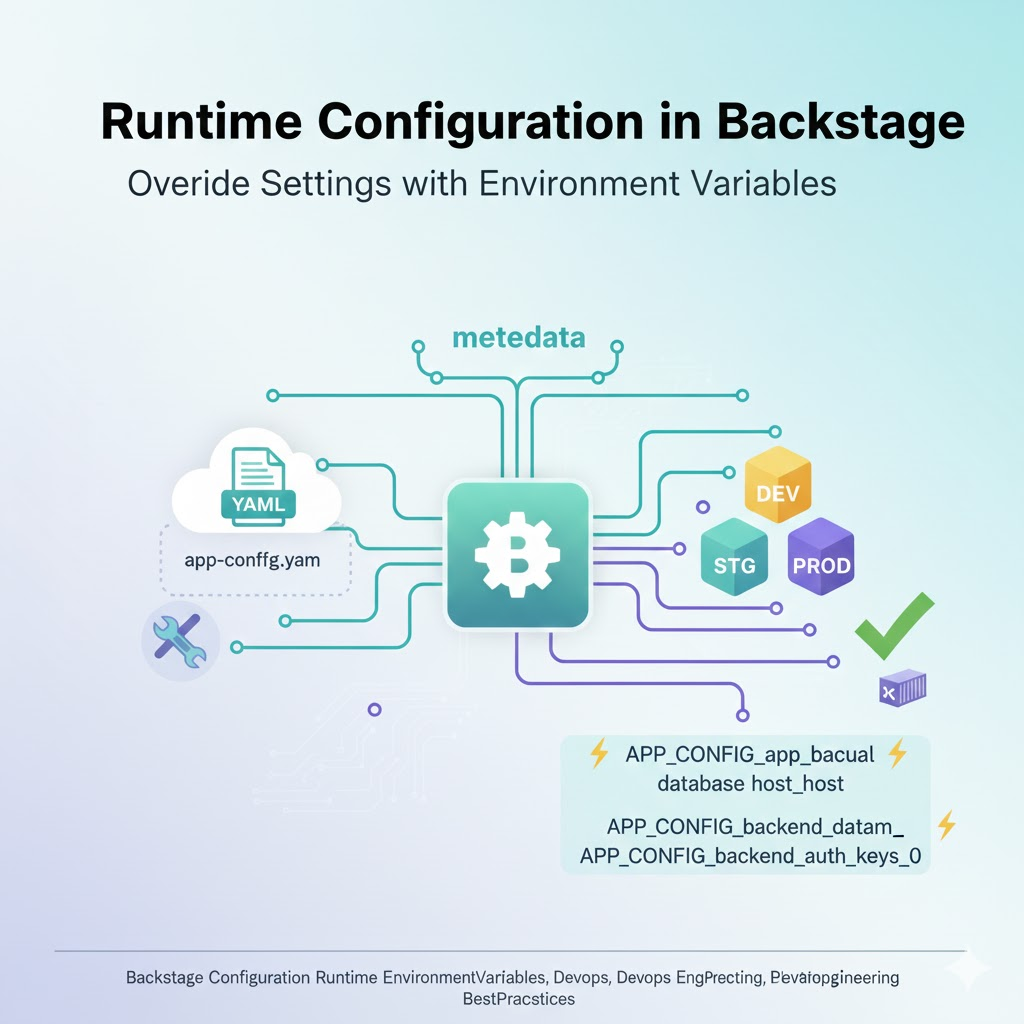
🏗️ The answer is ‘Environment Variables’! 🌡️
The most direct and standard way to override a single configuration value at runtime in Backstage is by using environment variables.
Backstage’s configuration engine, config-loader, looks for environment variables with specific rules at runtime and replaces the values defined in the YAML file.
🌟 Why should we use environment variables?
- Separation of Build and Configuration: A Docker image built once can be reused across development, staging, and production environments. (Build Once, Run Anywhere! 🏎️)
- Security: Sensitive information like API keys and DB passwords can be injected at the system level without hardcoding them into YAML files. 🔐
- Flexibility: Changes are reflected immediately by simply modifying Kubernetes or Docker Compose settings, leading to very fast response times. ⚡
🛠️ Practical Application: Environment Variable Naming Convention
Backstage follows very clear rules when converting the hierarchical structure of YAML files into environment variables.
📝 Rule 1: Uppercase and Underscores (_)
All YAML key values are converted to uppercase, and hierarchy is separated by two underscores (__) or one underscore (_). (Recent versions recommend using the APP_CONFIG_ prefix for readability, but the most direct method is as follows.)
💡 Real-world Example
Let’s assume app-config.yaml has the following configuration:
YAML
app:
  baseUrl: https://my-backstage.com
backend:
  database:
    connection:
      host: localhost
If you want to override these values at runtime, set the environment variables as follows:
- When changing URL: APP_CONFIG_app_baseUrl=
- When changing DB host: APP_CONFIG_backend_database_connection_host=db.production.com
Important Point! 🚩
>
Backstage automatically detects environment variables starting with APP_CONFIG_ and maps them to internal settings.
>
Example: APP_CONFIG_backend_auth_keys_0=”my-secret-key”
🏗️ Injection Methods in Various Environments
1. Using in Docker 🐳
Bash
docker run -e APP_CONFIG_app_baseUrl=https://prod.com my-backstage-image2. Using in Kubernetes (K8s) ☸️
Define in the env section of deployment.yaml.
YAML
spec:
  containers:
  - name: backstage
    env:
    - name: APP_CONFIG_app_baseUrl
      value: "https://k8s-backstage.com"
3. Using in Docker Compose 🐙
YAML
services:
  backstage:
    environment:
      - APP_CONFIG_app_baseUrl=http://localhost:3000
⚠️ Points to Note (Best Practices)
- Data Type Compliance: Numbers must be passed as numbers, and booleans (true/false) must be passed in their respective formats.
- Array Handling: To change a specific index of an array, append a number suffix like _0, _1.
- Example: APP_CONFIG_organization_name_0=”First Org”
- Precedence: Environment variables always have higher precedence than values specified in the app-config.yaml file. This means if an environment variable is set, the file’s content is ignored. 🔝
🏁 Conclusion: The King of Runtime Configuration is ‘Environment Variables’
If you want to change a single configuration value in your Backstage deployment environment as quickly and directly as possible, don’t hesitate to use environment variables (APP_CONFIG_…). This is the smartest way to operate Backstage in a cloud-native environment! 🚀
Leave a Reply