Hello! Today, we’ll delve deep into Annotations, which maximize Backstage’s flexibility, and specifically the Namespacing rules that are essential for their management. 🚀
When operating Backstage, you often want to add special data unique to your organization beyond its basic features. This is where annotations come in. However, using just any name can lead to internal system conflicts. Today, we’ll perfectly clarify the ‘reserved prefixes’ that should absolutely never be used and the correct namespacing strategy! 💡
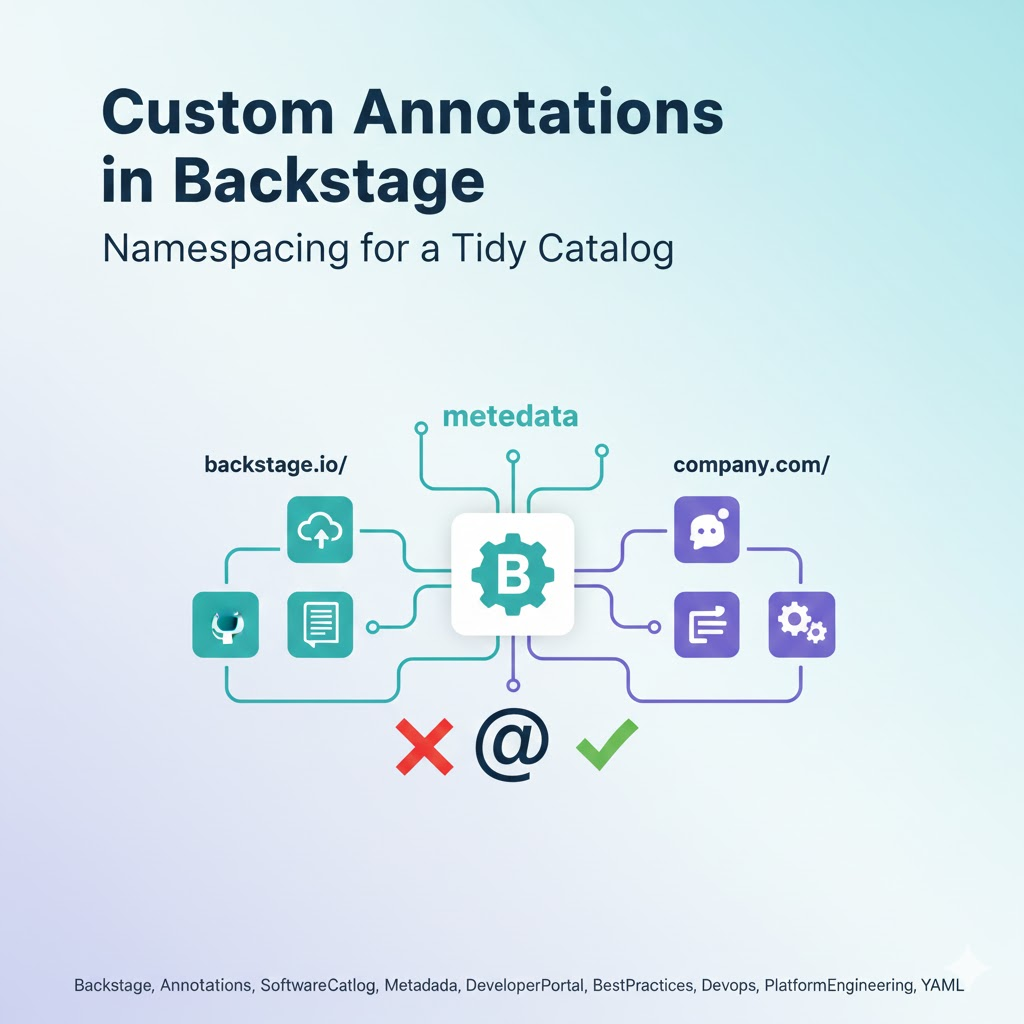
🏗️ What are Backstage Annotations?
In Backstage’s catalog-info.yaml file, the metadata.annotations section is where unstructured metadata about an entity is stored.
Plugins read these annotations to enable specific features or fetch data. For example, they might contain information like “Where is this component’s GitHub repository?” or “What is this service’s ArgoCD application name?” 🏷️
🚫 Key Question: What are the Reserved Prefixes for Core Components?
To get straight to the point, the prefix reserved for Backstage’s core functionalities and official plugins is backstage.io/.
Why should you avoid this prefix?
- Preventing System Conflicts: This is to prevent conflicts between the logic internally used by the Backstage engine and your custom configurations.
- Future Compatibility: Even if it’s not used now, an official annotation like backstage.io/new-feature might be added in a future Backstage update. If you’re using the same name then, the system could get tangled. Untangling a knotted thread is really hard! 🧶
🌟 Correct Namespacing Strategy (Custom Annotations)
When defining custom annotations within your organization, the following rules are recommended:
1. Use your organization’s own prefix 🏢
The best approach is to use your company’s domain as a prefix.
- Bad Example: my-custom-plugin: value (no namespace)
- Good Example: acme.com/project-id: “PRJ-123”
2. Utilize subdomains 📂
If it’s for a specific team or tool, further subdivide it.
- engineering.acme.com/cost-center: “DEPT-404”
- security.acme.com/scan-id: “SCAN-99”
🛠️ Practical Example: Configuring catalog-info.yaml
Let’s see how it’s actually applied with code.
YAML
apiVersion: backstage.io/v1alpha1
kind: Component
metadata:
  name: billing-service
  annotations:
    # ✅ Official/Core Annotations (using backstage.io prefix)
    backstage.io/managed-by-location: url:https://github.com/...
    backstage.io/techdocs-ref: dir:.

    # ✅ External Official Plugin Annotations (using each service domain)
    github.com/project-slug: backstage/backstage
    argocd.io/app-name: billing-app

    # ✅ Our organization's custom annotations (using our domain)
    company.com/team-slack-channel: "#team-billing"
    company.com/on-call-rotation: "https://pagerduty.com/..."
spec:
  type: service
  owner: billing-team
  lifecycle: production
As shown in the example above, yielding backstage.io/ to the system-managed area and building your own area is key to maintainability. 🛠️
🧐 Frequently Asked Questions (FAQ)
Q: What happens if I use annotations without a prefix?
A: It might work initially, but as the scale grows, it becomes difficult to track which plugin uses which value. Later, if other data with the same name comes in, an overwrite error can occur. 😱
Q: Are there other prefixes to be aware of besides backstage.io/?
A: It is customary to avoid prefixes of widely used open-source plugins (e.g., github.com/, jenkins.io/, sentry.io/), even if you are not using those specific tools.
🏁 Conclusion: Clean Namespacing Creates a Healthy Catalog!
Backstage’s software catalog is like a treasure trove holding all of an organization’s legacy. By respecting the sacred space of backstage.io/ and building your own systematic namespace, you’ll be able to operate a perfect, confusion-free platform, even when managing thousands of services. 🚀
Leave a Reply