Hello everyone! Today, we’re going to deeply explore the kind field of the catalog-info.yaml file, which is the core of Backstage and can be considered the starting point for all metadata. 🚀
Understanding exactly what this field means and what types it includes, which you’ll encounter first when setting up Backstage, will completely change your perspective on designing a service catalog. 💡
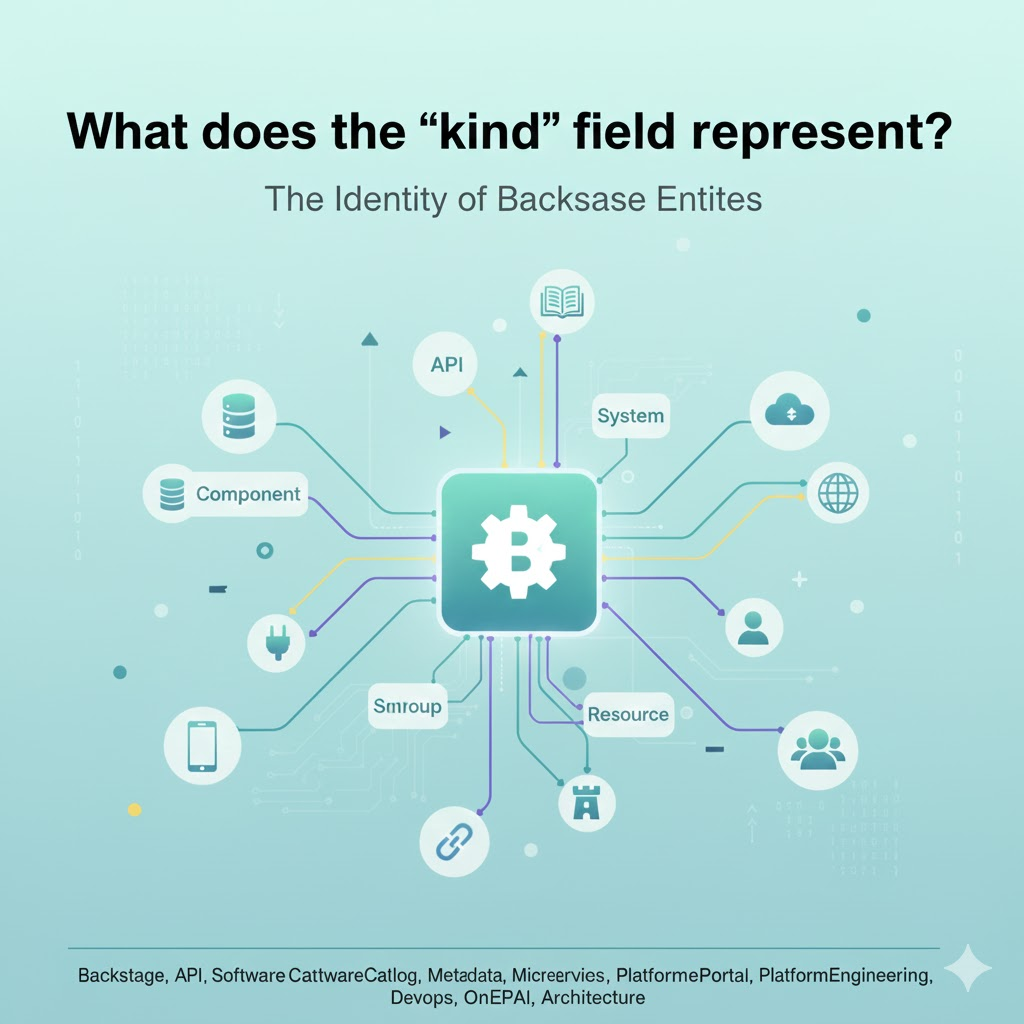
🏗️ What is the kind field?
Backstage’s software catalog manages all resources as ‘Entities’. In this context, the kind field defines “What type of thing is this entity?”, serving as the most basic classification system.
To draw an analogy with object-oriented programming, kind is like a Class, and the individual YAML files we write can be easily understood as Instances created from that class. 😊
🌟 Overview of Major kind Types
Let’s take a detailed look at the representative kinds supported by the Backstage Standard Model (Core Entities).
1. kind: Component (The smallest unit of software) 🧩
This is the most frequently used type. It represents actual services, web apps, and libraries found in code repositories.
- Role: Defines actual software that performs business logic.
- Examples: Microservices, front-end React apps, common utility libraries.
2. kind: API (Communication channel between systems) 🔌
Defines the interfaces that services expose externally.
- Role: Manages REST, gRPC, GraphQL specifications and specifies contracts between services.
- Feature: You can set relationships where a Component ‘Provides’ or ‘Consumes’ this API.
3. kind: System (Collection of related resources) 🏰
Serves to group multiple components and APIs into a single logical unit.
- Role: Represents large-scale business functions like “Payment System” or “Order Management System”.
- Benefit: Helps to abstract complex architectures for easy understanding at a glance.
4. kind: Resource (Infrastructure and external services) 💾
Refers to the physical/logical resources required for software to operate.
- Role: Defines databases (PostgreSQL, Redis), S3 buckets, cloud clusters, etc.
- Management: Useful for tracking which service uses which DB.
👥 Kinds that Define Organizational Structure
Backstage manages not only software but also the people who create that software.
5. kind: Group & kind: User 👥
- User: Represents individual developers or team members.
- Group: Represents organizational units such as teams, departments, or communities.
- Connection: By assigning a specific Group to the owner field of a Component, it clarifies “Which team is responsible for this service?” 🎯
🛠️ kind in catalog-info.yaml Examples
Let’s see how it’s used in an actual file.
YAML
apiVersion: backstage.io/v1alpha1
kind: Component        # This is the part!
metadata:
  name: order-service
  description: 주문을 처리하는 핵심 마이크로서비스
spec:
  type: service
  lifecycle: production
  owner: team-alpha    # Connected to Group entity
  system: order-management-system
In the example above, kind: Component declares that this file defines a software component. If this file were an API specification, it would change to kind: API, right?
❓ Why is it important to set kind accurately?
- Determines UI Rendering: Backstage configures different plugins and tabs to display on the screen based on the kind. (e.g., API shows a Swagger viewer, Component shows CI/CD status)
- Forms Relationships (Graph): To correctly form connections between entities, their respective roles must be accurately defined.
- Search and Filtering: When searching for thousands of resources, kind becomes the most powerful filter. 🔍
🏁 Conclusion: kind is the Identity of an Entity!
The kind field in Backstage is not just a simple string; it’s the identity that defines the nature, responsibilities, and relationships of that resource with other resources.
Properly classifying your infrastructure and software according to the Backstage model (Kind design) is the first step towards building an excellent developer portal. 🚀
Leave a Reply