Hello! Today, we’re embarking on a deep dive into the vast monorepo forest of Backstage with the theme: “How can I tell if this package is a frontend plugin?” 🕵️♂️
Backstage is composed of countless packages, making it easy to get lost when you first encounter it. However, with just a few clear ‘clues,’ you can identify which package is a frontend plugin responsible for the user interface in just 5 seconds. I’m revealing the secret right now! 💡
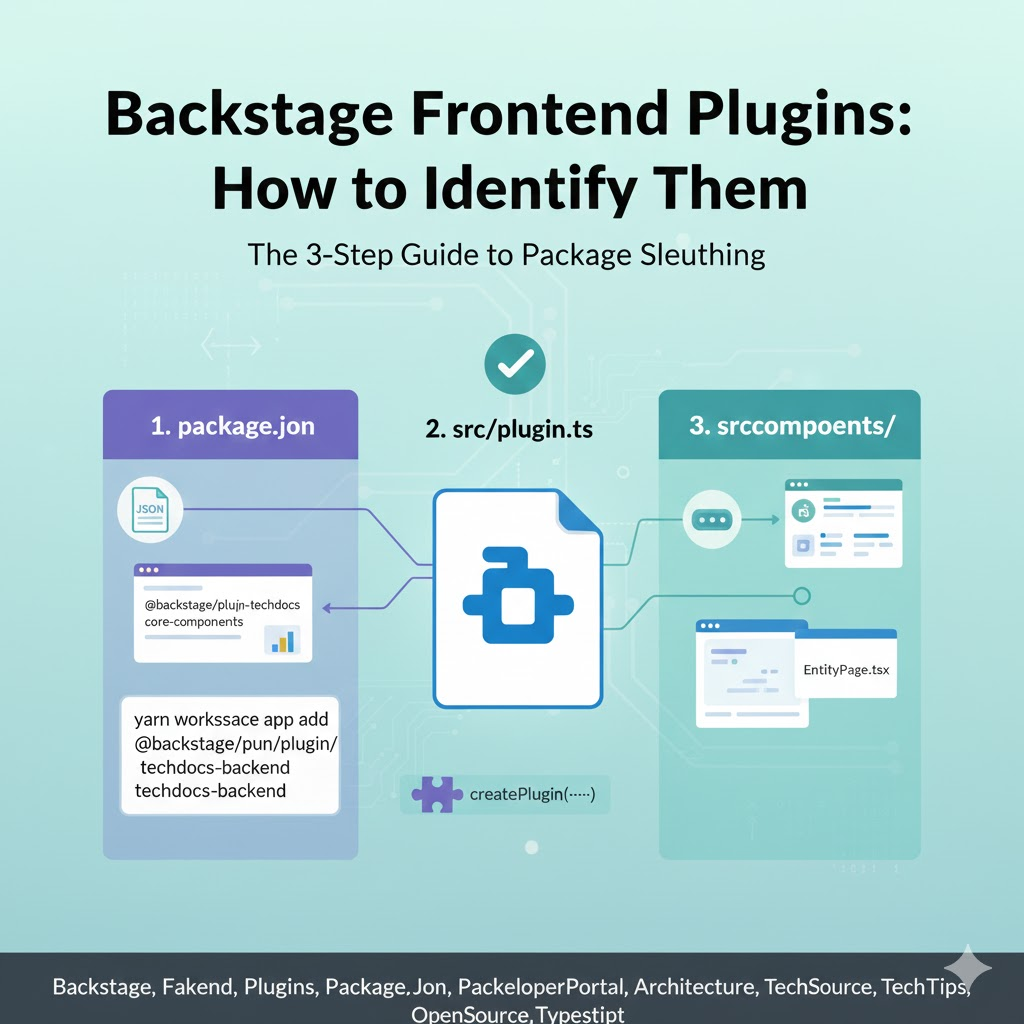
🏗️ The 3-Step Formula for Identifying Frontend Plugins
When investigating a Backstage package, you just need to check the following three elements. These are decisive pieces of evidence proving it’s a frontend plugin.
1. package.json Name and Dependencies 📦
The first place to check is the package.json file located at the root of the package.
- Naming Convention: Most official and community plugins follow the format @backstage/plugin-
. Unlike backend plugins, they do not have -backend appended to their name. - Key Dependencies: If @backstage/core-plugin-api or @backstage/core-components are included in the dependencies list, there’s a 99% chance it’s a frontend package responsible for building the UI and communicating with the Backstage core API!
2. Presence of src/plugin.ts File 🧩
Frontend plugins use a specific function to register themselves with the Backstage system. Open plugin.ts (or a similarly named file) within the src folder.
- createPlugin Function: Check if the createPlugin function is being called within the code. This function defines the plugin’s identity and encapsulates routes, APIs, and more.
TypeScript
// Example: src/plugin.ts
import { createPlugin } from '@backstage/core-plugin-api';

export const myFrontendPlugin = createPlugin({
  id: 'my-plugin',
  // ... Plugin configuration
});
3. Definition of Extensions 🎨
Frontend plugins must appear on the screen, so they define ‘components’ to be exposed to the user. These are called Extensions.
- createRoutableExtension or createComponentExtension: If these functions are used, it means the plugin provides UI components that will be visible at a specific URL path or embedded into other pages.
🔍 Characteristics of Frontend Plugins by Folder Structure
Beyond formal code, the folder structure itself is distinctly different from backend plugins.
| Folder/File | Role | Characteristic |
|---|---|---|
| src/components/ | UI Components | Full of React (tsx) files. ⚛️ |
| src/api/ | Frontend API Definition | Contains interfaces for communicating with the backend. |
| src/routes.ts | Route References | Holds path information for navigation within the plugin. 📍 |
| src/index.ts | External Exposure Point | Exports components and APIs for use by other packages. |
—
💡 Practical Exercise: How is it Different from Backend Plugins?
To avoid confusion, let’s clearly distinguish the differences from backend plugins!
- Backend Plugins: Their names end with -backend, they have src/service/router.ts, and they provide an Express router using createRouter or add(import(…)) patterns. ⚙️
- Frontend Plugins: Their names are clean, they have src/plugin.ts, and they provide React components. 🎨
🏁 Conclusion: The Core of Identification is createPlugin
The most direct and certain way to find a frontend plugin within a Backstage package is to check for the createPlugin function being called within the src folder. This is the official ‘entry pass’ for a plugin to be integrated into the Backstage frontend app.
Now, no matter which package you look at, you’ll be able to clearly distinguish whether it’s responsible for rendering the screen or processing data behind the scenes! 🚀
Leave a Reply