Hello! Are you operating a Kubernetes cluster? If so, ‘security’ is undoubtedly the most crucial topic you can’t afford to overlook. Especially in environments where multiple users and workloads coexist, controlling who can do what through RBAC (Role-Based Access Control) is the core of security. 🚀
But when setting up RBAC, did you perhaps think, “Just give them cluster-admin, that’ll be fine” and move on? Incorrect RBAC configuration can be a direct path to handing over your entire cluster to attackers.
Today, for cluster operators, we will thoroughly explore the core principles and best practices for safe and efficient RBAC design, as well as the privilege escalation risks we often inadvertently overlook!
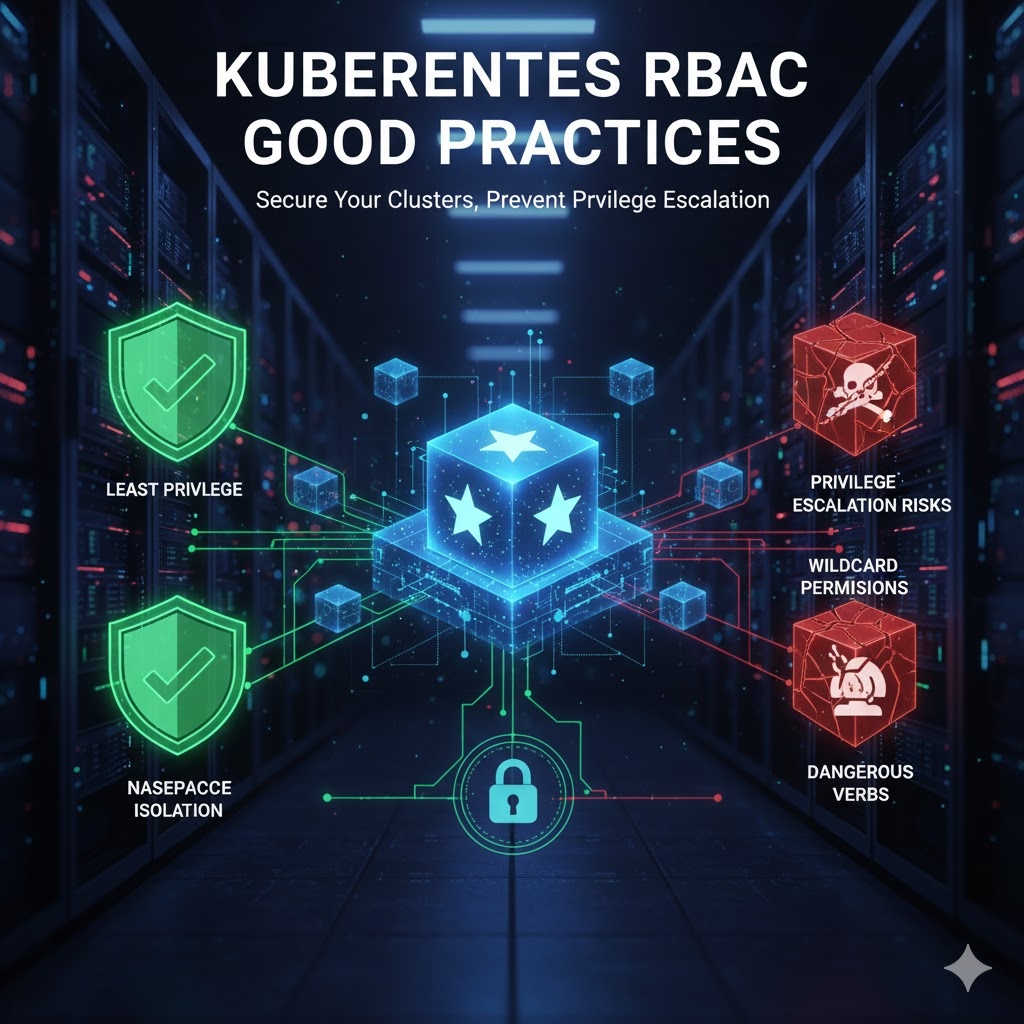
1. Fundamental Principles: These are a must! 🙏
Secure RBAC design starts with a few fundamental principles. Even if it seems complex, adhering to these principles can significantly enhance your security posture.
Principle of Least Privilege
This is the most important and basic principle. Whether it’s a user or a Service Account, you must grant only the minimum permissions necessary to perform its role. It’s like giving only the key to the required room, instead of the entire keyring.
- ✅ Grant permissions at the Namespace level. Instead of ClusterRoleBinding, which applies to the entire cluster, use RoleBinding, which is valid only within a specific namespace. This clearly limits the scope of a particular user’s activities.
- ❌ Avoid wildcard (“) permissions. Settings like resources: [“”] are extremely dangerous. This is because it automatically grants permissions not only to all existing resources in the cluster but also to new CRDs (Custom Resource Definitions) that may be added in the future.
- 👨✈️ Use the cluster-admin role cautiously. It is dangerous for a cluster administrator to perform all routine tasks with the cluster-admin account. This is because important resources can be accidentally modified or deleted. It is safer to use a lower-privileged account and only use the impersonate feature when necessary.
- 🚫 Do not add users to the system:masters group! Members of this group become superusers who bypass all RBAC permission checks. Once granted, these permissions cannot be revoked even if the RoleBinding is removed, so never use it.
Minimize Privileged Token Distribution
Mounting a Service Account token with powerful permissions to a Pod can be the starting point of a security incident.
- Run Pods requiring powerful permissions only on specific nodes. Use Taints or NodeAffinity to isolate critical Pods from running alongside untrusted Pods.
- Disable automatic Service Account token mounting. Setting automountServiceAccountToken: false in the Pod spec prevents unnecessary token mounting. It is best to manually mount tokens only for workloads that absolutely require them.
Periodic Review
RBAC configuration is not a one-time task. You must regularly review for unnecessary permissions and check if permissions for deleted users remain. If an attacker creates an account with the same name as a deleted user, they could inherit all the previous user’s permissions.
2. Unintentional Privilege Escalation? Critical Risk Points to Know 🚨
Settings you thought were
Leave a Reply