Hello! When dealing with Kubernetes security settings, you’ll encounter two similarly named options in the securityContext field: allowPrivilegeEscalation and privileged. Both seem related to permissions, making them easy to confuse.
You might think, “Isn’t it safest to just set both to false?” However, understanding their exact roles allows you to establish much more sophisticated and secure security policies. 🔒
Today, let’s thoroughly explore what allowPrivilegeEscalation: false actually does, and how it differs from the most powerful option, privileged: true!
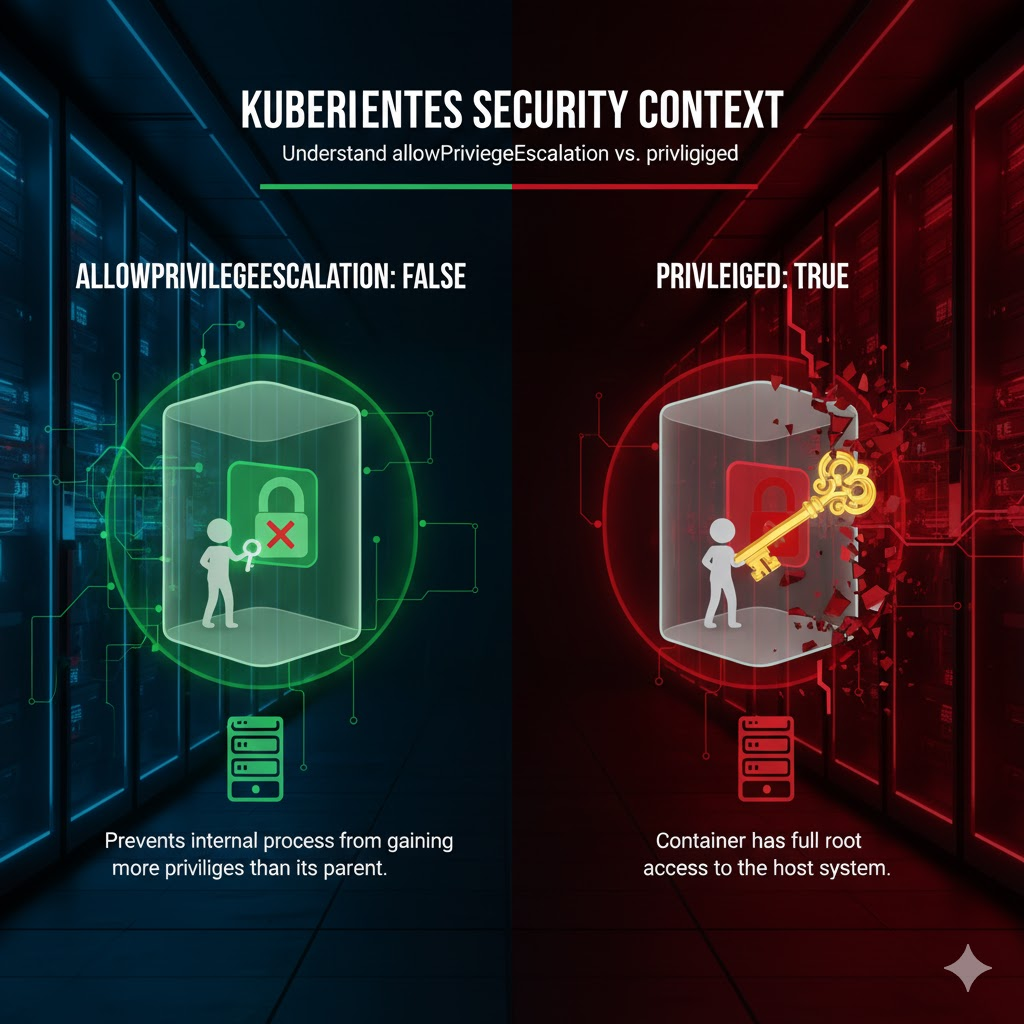
1. allowPrivilegeEscalation: false – Internal Privilege Escalation Blocker 🛡️
The core of this option is to prevent a process executed inside a container from acquiring more privileges than its parent process.
Is that a bit difficult? Let’s use an analogy.
A new employee (child process) joins a company (container execution). This employee then tries to gain CEO (root) privileges by using a secret passage (setuid binary) within the company. allowPrivilegeEscalation: false is like a security guard who completely blocks this ‘internal promotion’ via a secret passage.
How does it work?
This setting controls the no_new_privs flag in the Linux kernel. When allowPrivilegeEscalation: false is set, the no_new_privs flag is activated for all processes running in that container. When this flag is on, even if another program is executed via the execve() system call, changing UID or GID (e.g., executing files with setuid, setgid bits set) is prohibited.
Simple Example: Let’s assume a container is running as appuser (UID 1000).
- allowPrivilegeEscalation: true (default): If there are setuid files like sudo or passwd inside the container, appuser can execute these files to gain root (UID 0) privileges within the container.
- allowPrivilegeEscalation: false: Even if appuser executes the same file, the kernel prevents privilege changes. Consequently, the process cannot become root, and the privilege escalation attempt fails.
In other words, this option forces the container to operate only with the privileges it started with.
2. privileged: true – Host Privilege Master Key 🔑
privileged: true is a completely different story from allowPrivilegeEscalation. This option breaks down all security boundaries between the container and the host (Node).
Let’s use the analogy again. privileged: true is like giving the new employee the master key to the entire company building. They can open any room, access server rooms, the CEO’s office, and all other areas.
What happens?
A container set with privileged: true has the following immense privileges:
- It can access all devices (/dev) on the host.
- Seccomp, AppArmor etc. Linux security profiles isolating the container are disabled.
- It acquires all capabilities of the host kernel.
In essence, it gains almost the same privileges as a process running directly on the host, rather than in a container. Therefore, this option should never be used 😨 except for system daemons that absolutely require host-level control, such as CNI plugins or storage drivers.
3. Key Comparison: So what’s the difference between the two?
Now, let’s clearly summarize the differences between the two options in a table.
| Category | allowPrivilegeEscalation: false | privileged: true |
| Perspective | Inside the container (prevents processes from becoming stronger than their parent) | Container vs. Host (allows container to have host privileges) |
| Operation Method | Controls Linux kernel’s no_new_privs flag | Completely disables container isolation mechanisms |
| Analogy | 🕵️♂️ Security guard blocking internal promotion (privilege escalation) | 🗝️ Master key to the entire building |
| Primary Use Case | Default security enhancement for all general application pods | ⚙️ System pods like CNI, storage drivers |
—
Relationship between the two options and Best Practice
- A privileged: true container automatically behaves as if allowPrivilegeEscalation is true. This is because if you already have the master key to all host privileges, escalating privileges inside the container is meaningless.
- Therefore, Kubernetes does not allow setting privileged: true and allowPrivilegeEscalation: false simultaneously.
⭐ Best Practice:
For most general application containers, it is best to explicitly set both privileged: false and allowPrivilegeEscalation: false to maximize security.
apiVersion: v1
kind: Pod
metadata:
  name: secure-pod
spec:
  containers:
  - name: my-app
    image: my-image
    securityContext:
      privileged: false
      allowPrivilegeEscalation: false # This is the Best Practice!
Now, are the differences between the two options clear? Please remember that allowPrivilegeEscalation: false is an important setting for strengthening internal container security, while privileged: true is a powerful but dangerous option that breaks container boundaries!
Leave a Reply