Hello! When using Kubernetes, the keyword ‘security’ is indispensable, isn’t it? Ensuring security in an environment where numerous containers are orchestrated is extremely important. Today, we will learn easily and in detail about Pod Security Standards (PSS), which will elevate your Kubernetes cluster’s security to the next level. 🚀
🤔 Why are Pod Security Standards necessary?
In Kubernetes, a Pod is the smallest deployable unit of an application. But what if this Pod is granted excessive privileges or has insufficient security settings? 😱 A terrible situation could arise where a hacker exploits vulnerabilities to seize control of the Pod, and through it, take over the entire cluster.
Pod Security Standards emerged to prevent such threats. They can be described as policy standards that enforce specific security requirements when a Pod is created. In the past, a feature called PodSecurityPolicy (PSP) was used, but from Kubernetes v1.25, PSS replaced it, offering a more flexible and standardized approach.
Pod Security Standards (PSS) is a feature that has been built-in and enabled by default since Kubernetes v1.23. Unlike the previously used PodSecurityPolicy (PSP), there is no need to separately enable an admission controller or install additional plugins.
The key is to define the security context for Pods, thereby clearly distinguishing what a Pod can and cannot do.
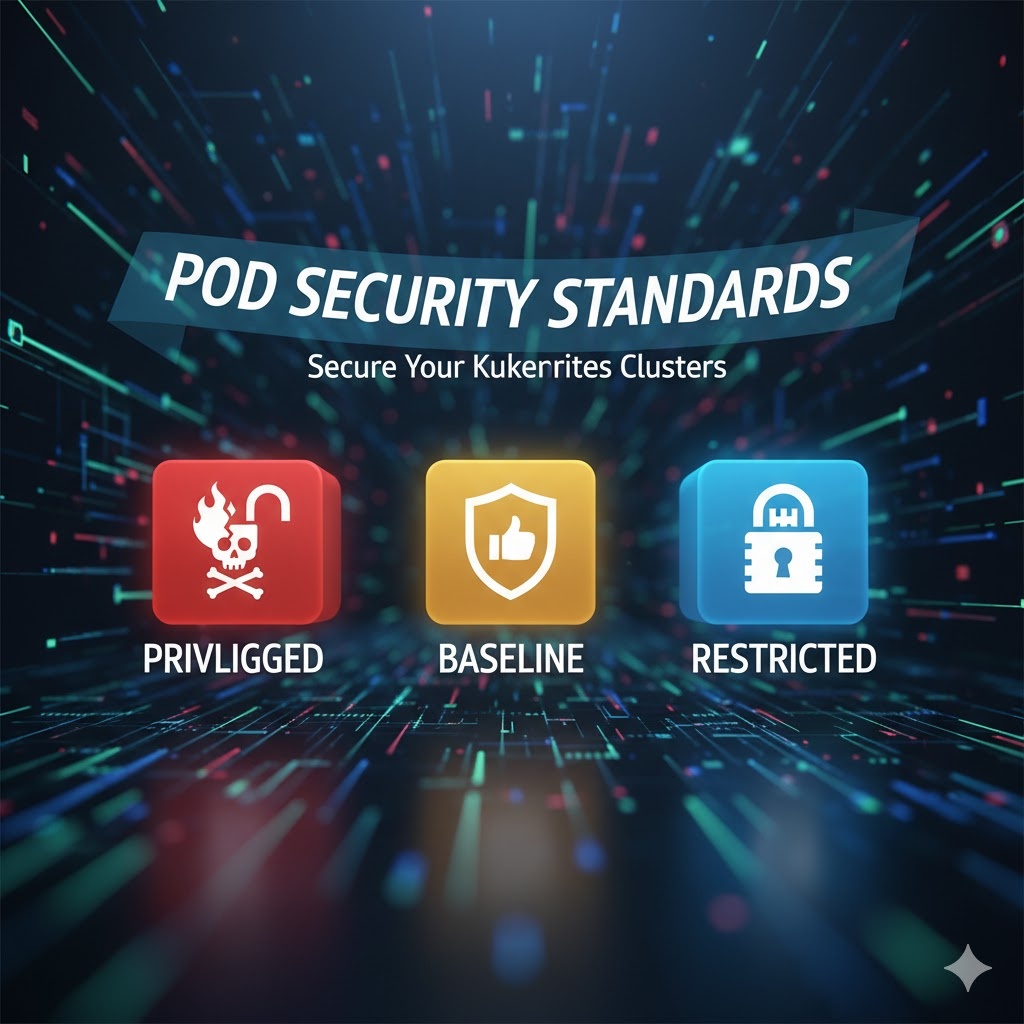
🌟 Three Security Levels: Privileged, Baseline, Restricted
Pod Security Standards offer three different levels of security policies. Each policy differs in the scope of permissions it allows and its security level. Let’s look at each one:
1. Privileged 👑
- Description: As the name suggests, this is the most permissive policy. It allows all known privilege escalations and can be considered virtually unrestricted.
- Characteristics:
- Very flexible with almost no restrictions.
- Most vulnerable from a security perspective. 😨
- Use Cases: Generally, it should be used restrictively for infrastructure management Pods that require access to the entire system or for trusted, specialized workloads. Examples include monitoring agents or storage plugins. Absolutely not recommended for general applications!
2. Baseline 👍
- Description: This is a reasonable policy that provides a moderate level of security. It blocks most known privilege escalation methods while balancing the need for general applications to run without significant modifications.
- Characteristics:
- Blocks host namespace access such as hostNetwork, hostPID, hostIPC.
- Prohibits the execution of privileged containers.
- Restricts certain Linux kernel capabilities.
- Use Cases: This is the default recommended for most general application deployments. Web servers, API servers, etc., that do not require special privileges fall into this category.
3. Restricted 🔒
- Description: This is the most strict and secure policy. It adheres to current Pod security best practices and minimizes the privileges a Pod can use.
- Characteristics:
- Includes all restrictions of Baseline.
- Prevents running with root privileges (enforces runAsNonRoot: true).
- Enforces removal of all Linux kernel capabilities (Capabilities) that containers can use, except for NET_BIND_SERVICE. (Requires seccompProfile setting)
- Volume types are also restricted. (Only safe volumes like configMap, secret, pvc are allowed)
- Use Cases: Suitable for highly security-sensitive workloads or applications potentially exposed to external attacks. While it might be somewhat challenging to apply initially, it provides the strongest security.
⚙️ How can it be applied?
Pod Security Standards are applied at the Namespace level. You can set the desired security level using labels on the Namespace.
For example, if you want to apply the Restricted policy to a Namespace named my-secure-ns, you can add the following labels:
apiVersion: v1
kind: Namespace
metadata:
  name: my-secure-ns
  labels:
    pod-security.kubernetes.io/enforce: restricted
In addition to the enforce mode, you can also gradually apply policies using audit mode (only logs warnings on violations) or warn mode (displays warnings to the user).
✨ Concluding Remarks
Pod Security Standards are an essential tool for maintaining security in complex Kubernetes environments. It is crucial to understand the characteristics of each policy and apply the appropriate security level that matches the nature of your workload.
- Privileged: Use cautiously and only when absolutely necessary.
- Baseline: Apply as the default for most applications.
- Restricted: Highly recommended if security is your top priority!
Apply Pod Security Standards to your cluster right now to create a safer Kubernetes environment! 💪
Leave a Reply