Hello everyone! This is the IT Story blog, where we help grow your IT knowledge. Today, I’ll provide a clear and easy-to-understand explanation of the differences between two security concepts that often appear in Kubernetes or cloud environments but can be subtly confusing: Security Policy and Security Context! 🚀
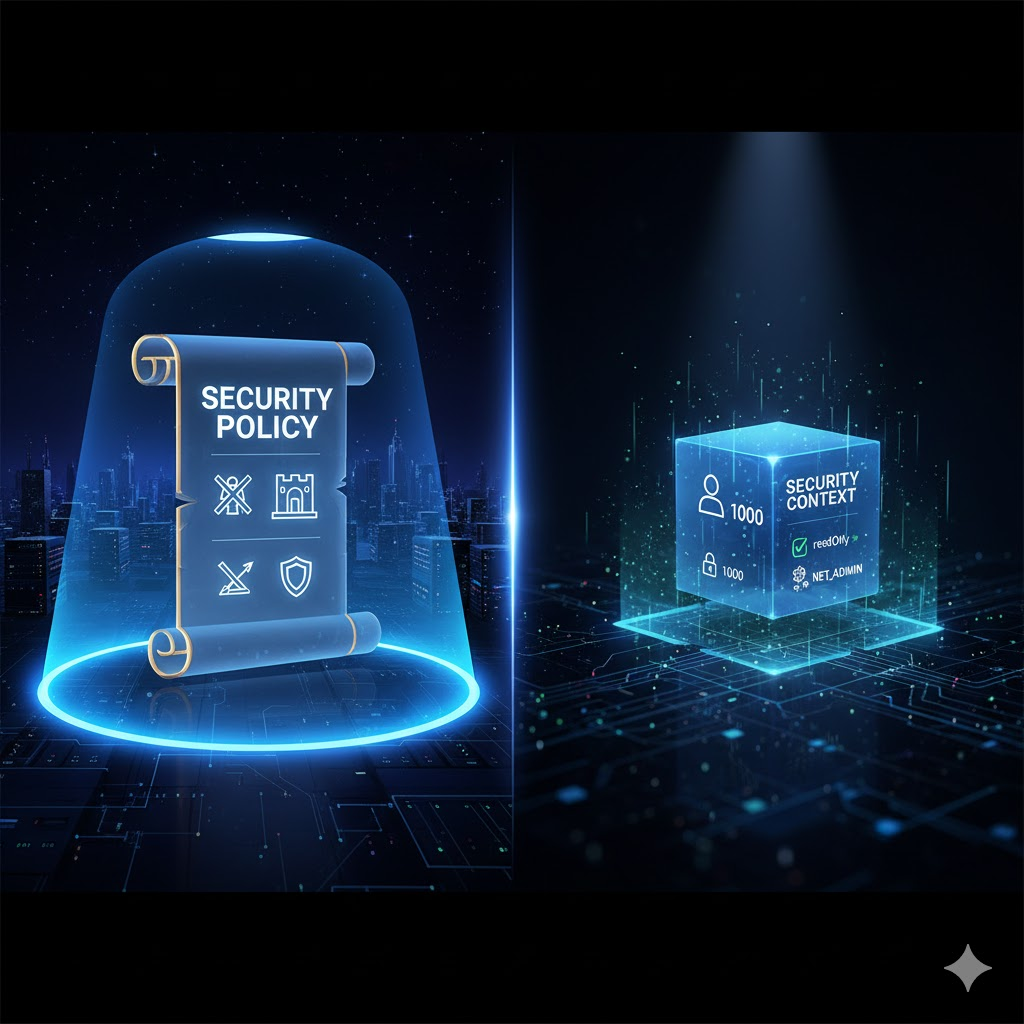
Security Policy: Our Family’s ‘Motto’ 📜
Security Policy can be easily understood as a ‘set of rules’ applied to an entire system or a specific namespace. It’s like our family’s ‘motto,’ a broad framework of rules that dictates, “You absolutely cannot do these things in this house!” or “You must abide by these things!”
This policy is primarily set by cluster administrators and defines the minimum security standards for which Pods can run and what permissions they can have. For example, it can include rules such as:
- “Containers cannot run with root privileges!” 🙅♂️
- “Only specific volume types can be used!” 📁
- “Containers must use a read-only file system!” 🛡️
Such a Policy must first exist for individual containers or Pods to set their own security configurations within it. In other words, it plays the role of drawing the big picture of ‘what can be done and what cannot be done.’
Security Context: My Room’s ‘Rules’ 🛋️
Security Context refers to specific ‘security settings’ applied at the individual Pod or Container level. It’s similar to deciding, “I will follow these rules in my room,” under the broader ‘family motto’ of Security Policy.
These settings are defined directly within the Pod or Container’s YAML configuration file, specifying in detail what permissions and environment the Pod or Container will run with. For example, the following settings are possible:
- “This container will run with user ID 1000.” (runAsUser: 1000) 👤
- “This container will not have write access to the root file system.” (readOnlyRootFilesystem: true) ✍️🚫
- “I will add or remove specific Linux kernel capabilities to this container.” (capabilities: { add: [“NET_ADMIN”], drop: [“SYS_TIME”] }) ⚙️
In other words, Security Context is a concrete and detailed security specification actually applied to a Pod or Container. It is responsible for applying maximum security without violating the broader framework of Security Policy.
Differences at a Glance: Policy vs. Context
| Category | Security Policy | Security Context |
| Scope | Entire cluster or namespace (broad scope) 🌐 | Individual Pod or container (narrow scope) 🎯 |
| Role | Set of rules defining ‘what is allowed’ 📖 | Specific settings defining ‘how it will run’ 🔧 |
| Analogy | Entire house’s family motto 👨👩👧👦 | My room’s rules 🚪 |
| Configured by | Mainly cluster administrators | Mainly developers or deployment managers |
| Purpose | Enforce security standards and maintain consistency across the entire system | Enhance security for individual workloads and apply the principle of least privilege |
### A Very Simple Example! 🏫
- School Rules (Security Policy): “All students must arrive by 9 AM, and hair dyeing is prohibited.”
- Class 3-1 Rules (Security Context): “Our class arrives by 8:50 AM and changes seats every Friday.” (Self-imposed rules that do not violate school rules)
Thus, Security Policy can be summarized as mandatory rules that define high-level ‘dos’ and ‘don’ts,’ while Security Context refers to detailed security options applied to individual execution units within those rules.
Are the differences between these two concepts clear now? Security cannot be overemphasized. We hope you make your systems even safer through correct policy and context settings! 💪
Tags: Security Policy, Security Context, Kubernetes, Container Security, Cloud Security, IT, Technology
Leave a Reply