When coding with TypeScript, do you find yourself typing ‘tsc’ into the terminal every time you want to check your changes?
If so, after reading this article today, you’ll discover a whole new world! 😉
1. What is the –watch flag? 🤔
By default, when you run the ‘tsc’ command, the TypeScript compiler scans the source files in your project once, converts them to JavaScript files, and then exits.
However, if you add the –watch (or simply -w) flag, the situation changes.
- Continuous Monitoring: The compiler does not exit and maintains its process.
- File Change Detection: It detects in real-time the moment a file in your project is saved.
- Incremental Compilation: Only the changed parts are quickly recompiled to update the output.
2. Why should you use –watch? ✨
The benefits of using this feature are clear.
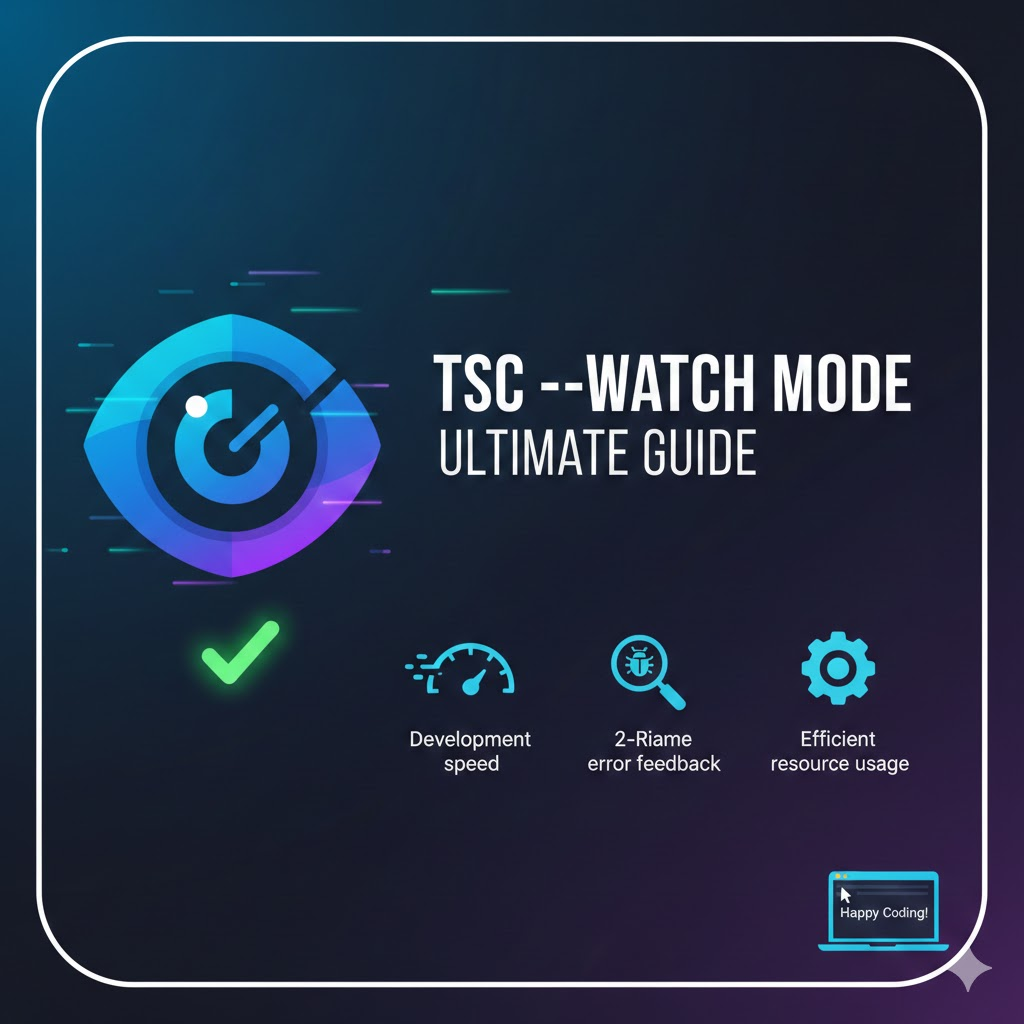
- Improved Developer Experience (DX): The repetitive process of “code modification -> save -> move to terminal -> type tsc -> check results” eliminates the intermediate steps.
- Real-time Error Feedback: Syntax errors or type errors are displayed directly in the terminal as soon as you write the code. It’s like a real-time spell checker! ✍️
- Efficient Resource Usage: Instead of re-reading all files from scratch, it only processes changed parts and related files, making it much faster for large projects.
3. How do you use it? 🛠️
Usage is very simple. Try typing the following into your terminal:
# When watching a single specific file
tsc index.ts --watch

# When watching the entire project (based on tsconfig.json)
tsc --watch
When you run the command, the terminal will display “Starting compilation in watch mode…” and the watch mode will begin. Now, every time you modify code in your editor (like VS Code) and press Ctrl + S, compilation will proceed automatically. ✅
4. Using with tsconfig.json ⚙️
In real projects, you typically use the configuration file tsconfig.json. Here, you can control it more precisely through the ‘watchOptions’ setting.
{
  "compilerOptions": {
    "outDir": "./dist",
    "rootDir": "./src"
  },
  "watchOptions": {
    "watchFile": "useFsEvents",       // Configure file watching method
    "watchDirectory": "useFsEvents", // Configure directory watching method
    "fallbackPolling": "dynamicPriority" // Polling method when system resources are low
  }
}
Tip: In most cases, the default settings work perfectly fine!
5. Practical Tip: Combination with Nodemon 🍯
tsc –watch only generates JavaScript files; it doesn’t automatically run them. By using tools like nodemon or ts-node-dev together, you can experience the magic of “code modification -> compilation -> server restart” happening all at once.
Recommended Workflow:
>
1. Keep tsc –watch running in one terminal window.
2. Run nodemon to execute the generated dist/index.js in another terminal window.
6. Wrapping Up 🏁
The –watch flag is not just a simple option; it’s a core tool that determines the productivity of a TypeScript developer. If you haven’t used it yet, add a single -w to your terminal today. Your development experience will become much more pleasant! 😊
Leave a Reply