Hello, developers! As you work on TypeScript projects, you’ll often find the number of files growing to dozens or even hundreds. Are you still manually typing file names into the terminal to build them? 😅
Today, we’ll introduce a standardized method to unleash 100% of the TypeScript compiler’s (tsc) potential, converting your entire project to JavaScript in the fastest and most accurate way.
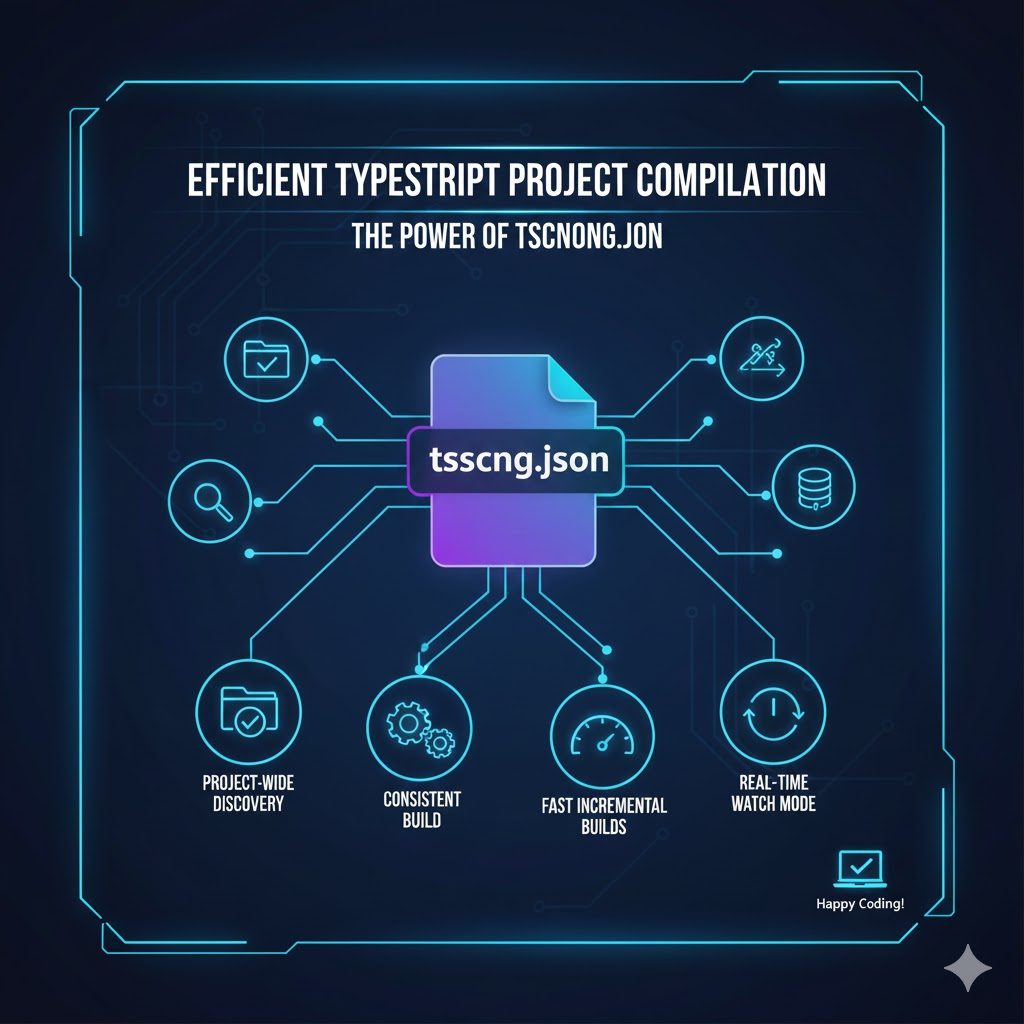
1. The answer is the tsconfig.json file! 📄
While you can simply type tsc index.ts to convert a single file, the tsconfig.json configuration file is essential for project-wide compilation.
- Definition: Located in the project’s root directory, this configuration file defines compiler settings and a list of files to include/exclude.
- How it works: If you simply type tsc in the terminal without any file arguments, the compiler searches for a tsconfig.json file by moving up from the current directory to parent directories. Once found, it compiles the entire project according to those settings.
2. Why is the tsc (no arguments) method the most efficient? 💡
It’s not just about convenience. This method is efficient for the following reasons:
- Maintains consistency: All developers use the same compilation options (Target ES version, Module system, etc.).
- Dependency management: The compiler automatically identifies complex import/export relationships between files and builds them in the optimal order.
- Performance optimization: By specifying folders to exclude from compilation (e.g., node_modules) using the include and exclude options, build speed can be significantly increased.
3. Key Options for the Most Efficient Setup ⚙️
Let’s look at the main settings that must be included in tsconfig.json for efficient compilation.
{
  "compilerOptions": {
    "target": "ES6",             // Which JavaScript version to compile to
    "module": "commonjs",        // Select module system
    "outDir": "./dist",          // Location where compiled files will be saved
    "rootDir": "./src",          // Starting point where source files are located
    "strict": true,              // Strict type checking (highly recommended!)
    "skipLibCheck": true         // Skip checking library files (*.d.ts) (improves build speed)
  },
  "include": ["src/**/*"],       // Specify all files in the src folder as compilation targets
  "exclude": ["node_modules"]    // Paths to exclude
}
4. Tips to Boost Productivity (Advanced) 🚀
Here are two additional ways to make your entire project build smarter.
① Incremental Compilation
Add the “incremental”: true option to tsconfig.json. This saves the last build information to a file, allowing only changed parts to be compiled, significantly reducing build time on subsequent builds.
② Combine with Watch Mode
As covered in a previous post, running the tsc –watch (or tsc -w) command automatically compiles and reflects changes across the entire project every time you save a file.
5. Summary: Efficient Build Process Checklist 📋
- Create tsconfig.json in the project root. (Command: tsc –init)
- Define your project structure by setting include, outDir, etc.
- Simply run the tsc command in the terminal.
- For repetitive modifications, use tsc -w for real-time compilation.
🏁 Wrapping Up
Efficient compilation of TypeScript projects begins with ‘one accurate configuration file’. Break free from the past of manually typing file names and control your entire project with a single tsc command. The faster your build speed, the longer your focus will remain! 💪
Leave a Reply