As microservice architecture spreads, developers are screaming with joy (and sometimes frustration). Hundreds of services, scattered documentation, ownership information where you don’t know who to ask… This ‘Cognitive Load’ is a developer’s biggest enemy.
Backstage’s Software Catalog acts as a “Single Pane of Glass” that solves precisely this problem. Invest just 10 minutes and see how your development environment can become smarter!
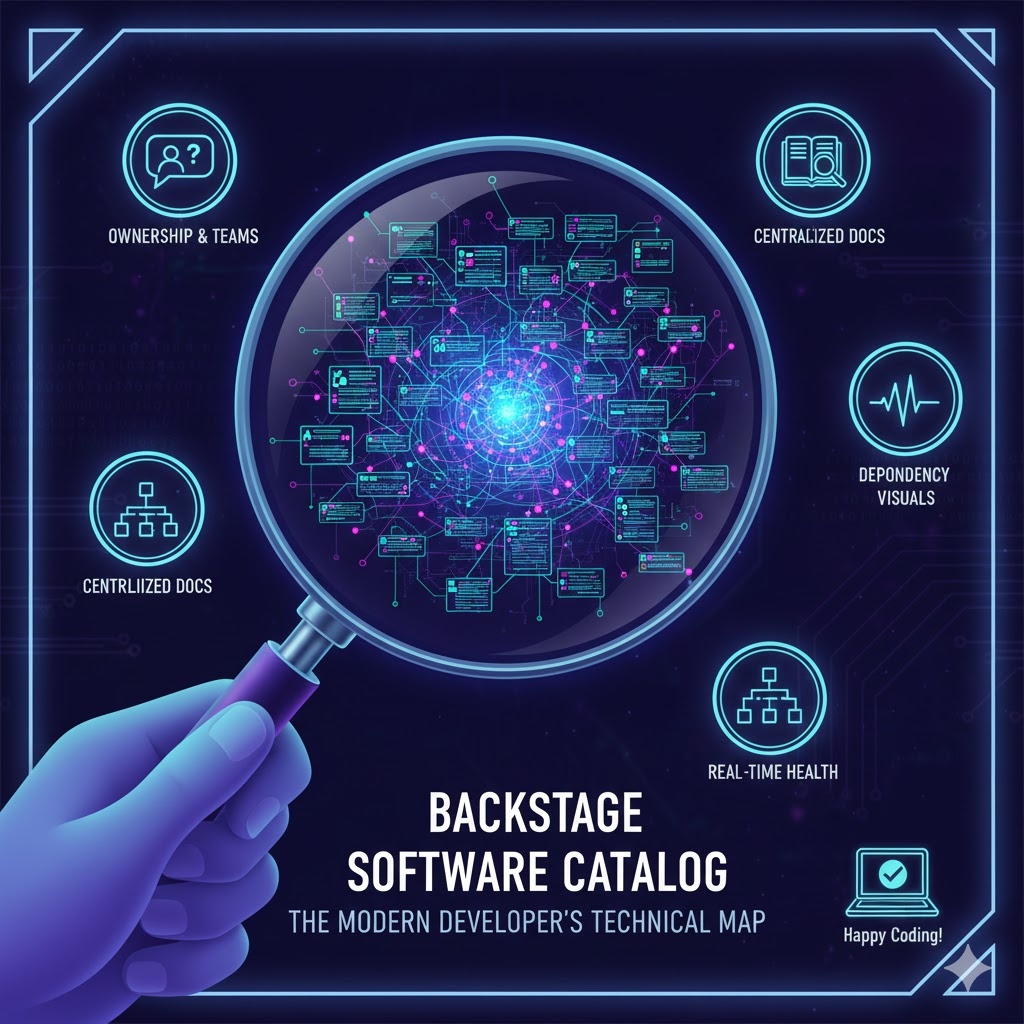
1. “Whose is it?” – Clarifying Ownership and Responsibility 🙋♂️
In large organizations, when an outage occurs, the first question is often, “Who is responsible for this service?” The Software Catalog clearly shows the owner of every entity (services, libraries, APIs, etc.).
- Instant Contact: You can immediately find the responsible team’s Slack channel or email on the service page.
- Accountability: When a security vulnerability is found in a specific library, you no longer have to dig through messengers to find out who is responsible for the patch.
2. “Where’s the documentation?” – Centralizing Documentation (TechDocs) 📚
Documentation is often far from the code and tends to be outdated. The Software Catalog solves this problem with its TechDocs feature.
- Docs-like-code: Markdown files reside alongside the code repository and are beautifully rendered on the Catalog screen.
- Integrated Search: Through the integrated search bar within the catalog, you can find the guidelines or API specs you need among thousands of services in just a few seconds. 🔍
3. “How are they connected?” – Visualizing Service Dependencies 🕸️
Modern software does not exist in isolation. Knowing which APIs your service calls, or which services depend on yours, is crucial.
- Graph Visualization: Provides a graph that shows service interactions and dependencies at a glance.
- Impact Analysis: By identifying ‘upstream’ services that might be affected when you change your service’s code, you can prevent outages in advance.
4. “What’s its status?” – Integrated Health Check of Runtime Information 🏥
Beyond simply showing “what exists,” it shows “what state it’s currently in.”
- Plugin Ecosystem: By connecting plugins for various tools like Kubernetes, CI/CD (GitHub Actions, Jenkins), and Sentry, you can check the current deployment status, error logs, cluster resource usage, and more, all on the service detail page.
- Reduced Context Switching: No need to jump between monitoring tools, build tools, and cloud consoles. All information is gathered on the Catalog’s entity page. 🏠
💡 Summary: Direct Value for Developers
The Software Catalog reduces the time developers spend “searching for information” and increases the time they spend “writing code.”
| Existing Pain Points | Software Catalog Solution |
| — | — |
| Scouring Slack to find the responsible person | Instantly identify the owning team on the entity page |
| Outdated documents scattered across wikis, Notion, etc. | Up-to-date TechDocs managed alongside code |
| Inability to grasp complex service interconnections | Visual understanding with dependency graphs |
| Numerous tab switches to check status | Integrated runtime information on a single dashboard |
—
🏁 Concluding Remarks
The Backstage Software Catalog is not just a simple list. It’s a ‘Technical Map’ that shows our organization’s entire software ecosystem like a geographical map. Stop coding in the dark. Create a more transparent and efficient development culture with the Catalog! 🌟
Leave a Reply