Hello everyone! This guide is prepared for those of you preparing for the CKAD (Certified Kubernetes Application Developer) exam, the pinnacle of Kubernetes certifications. 🚀
I’ll provide a detailed summary to help you master the often tricky API versioning scheme and API Deprecation policy in just 10 minutes. Understanding this content will eliminate any hesitation about which apiVersion to use when creating resources!
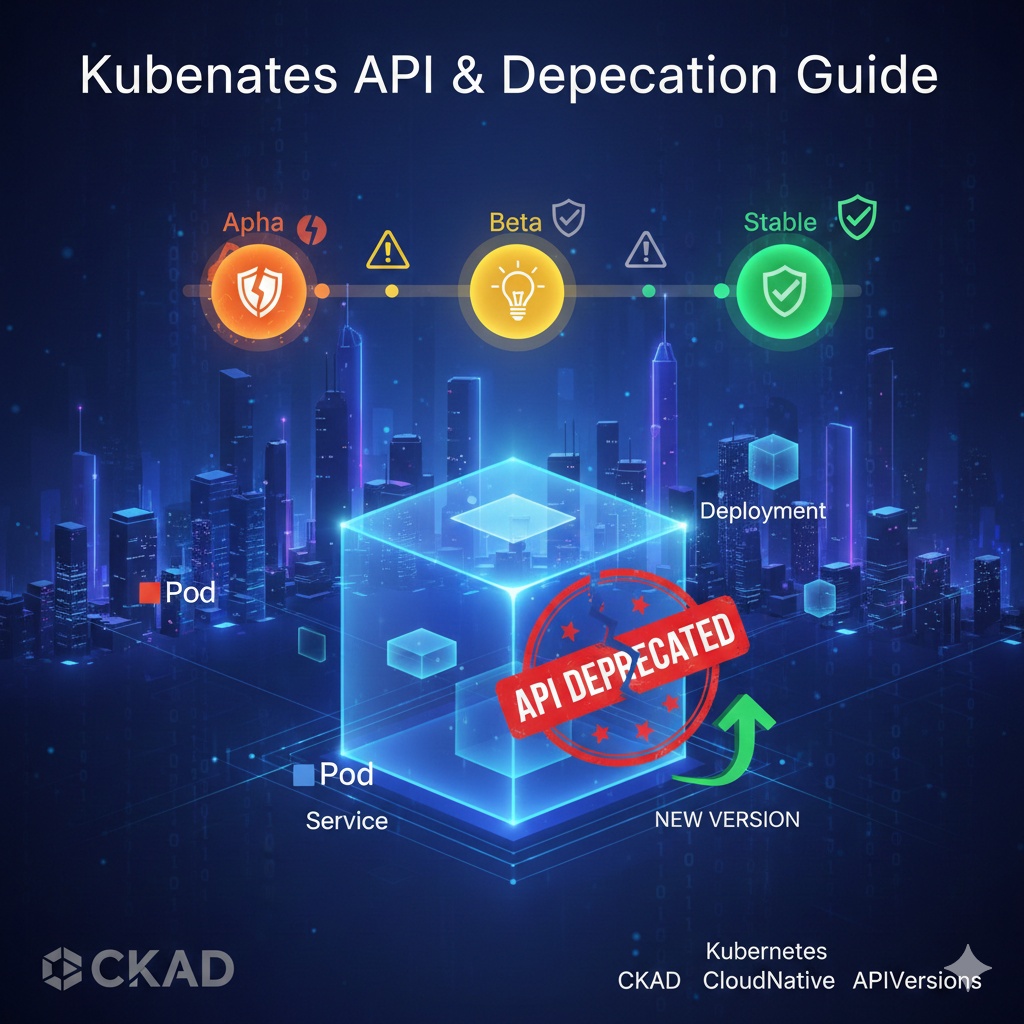
1. Understanding the Heart of Kubernetes: The API Server 💓
All operations in Kubernetes are performed through the kube-apiserver. Whether we type a kubectl command or click on the dashboard, we are ultimately sending HTTP requests to the API server.
The Kubernetes API is divided into API Groups to manage numerous resources (Pod, Deployment, Service, etc.).
- Core (Legacy) Group: Uses the /api/v1 path and includes Pod, Service, ConfigMap, etc.
- Named Group: Uses the /apis/$GROUP_NAME/$VERSION path and includes Deployment (apps/v1), Job (batch/v1), etc.
2. The 3-Stage Evolution of API Versions 🌱
Kubernetes APIs go through three stages based on their stability. It’s crucial to check these stages when writing YAML files!
| Stage | Characteristics | Stability |
|---|---|---|
| Alpha (v1alpha1) | Early stage, disabled by default. High possibility of bugs. | ❌ Low |
| Beta (v1beta1) | Sufficiently tested. Enabled by default but subject to change. | ⚠️ Medium |
| Stable (v1) | Finalized stage. Stable and supported for a long period. | ✅ High |
—
3. API Deprecation Policy: Why is it Important? ⚠️
As Kubernetes continues to evolve, older API versions become deprecated and are no longer used. A crucial point to note for the CKAD exam is the ability to respond when “a specific API has been removed from the cluster version in use.”
💡 Essential Deprecation Rules to Remember
- Stable APIs are maintained for at least 12 months or 3 releases before deprecation.
- Beta APIs are maintained for at least 9 months or 3 releases before deprecation.
- An API version being deprecated does not mean it disappears immediately, but it is scheduled for future removal, so you should replace it with the latest version.
4. CKAD Exam Practical Tips: Checking API Information 🛠️
Here are some magic commands to use when you’re in the exam and wonder, “Which apiVersion should I use to create a specific resource?”
① Check currently supported API versions
Bash
kubectl api-versionsThis command shows all group/version lists supported by the cluster.
② Check API Group and Version by Resource
Bash
kubectl api-resourcesThis command shows at a glance which API group each resource (Deploy, Po, Ing, etc.) belongs to, and what their SHORTNAMES are.
③ Check detailed description and version of a specific resource
Bash
kubectl explain deploymentThis command not only shows the structure of the resource but also specifies the latest GROUP and VERSION of that resource at the top.
5. API Deprecation Response Scenario (Example: Ingress) 📋
For example, in the past, Ingress was created using extensions/v1beta1, but in the latest versions, networking.k8s.io/v1 should be used.
[Incorrect Example – Older Version]
YAML
apiVersion: extensions/v1beta1  # ❌ May be a deleted version
kind: Ingress
...
[Correct Example – Latest Version]
YAML
apiVersion: networking.k8s.io/v1 # ✅ Recommended Stable version
kind: Ingress
...
If the exam does not explicitly state a specific version to create, it is always safest to use the latest Stable version confirmed via `kubectl explain`! ✅
🌟 Summary and Conclusion
- Kubernetes APIs go through Alpha -> Beta -> Stable stages.
- `kubectl api-resources` and `kubectl explain` are your best friends in the exam room.
- Deprecation is a change for better functionality. Don’t panic, just check the latest API group.
If you master this content, you’ll be able to solve API-related problems in the CKAD exam without any issues. I sincerely wish you success! 🎊
Leave a Reply