Hello everyone! Today, we’re going to uncover a small secret hidden within one of Linux system’s core files, /etc/passwd: the meaning of ‘x’ and ‘space’. We’ll explore how this subtle difference led to a massive security disaster, specifically the Alpine Linux image vulnerability incident, explained in an easy-to-understand and detailed manner. 😉
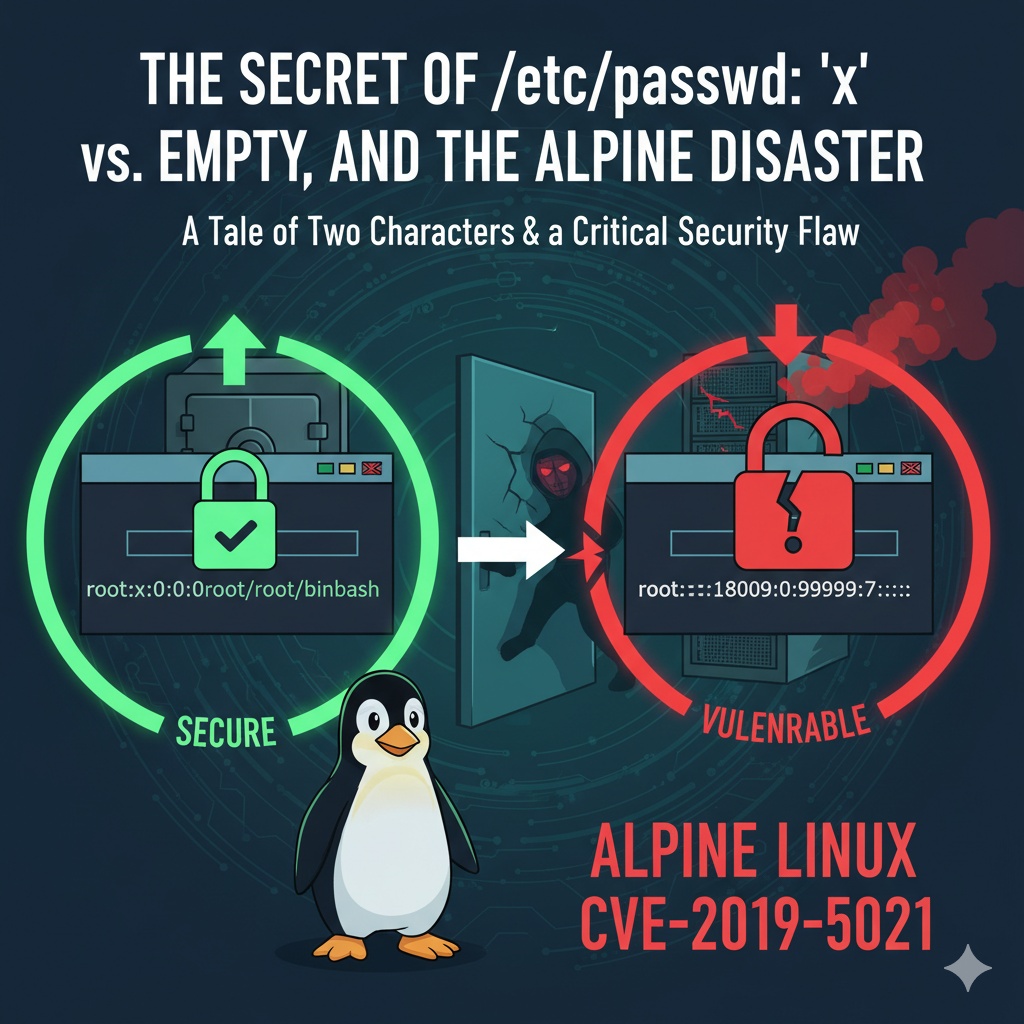
🧐 What exactly is the /etc/passwd file?
All user information in a Linux system is stored in a text file called /etc/passwd. Much like a school’s student roster, it contains essential information such as the registered user’s name, ID, and home directory location.
If you open this file with the `cat /etc/passwd` command, you’ll see that each line consists of 7 fields separated by colons (:).
root:x:0:0:root:/root:/bin/bashThe area we need to focus on here is the second field, which is where the password is stored!
🤫 The Secret of the Second Field: ‘x’ vs ‘Space’
- Meaning of ‘x’: “Password is securely stored elsewhere! 🔒”The /etc/shadow file can only be read by the root user, making it a crucial security measure that fundamentally prevents ordinary users from peeking at other users’ encrypted passwords.
- In most modern Linux systems, this field is filled with the character ‘x’. This means, “The actual encrypted password is not here!” Instead, it indicates that the password is encrypted and stored in the much more secure /etc/shadow file.
- Meaning of ‘Space’: “Everyone’s welcome! 🚪”
- If this field is empty (a space), it’s a truly, truly dangerous sign. 🚨 It means that no password has been set for that user account. In other words, anyone can log in to that account without being prompted for a password!
💥 Alpine Linux Image’s Fatal Flaw: Empty Root Password
Now, let’s look at a real-world incident to understand just how terrifying the consequences of this ‘space’ can be.
Alpine Linux is a lightweight and fast Linux distribution, making it extremely popular in Docker container environments. However, in 2019, a critical security vulnerability (CVE-2019-5021) was discovered in the official Docker image of Alpine Linux.
😱 The Genesis of the Incident
The problem was that the official image was distributed with the root account’s password field left empty. For over three years, countless developers had been using an image where root privileges could be hijacked without a password.
Contents of the /etc/shadow file in the vulnerable image:Do you see it? The encrypted password section that should immediately follow ‘root’ is completely empty.
root::18009:0:99999:7:::💣 What were the risks?
If any service running inside the container used authentication methods that relied on system account information, such as PAM (Pluggable Authentication Modules), an attacker could log in as the root account without a password and seize all privileges within the container.
It was as if the heart of the Alpine image, believed to be lightweight and secure, had a back door open to everyone. This single, seemingly minor ‘space’ exposed countless systems to potential danger.
✅ How was it resolved?
Fortunately, this issue was quickly fixed after its discovery. The solution was simple: filling the root account’s password field with an exclamation mark (!).
Contents of the /etc/shadow file in the securely patched image:The ‘!’ in the second field means that the account is locked. This means that logging in with a password is absolutely prevented. This is a much safer measure than simply having no password at all.
root:!:18009:0:99999:7:::✨ Lessons Learned and Conclusion
Today, we’ve learned how a small difference – ‘x’ versus ‘space’ – in the /etc/passwd file can significantly impact system security.
- ‘x’: Indicates that the password is securely stored in the /etc/shadow file. (👍 Secure)
- ‘Space’: Means there is no password, allowing anyone to access that account. (👎 Dangerous)
The Alpine Linux vulnerability incident left us with an important lesson: no matter how trivial a setting may seem, it should never be taken lightly when it comes to security. How about making it a habit to check the default settings of the systems and images you use? 😊
Leave a Reply