In Kubernetes, a Pod is the smallest unit where applications run. But what if a Pod could access critical information on the Host Node or affect other Pods? That would pose a significant security threat, wouldn’t it? 💣
To prevent such threats, Kubernetes defines Pod Security Standards, which enforce specific security requirements when Pods are created. This helps raise the overall security level of the entire cluster.
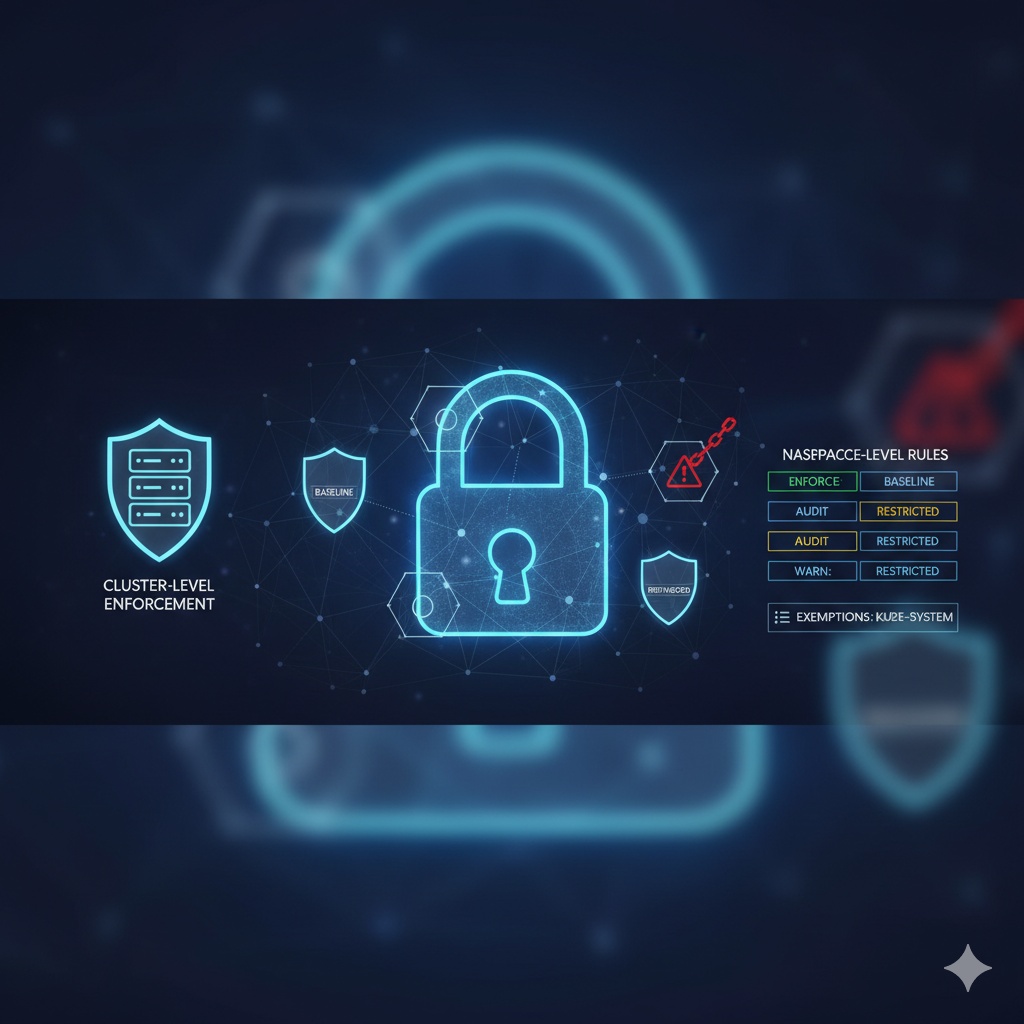
Three Levels of Pod Security Standards 🛡️
Pod Security Standards are divided into three levels. Each level has a different scope of allowed permissions, with privileged being the most permissive and restricted being the most stringent.
- Privileged: This is the most permissive policy. It allows all known privilege escalations and can run almost any Pod. It should only be used in special cases, such as managing system-level workloads.
- Baseline: This is a moderately permissive policy. It prevents known privilege escalations and is recommended for most common applications. Think of it as a reasonable default that is strict but not overly restrictive. ✅
- Restricted: This is the most stringent policy. It follows Pod hardening best practices and is suitable for highly security-sensitive workloads. Using this level might prevent some applications from running correctly, so thorough testing is required before application. 🔒
Applying to Clusters and Namespaces 🚀
Pod Security Standards can be applied to the entire cluster or selectively to specific namespaces.
Applying at the Namespace Level
If you want to apply Pod Security Standards to only a specific namespace, you can use the namespace’s
label
. It’s really simple!
For example, if you want to apply the baseline policy to a namespace called my-namespace, run the following command:
kubectl label --overwrite ns my-namespace pod-security.kubernetes.io/enforce=baselineBy setting this label, all Pods created in my-namespace must pass the baseline policy. If you try to create a Pod that violates the policy, the API server will reject its creation. 🙅♀️
Namespace labels can have three modes:
- enforce: Blocks the creation of Pods that violate the policy.
- audit: Leaves a warning log when a Pod violating the policy is created. (Creation is allowed)
- warn: Displays a warning message to the user when a Pod violating the policy is created. (Creation is allowed)
For example, you can gradually increase the security level by setting enforce to baseline and warn to restricted.
kubectl label --overwrite ns my-namespace pod-security.kubernetes.io/enforce=baseline pod-security.kubernetes.io/warn=restricted###
Applying at the Cluster Level
If you want to apply Pod Security Standards by default across the entire cluster, you need to modify the Admission Controller settings. This method is primarily used when initially setting up or managing a cluster.
In the PodSecurity Admission Controller’s configuration file, you can define the default policy to be applied cluster-wide as follows:
# admission-configuration.yaml
apiVersion: apiserver.config.k8s.io/v1
kind: AdmissionConfiguration
plugins:
- name: PodSecurity
  configuration:
    apiVersion: pod-security.k8s.io/v1beta1
    kind: PodSecurityConfiguration
    defaults:
      enforce: "baseline"
      enforce-version: "latest"
      audit: "restricted"
      audit-version: "latest"
      warn: "restricted"
      warn-version: "latest"
    exemptions:
      # System namespaces are exempt from the policy
      namespaces: ["kube-system"]
This configuration enforces the baseline policy by default across all namespaces in the cluster and displays warnings for restricted policy violations. It is common to exempt namespaces where Kubernetes system components run, such as kube-system, from policy enforcement.
Conclusion ✨
So far, we’ve explored how to apply Pod Security Standards at both the Kubernetes cluster and namespace levels. Choose the appropriate policy level and mode that fits your application’s characteristics and security requirements to further secure your cluster! 🛡️
Kubernetes security isn’t difficult! 😉
Leave a Reply