Hello everyone responsible for Kubernetes networking security! In the world of technology, learning, correcting, and moving forward are paramount. I acknowledge that there was incorrect information regarding Cilium’s Deny policy in a previous post, and I’m back with the correct content.
Today, we will delve deeply into the accurate usage of Deny rules in Cilium network policies, and go a step further to explore mTLS authentication, which verifies workload identities beyond just IP and port.
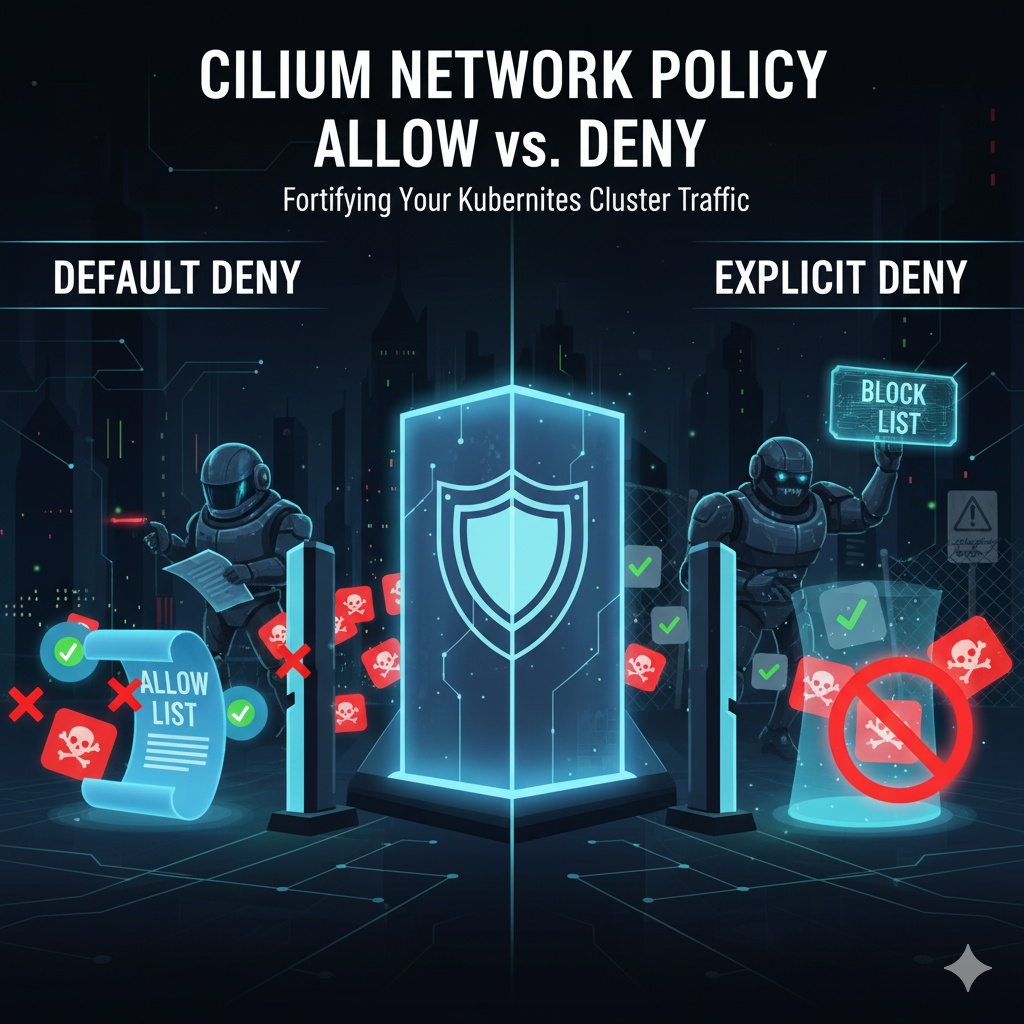
1. Basic Principle: ‘Default Deny’ (Allow List) is Still Valid
First, the fundamental ‘Default Deny’ principle remains unchanged. When egress or ingress rules are applied to a pod, all traffic is blocked except for what is explicitly allowed. This is the most crucial starting point for cluster security.
“If your name isn’t on the invitation list (egress/ingress rules), you can’t come in.”
This allow-list approach forms the foundation of zero-trust security.
2. Correct Deny Rules: egressDeny and ingressDeny 🚫
In the previous article, I incorrectly guided you to use an ‘action: Deny’ field. The correct method is to use separate top-level fields called egressDeny and ingressDeny.
The operation of these rules is very clear and powerful.
Rule Evaluation Order: Deny rules are always checked and prioritized before Allow rules.
- [1st Priority] Deny Rule Check: Outgoing traffic from a pod is first compared against egressDeny rules. If a matching rule is found, the traffic is
immediately blocked (DENY)
. No other rules are checked.
- [2nd Priority] Allow Rule Check: Traffic that does not match any egressDeny rules is then compared against egress (allow) rules. If a matching allow rule is found, the traffic is
allowed (ALLOW)
.
- [Final] Default Block: If the traffic does not match any Deny rules or Allow rules, it is
finally blocked (DENY)
according to the ‘Default Deny’ principle.
Example: “Allow all external communication, but absolutely forbid access to the database service”
YAML
apiVersion: "cilium.io/v2"
kind: CiliumNetworkPolicy
metadata:
  name: "correct-deny-database"
  namespace: "team-orange"
spec:
  endpointSelector:
    matchLabels:
      type: messenger

  # 'Allow' rule evaluated as 2nd priority
  egress:
    - toCIDR:
        - "0.0.0.0/0" # Allow communication to all external IP ranges

  # 'Deny' rule evaluated as 1st priority
  egressDeny:
    - toServices:
        - k8sService:
            serviceName: database
            namespace: team-orange
This policy operates as follows for the messenger pod:
- If the pod attempts to communicate with the database service, it will first match the egressDeny rule and be immediately blocked.
- If the pod attempts to communicate with another external IP like Google DNS (8.8.8.8), it will not match the egressDeny rule and will proceed to the egress rules. Since it matches the toCIDR: [“0.0.0.0/0”] rule, it will be allowed.
3. Time for Identity Verification: Mutual Authentication via mTLS 🛡️
Until now, we have controlled traffic at the network level (L3/L4) using IP, port, and service names. But what if a hacker spoofs an IP or infiltrates an authorized pod to attempt malicious communication?
What’s needed then is “identity authentication”. This is the process of verifying not just that the network path is correct, but “is the workload attempting to communicate truly the workload we trust?” Cilium implements this through mutual TLS (mTLS).
Simple Analogy: If network policy is like “checking if your name is on the invitation list,” mTLS authentication is like “comparing your face to your ID photo to confirm it’s you.”
Example: Client can only communicate with an authenticated server
Let’s add mTLS authentication to a rule where a client pod communicates with a server pod.
YAML
apiVersion: "cilium.io/v2"
kind: CiliumNetworkPolicy
metadata:
  name: "mtls-auth-policy"
  namespace: "default"
spec:
  endpointSelector:
    matchLabels:
      app: client
  egress:
    - toEndpoints:
        - matchLabels:
            app: server
      toPorts:
        - ports:
            - port: "8080"
              protocol: TCP
      # --- This is the part that enforces identity authentication ---
      authentication:
mode: "required"- authentication: mode: “required”: With this setting, when a client pod attempts to communicate with a server pod, it must present its encrypted identity (SPIFFE ID).
- The server pod also verifies the client’s identity and accepts communication only if it’s valid.
- If a disguised pod attempts to access the server and fails identity verification, the connection will be blocked at the authentication stage, even if the network path is allowed.
Final Summary: Building a Defense in Depth
Today, we corrected and learned two important concepts:
- Correct Deny: Explicit blocking uses the egressDeny / ingressDeny fields, and these rules always take precedence over Allow rules.
- Strong Authentication: By adding an identity verification layer (mTLS) to network policies via authentication: mode: “required”, you can further strengthen zero-trust security.
Beyond simply controlling network paths, I hope you will protect your Kubernetes clusters even more securely by implementing a multi-layered defense strategy that verifies workload identities.
Cilium, NetworkPolicy, Kubernetes, Security, CNI, EgressDeny, IngressDeny, mTLS, Authentication, SPIFFE, Zero Trust, DevSecOps, Cilium, Kubernetes, Security
Leave a Reply