Hello everyone! Today, I’d like to talk about how we can manage telemetry data (Traces, Metrics, Logs), which serves as the crucial eyes and ears of the applications we develop and operate, in a more flexible and intelligent way.
Once an application is deployed, we often use various tools (backends) for performance monitoring or error tracking. For instance, you might initially send trace data to Jaeger, then later want to send metrics to Prometheus, or perhaps send all data to a commercial solution like Datadog.
What if you had to modify the application code, rebuild, and redeploy every time the destination changed? 😩 That would be incredibly cumbersome and inefficient. Today, we’ll explore the best way to solve this problem and freely change the destination of telemetry data without any code modifications.
🤔 Methods We Should Avoid
First, let’s go over why certain methods are inefficient. Understanding these will make it clearer why the best method stands out.
1. Hardcoding Endpoints 🧱
This is the most intuitive but rigid method: directly embedding the data collection endpoint URL into the code.
// Example: Directly writing the URL in the code
Exporter jaegerExporter = OtlpGrpcSpanExporter.builder()
    .setEndpoint("http://jaeger-collector.default.svc.cluster.local:4317")
    .build();
Problem: To switch from Jaeger to another backend (e.g., New Relic), you’d have to modify the code to http://new-relic-endpoint… and go through the entire deployment pipeline again. Horrible.
2. Directly Configuring Exporters within Application Code 🧑💻
Better than hardcoding, but the backend configuration logic is still tightly coupled with the application code.
# Example: Selecting an Exporter with code logic
import os

def configure_exporter():
    backend = os.environ.get("BACKEND_TYPE")
    if backend == "JAEGER":
        return JaegerExporter(...)
    elif backend == "DATADOG":
        return DatadogExporter(...)
    else:
        return ConsoleExporter() # Default value
Problem: What if you need to add a new backend like SuperMonitor? You’d have to add an `elif backend == “SUPERMONITOR”:` statement to the code and redeploy again. This lacks flexibility.
3. Using Separate SDK Instances for Each Backend 🤯
You might think, “Why not use one SDK for Jaeger, another for Datadog… and so on?” This is a highly inefficient approach that goes against OpenTelemetry’s design philosophy. The OpenTelemetry SDK is designed to handle multiple Exporters (destinations) simultaneously within a single pipeline. Using multiple SDKs leads to significant resource waste and only increases management overhead.
✨ The Best Solution: Separating Configuration from Code
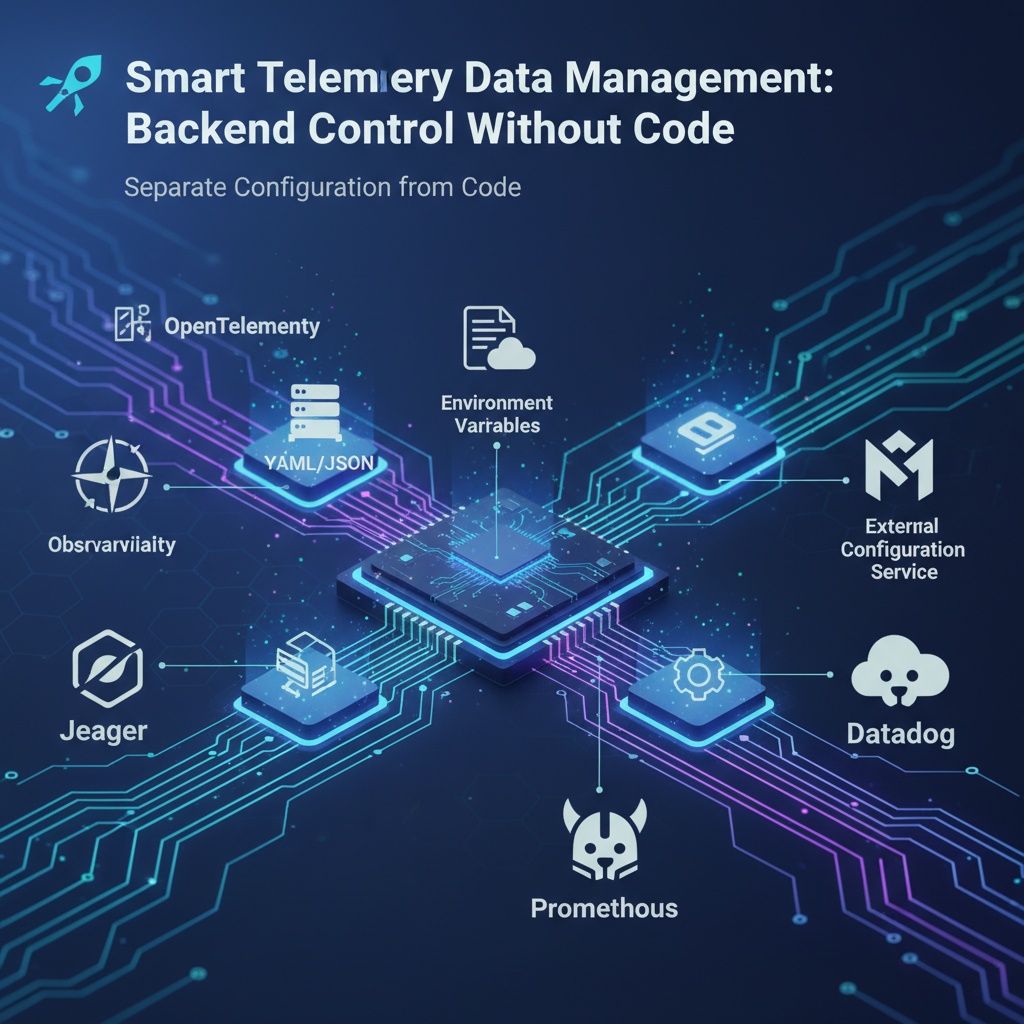
The answer is to “configure telemetry data destinations through configuration files or external mechanisms.” 🧩
The core of this approach is that the application code focuses solely on “what” data to send, while the decision of “where” to send it is delegated outside the code. This allows operations teams or SREs to control data flow with simple configuration changes, without developer intervention.
Method 1: Using Configuration Files 📄
The most common method is to use configuration files like YAML or JSON. The application reads this file at startup to dynamically configure settings.
Example: opentelemetry-config.yaml
otel:
  exporter:
    otlp:
      protocol: grpc
      endpoint: http://jaeger-collector:4317 # Configuration for sending to Jaeger
  # Multiple Exporters can also be configured simultaneously.
  # For example, add an exporter for logging
  # exporter_2:
  #   logging:
  #     loglevel: debug

  resource:
    attributes:
      service.name: my-awesome-service
      service.version: 1.0.2
Application Code (Conceptual) The application no longer needs to know about specific Exporters. It simply reads the configuration file and initializes the SDK.
# Conceptual code
import yaml
from opentelemetry_sdk_config import configure_sdk_from_file

# On application startup
with open("opentelemetry-config.yaml", "r") as f:
    config = yaml.safe_load(f)
    # The SDK is dynamically configured based on the file content.
    configure_sdk_from_file(config)
Now, if you want to change the destination from Jaeger to Datadog? Simply modify the `endpoint` in the `opentelemetry-config.yaml` file and restart the application—without any code changes!
Method 2: Using Environment Variables 🌿
This is the most powerful and widely used method in container (Docker) and Kubernetes environments. The OpenTelemetry SDK supports injecting configurations via standardized environment variables.
Example: OTLP Exporter Configuration via Environment Variables By setting the environment variables below and running the application, the code will automatically be configured to send data to the specified endpoint.
# Sends data to the specified endpoint using the OTLP/gRPC protocol.
export OTEL_EXPORTER_OTLP_ENDPOINT="http://my-collector.prod-env.com:4317"
export OTEL_EXPORTER_OTLP_PROTOCOL="grpc"
export OTEL_SERVICE_NAME="my-awesome-service"

# Now you can run the application.
java -jar my-app.jar
Simply change the `my-collector.prod-env.com` address to http://localhost:4317, and the same application code will send data to your local test environment. It’s that simple!
🗺️ Overall Perspective: Why is this approach important?
This ‘separation of configuration’ is not just about convenience; it’s an essential element in modern software development and operations (DevOps) environments.
- Improved Agility 🏃♂️ When testing new monitoring tools or temporarily switching data to another backend due to issues with a specific one, you can respond immediately without a code deployment process.
- Flexible Configuration per Environment 🏙️ You can build an optimal data pipeline tailored to each environment while using the same codebase.
- Development (Dev): Send data to a local Jaeger on the developer’s PC for immediate verification.
- Staging: Integrate data into a central OpenTelemetry Collector for testing.
- Production: Transmit data to a commercially proven monitoring solution (Datadog, New Relic, etc.).
- Separation of Roles and Responsibilities 🤝 Developers can focus solely on application logic, while infrastructure and operations (SRE, DevOps) personnel can manage data flow according to their roles. This enables efficient collaboration.
✨ Conclusion
Tying the destination of telemetry data to the code significantly harms an application’s flexibility. Separating configurations externally through configuration files or environment variables is a core principle for correctly using OpenTelemetry, enabling you to build a robust Observability system that can respond quickly and flexibly to changes.
From now on, become a smart developer who directs the flow of data with just a single configuration, without any code changes!
Leave a Reply