Hello, platform engineers! 🛠️ When you’ve created a new microservice or want to integrate an existing project into Backstage, what’s the fastest and most reliable way?
Don’t worry if automatic scanning isn’t set up. Backstage supports Manual Registration, where users directly tell Backstage the location of their entities. Let’s break down the steps one by one!
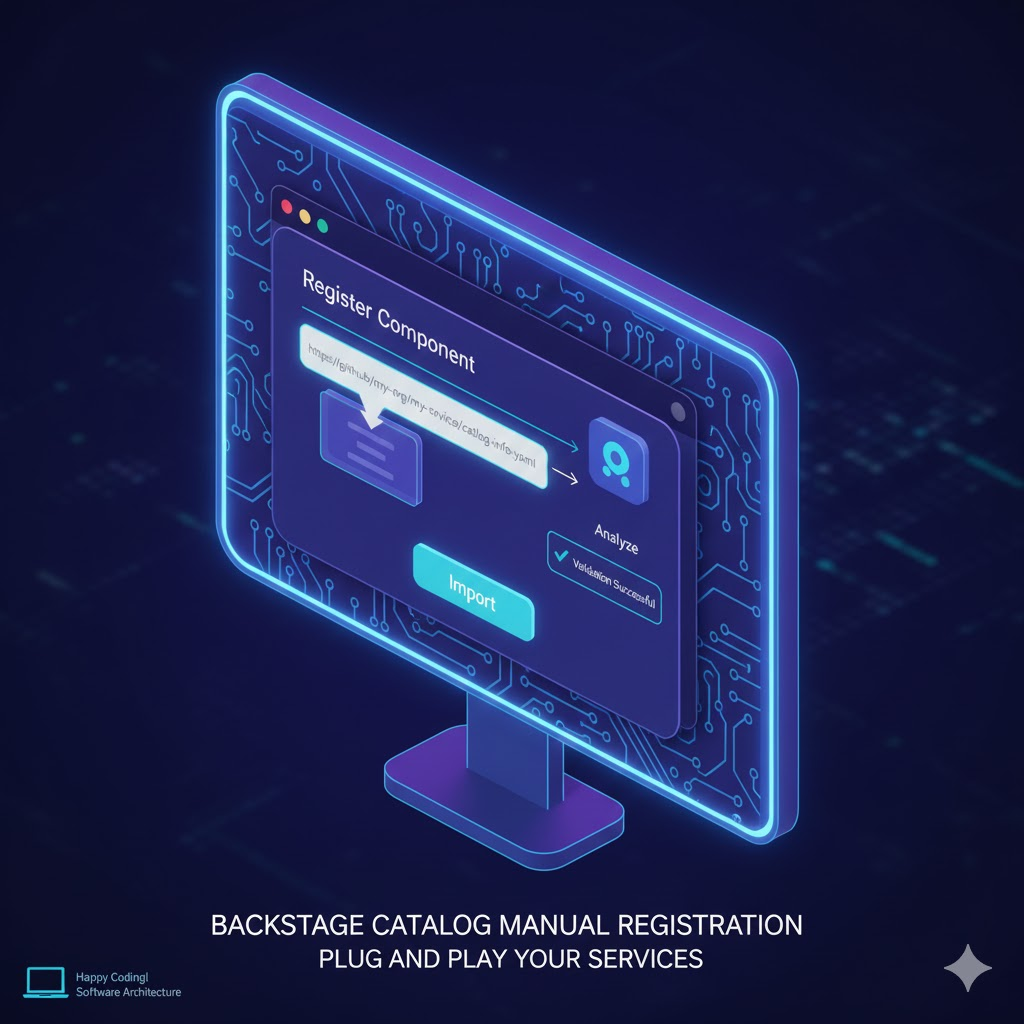
1. What is Manual Registration? 🤔
Manual registration is the act of a developer directly informing Backstage where their service definition file (catalog-info.yaml) is located.
- Core Mechanism: Register the URL (path) of the file.
- Supported Sources: Use direct links to files uploaded to source code hosting services like GitHub, GitLab, Bitbucket.
2. Prerequisites: catalog-info.yaml 📄
Before manual registration, the configuration file must exist in your project repository. Without this file, Backstage cannot read the information to be registered.
# Example: catalog-info.yaml
apiVersion: backstage.io/v1alpha1
kind: Component
metadata:
  name: my-manual-service
  description: 수동으로 등록한 멋진 서비스입니다.
spec:
  type: service
  owner: user:guest
  lifecycle: experimental
After Pushing this file to your repository (e.g., GitHub), copy the browser URL of that file! 🔗
3. Step-by-Step Manual Registration Process 🚶♂️
Now, let’s register it on the actual Backstage screen.
Step 1: Access the Catalog Menu
Click the [Catalog] menu in the left sidebar.
Step 2: Click “Create” or “Register” Button
Click the [Create] button in the upper right corner of the catalog main screen. This is usually where new software templates are created, but the manual registration button is also located here.
Step 3: Select “Register Existing Component”
Find and click the [Register Existing Component] button in the corner of the screen. This is the manual registration feature we’re looking for! ✨
Step 4: Enter URL and Analyze
Paste the copied URL of the catalog-info.yaml file into the input field.
- Analyze: Click the button to have Backstage pre-check if the file exists at that path and if the syntax is correct.
Step 5: Final Confirmation and Completion
Once the check passes, click [Import]. Now you can see the service you just registered in the catalog list! 🎉
4. Advantages and Precautions of Manual Registration 💡
Advantages 👍
- Immediacy: Reflected immediately without waiting for the automatic ingestion cycle.
- Flexibility: Useful when you want to selectively expose specific projects in the catalog.
- Ease of Testing: The fastest way to test new catalog-info.yaml configurations.
Precautions ⚠️
- URL Permissions: The Backstage backend must have the necessary permissions (Token) to access the URL (e.g., Private Repo).
- Duplicate Registration: An error may occur if you try to register an already registered URL again.
5. Summary: 3 Key Lines of Manual Registration 📝
- Prepare: Push the catalog-info.yaml file to your project repository.
- Copy: Copy the raw URL or browser address of that file.
- Register: Enter the URL in the Register Existing Component menu of the Backstage UI and Import it.
🏁 Wrapping Up
We’ve learned about ‘Manual Registration,’ the most direct way to leave your footprint in the Backstage catalog. It’s good to start by manually registering to get a feel for it, and then expand to automatic ingestion via Entity Providers as your services grow. 🚀
Leave a Reply