Google’s AI CLI flow for developers is changing. Previously, it was common to use Gemini CLI by running the gemini command in the terminal. However, Google has recently been transitioning the Gemini CLI for individual users and the Gemini Code Assist IDE extension to focus on Antigravity CLI.
Now, to use Google’s AI CLI in a Linux environment like WSL Ubuntu, it’s better to understand it based on the agy command rather than gemini. This naturally leads to a question:
“So, can I use Antigravity CLI with just a Gmail account?”
“How much can I use for free without a separate AI subscription?”
To get straight to the point, it is possible to use Antigravity CLI with just a personal Gmail account. However, the usage for free accounts is not unlimited, and it’s not disclosed as a fixed number like “X times per day.” Google documentation describes free users as having a Starter Quota or a basic usage structure that renews weekly.
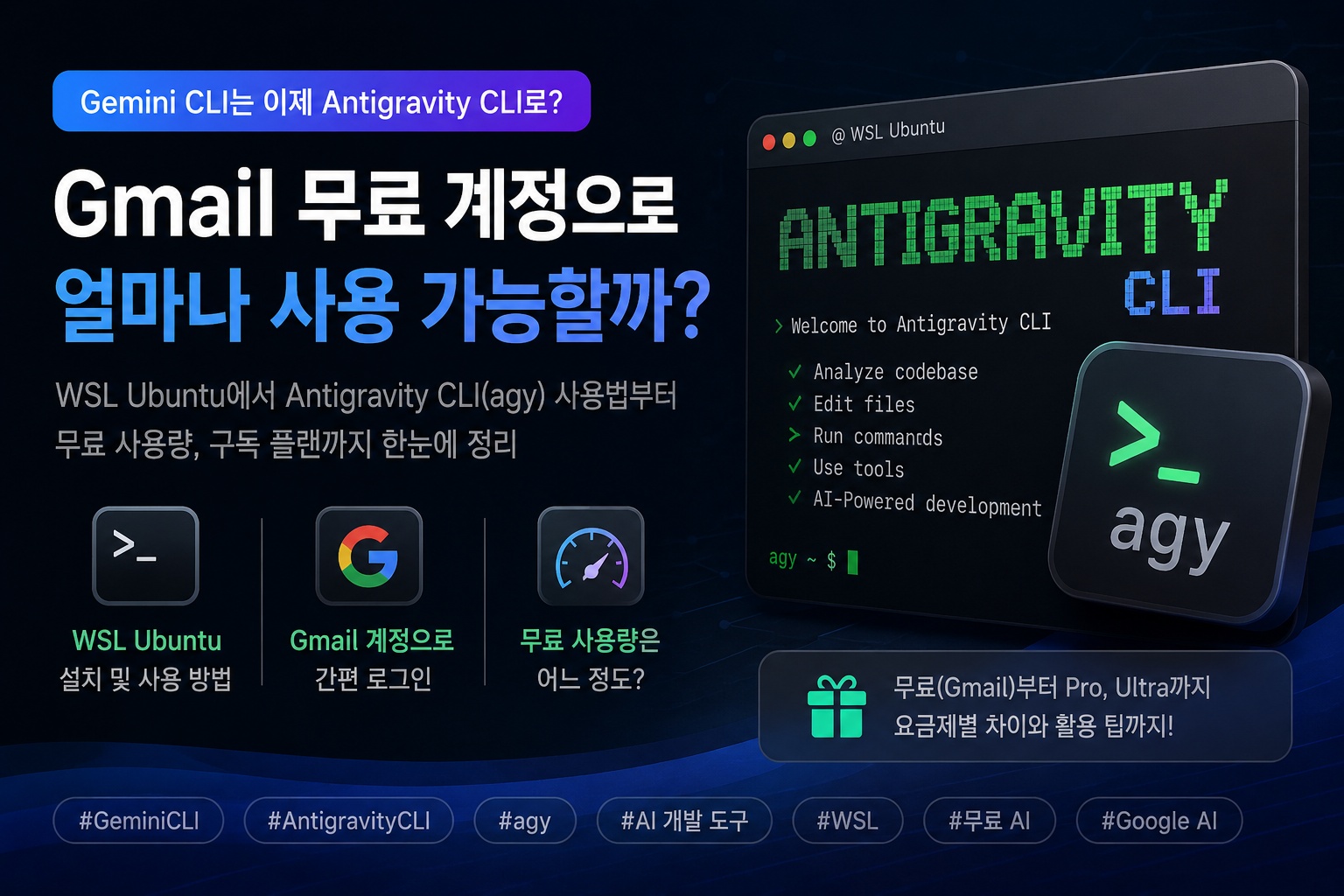
Why Gemini CLI Changed to Antigravity
CLI
The existing Gemini CLI was widely used for asking simple questions in the terminal, reading codebases, modifying files, and reviewing cloud infrastructure code. For developers and cloud engineers, in particular, the advantage was being able to request tasks from AI directly in the terminal without opening an IDE.
However, by transitioning Gemini CLI to Antigravity CLI, Google is moving towards an agent-based development tool rather than a simple chat-based CLI.
Antigravity CLI aims for the following tasks:
- 코드베이스 구조 이해
- 여러 파일 수정
- 문서 생성
- 명령 실행
- 도구 호출
- 에이전트 기반 작업 수행
- 대화 기록 유지
In other words, it’s closer to an “AI development agent operating within the terminal” rather than simply a “CLI that answers questions.”
Basic Commands for Use in WSL Ubuntu
In a WSL Ubuntu environment, you can install it with the following command:
sudo apt update
sudo apt install -y curl ca-certificates git wslu

curl -fsSL https://antigravity.google/cli/install.sh | bash
If the agy command is not immediately recognized after installation, add it to PATH.
echo 'export PATH="$HOME/.local/bin:$PATH"' >> ~/.bashrc
source ~/.bashrc

agy --version
Since browser login may be required in WSL, it’s convenient to install wslu to open the default Windows browser and set the BROWSER environment variable.
sudo apt install -y wslu

echo 'export BROWSER=wslview' >> ~/.bashrc
source ~/.bashrc
Then, run it in your project folder.
mkdir -p ~/agy-cli-projects/test
cd ~/agy-cli-projects/test

agy
When you run it for the first time, you will be asked to choose a login method.
1. Google OAuth
2. Use a Google Cloud project
If it’s a personal Gmail account, you can usually select Google OAuth. This involves logging in with your Google account in the browser and then pasting the authentication code into the CLI.
Can I Use It with a Free Gmail Account?
Yes, it’s possible. You can log in and use Antigravity CLI with just a personal Gmail account.
However, the important point is that the usage for free accounts is not “unlimited.” Google provides basic usage for free users, but it doesn’t disclose it as a simple, exact number like “50 times a day” or “1,000 times a month.”
It’s more accurate to view Antigravity’s usage as a structure that varies depending on the complexity of the task, the model used, the number of tool calls, and the context size, rather than just the number of prompts.
For example, the following tasks might consume less usage:
- 짧은 코드 설명 요청
- 간단한 README 작성
- 명령어 사용법 질문
- 작은 파일 하나 검토
- 간단한 에러 메시지 분석
Conversely, the following tasks can quickly consume usage:
- 큰 코드베이스 전체 분석
- 여러 파일을 동시에 수정
- Terraform, Kubernetes, AWS 구성 전체 검토
- 장시간 에이전트 작업
- 복잡한 리팩터링
- 고성능 모델 사용
Therefore, a free Gmail account might be sufficient for “experimentation and light tasks,” but it’s likely to be insufficient for continuous daily professional development, lecture preparation, or infrastructure code analysis.
Differences Based on Subscription Plans
Antigravity is also linked to Google AI subscriptions like Google AI Pro and Google AI Ultra. Subscribers can receive higher basic usage than free users and can use a structure that handles additional usage through AI credits if they exceed a certain limit.
From a general perspective, you can understand it as follows:
| Category | Availability | Features |
| Free Gmail Account | Available | Starter Quota, weekly renewing basic usage |
| Google AI Pro | Available | Higher basic usage than free |
| Google AI Ultra | Available | Higher usage than Pro |
| Google Cloud / Enterprise | Available | Usage based on organizational contracts and Cloud projects |
The difference between free and paid accounts is not simply “can use/cannot use,” but rather the difference in how often and how complex tasks can be reliably executed.
Realistic Usage Scope for Free Accounts
If you use Antigravity CLI with a free Gmail account, the following uses are appropriate:
- CLI 동작 방식 테스트
- 간단한 코드 리뷰
- 짧은 스크립트 작성
- README 초안 작성
- 작은 Terraform 파일 검토
- 에러 로그 원인 분석
- 리눅스 명령어 설명
For example, you can use it like this:
agy -p "이 디렉터리의 Terraform 파일을 읽고 보안상 위험한 설정을 요약해줘"Alternatively, after running it interactively, you can request as follows:
이 코드베이스 구조를 설명해줘.README.md를 현재 코드 기준으로 업데이트해줘.Kubernetes YAML에서 보안상 위험한 설정을 찾아줘.However, it’s safe to assume that continuously analyzing large-scale projects, repeatedly performing multiple agent tasks, or continuously using heavy models with a free account would be difficult.
How to Conserve Usage
When using Antigravity CLI with a free account or a lower subscription plan, it’s important to develop habits that conserve usage.
First, it’s better to divide tasks into smaller scopes.
A bad example is as follows:
이 프로젝트 전체를 분석해서 문제를 다 고쳐줘.A good example is as follows:
main.tf와 variables.tf만 읽고 보안상 위험한 설정을 요약해줘.Second, it’s better to request analysis first rather than requesting file modification from the start.
먼저 수정하지 말고 문제점만 목록으로 정리해줘.Third, prioritizing Flash-series models over heavier models is also a method.
agy modelsAfter checking available models, you can specify a lighter model.
agy --model "Gemini 3.5 Flash (Low)"Model names may vary depending on the account and time, so it’s best to specify them based on the agy models output.
How to Check Settings
Within Antigravity CLI, you can open the settings screen with the /config or /settings command.
/configOr:
/settingsHere, you can check models, tool permissions, telemetry, rendering methods, sandbox settings, and more. Configuration files are typically stored at the following path:
~/.gemini/antigravity-cli/settings.jsonHowever, if you directly modify the configuration file and cause a JSON syntax error, it can lead to issues with CLI execution, so it’s safer to use the CLI’s internal settings menu if possible.
What to Do with the Existing gemini Command?
Individual free users and Google AI Pro/Ultra users should transition to using the agy command rather than the gemini command going forward.
If you have the existing npm-based Gemini CLI installed, you can remove it as follows:
npm uninstall -g @google/gemini-cliHowever, the situation may differ if your company or organization uses Gemini Code Assist Standard or Enterprise licenses. For enterprise licenses or Google Cloud-based users, existing Gemini CLI support may be maintained, so if it’s an organizational account, it’s best to check the account type and license before unconditionally deleting it.
Conclusion: Free Gmail Accounts are Suitable for “Testing and Light Tasks”
Antigravity CLI can be started with just a personal Gmail account. You can install and log in to use it even without a separate AI subscription.
However, free usage is not unlimited. It’s not structured to disclose a simple number like “X times per day” officially. Perceived usage can vary depending on task complexity, model, context size, and the number of tool calls.
Therefore, the realistic conclusion is as follows:
개인 Gmail 무료 계정:
  테스트, 가벼운 코드 분석, 짧은 문서 작성에 적합

Google AI Pro:
  좀 더 자주 쓰는 개인 개발자에게 적합

Google AI Ultra 또는 Cloud 기반 사용:
  실무 개발, 강의 준비, 대규모 코드 분석, 반복 작업에 적합
In other words, if you’re new to Antigravity CLI, a free Gmail account is sufficient to get started. However, if you plan to use it daily as a development assistant or frequently perform heavy tasks like Terraform/Kubernetes/AWS code analysis, it’s more realistic to consider a paid plan or Google Cloud-based usage.
Leave a Reply