Hello everyone! Today, I’ve brought a very special topic for those of you dreaming of a smart and economical desktop environment. It’s about ‘Mini PCs’, and among them, I’m going to conduct an in-depth comparison and analysis of the Intel NUC 11 (i3/Celeron) model, which many people are curious about, and the SOYO M4 PLUS2 (N150) model, which is emerging as a new strong contender for value for money.
Especially to alleviate the concern, “Is the electricity bill okay if I leave a Mini PC on 24/7? 🤔”, I will meticulously calculate and compare the monthly electricity consumption. Let’s dive in now to find out which Mini PC will be the best choice to brighten up your desk! 👇
💻 Introducing the Candidates: Specs and Features
First, let’s introduce the two contenders we’ll be comparing today. What are the characteristics of the traditional powerhouse Intel NUC and the rising star SOYO?
1. Intel NUC 11 (i3 / Celeron Series)
‘NUC’ stands for ‘Next Unit of Computing’, and it’s a product that serves as a standard for mini PCs directly manufactured by Intel. It receives high praise for its stability and reliability. The NUC 11 series is equipped with 11th generation Intel processors, and we will look at the representative **i3 model (NUC11PAHi3, equipped with i3-1115G4)** and the **Celeron model (NUC11ATKC2, equipped with Celeron N4505)** among them.
- NUC 11 (i3-1115G4): Boasts 2 cores, 4 threads, and speeds up to 4.1GHz. It’s a versatile performer that can easily handle document work, web browsing, and even light photo editing or programming. 💪
- NUC 11 (Celeron N4505): Operates with 2 cores, 2 threads, and up to 2.9GHz. It’s a practical model for light tasks such as basic web browsing, video playback, and simple document work.
2. SOYO M4 PLUS2 (Intel Processor N150)
‘SOYO’ might be a somewhat unfamiliar name, but it’s a brand that has recently gained attention in the mini PC market for its excellent value for money. The biggest feature of the M4 PLUS2 model is that it is equipped with Intel’s latest low-power processor, the N150.
- Intel Processor N150: Operates with 4 cores, 4 threads, and up to 3.6GHz. Based on the latest ‘Gracemont’ architecture, it shows a completely different level of performance compared to older Celerons. In particular, its efficiency in low-power environments is outstanding. ⚡️
⚡️ Performance Showdown: Who is Faster and More Powerful?
Here’s a brief summary of the performance of the three CPUs:
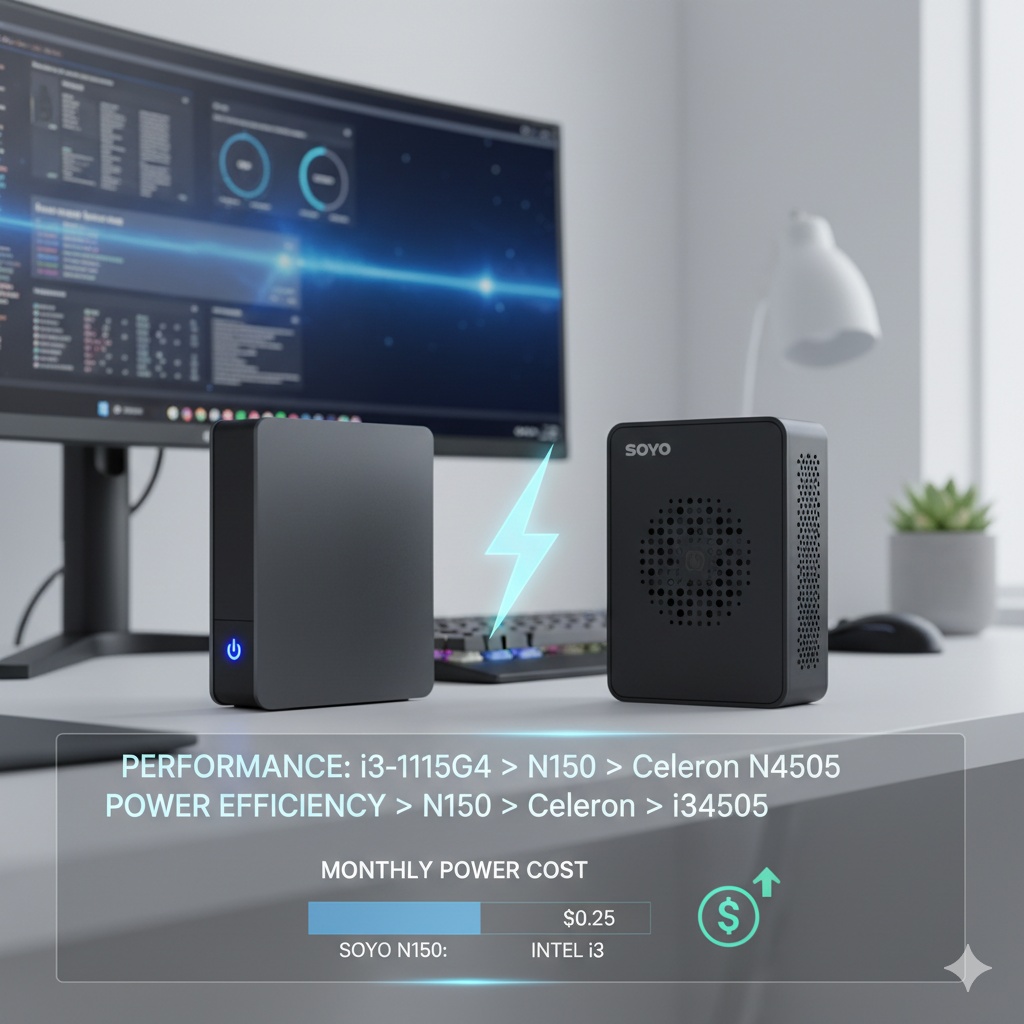
Performance: Core i3-1115G4 > Processor N150 > Celeron N4505
- NUC 11 (i3): Undoubtedly shows the best performance. It provides a comfortable environment for multitasking or tasks with a slight load.
- SOYO M4 PLUS2 (N150): Although it has 4 cores, more than the i3 model, the performance of a single core is somewhat lower than the i3. However, it offers significantly better performance than older Celerons, making it a ‘new value-for-money champion’ capable of handling most everyday tasks without difficulty.
- NUC 11 (Celeron): Has the most basic performance, suitable for very light uses (e.g., dedicated video player, simple web browsing).
💰 Monthly Electricity Consumption Showdown: The Real Star is ‘This’!
Now, it’s time to compare the most important aspect: monthly electricity consumption. Mini PCs are often left on constantly, so power consumption is very important.
Calculation Conditions:
- Usage Time: Based on 8 hours of daily use (One month = 240 hours)
- Power Consumption: Estimated average power consumption based on each CPU’s TDP (Thermal Design Power) and actual measurement data. (May vary depending on actual usage environment.)
- NUC 11 (i3): TDP 15W, estimated average power consumption approx. 12W (Idle 6W, during work 15~25W)
- NUC 11 (Celeron): TDP 10W, estimated average power consumption approx. 8W (Idle 4W, during work 10~15W)
- SOYO M4 PLUS2 (N150): TDP 6W, estimated average power consumption approx. 7W based on actual measurement data (Idle 5.5W, during work 18W)
- Electricity Bill: Based on Korea Electric Power Corporation’s residential low-voltage tariff (Other seasons, 1st stage: 120 KRW per 1kWh)
Results Announcement!
| Model | Avg. Power Consumption (Est.) | Daily Usage (Wh) | Monthly Usage (kWh) | Est. Monthly Electricity Bill (KRW) |
| — | — | — | — | — |
| NUC 11 (i3) | 12 W | 96 Wh | 2.88 kWh | Approx. 346 KRW |
| NUC 11 (Celeron) | 8 W | 64 Wh | 1.92 kWh | Approx. 230 KRW |
| SOYO M4 PLUS2 (N150) | 7 W | 56 Wh | 1.68 kWh | Approx. 202 KRW |
Sheets로 내보내기
Isn’t the result truly astonishing? 🤯 All three models, even when used 8 hours a day for an entire month, result in a monthly electricity bill that is less than the cost of a cup of coffee, not even 500 KRW. In particular, the SOYO M4 PLUS2 (N150) demonstrates the best power efficiency, boasting amazing economy at around 200 KRW per month.
Even if used as a NAS (Network Attached Storage) or server that is left on 24/7, based on the SOYO M4 PLUS2, it can be used without burden for a monthly fee of about 600 KRW.
🏆 Final Recommendation: Which Mini PC is Best for You?
Now, it’s time for the final recommendation after all comparisons.
🥇 For the best value for money and power efficiency: SOYO M4 PLUS2 (N150)
This can be called today’s main character. Better performance than the NUC Celeron model, real-world feel comparable to the i3 model, and the lowest power consumption! We highly recommend it for those buying a mini PC for the first time for everyday use (web browsing, YouTube, document work, NAS, etc.), or for those looking for a second PC to leave on 24/7 without worrying about electricity bills.
🥈 If you need slightly more powerful performance: NUC 11 (i3)
If you say, “I sometimes edit photos and need to run multiple programs simultaneously!”, then the NUC 11 (i3) model is the answer. Based on stable performance and reliability, it will be the best choice when you want to enjoy a wider range of tasks comfortably. The electricity bill is still very low, around 350 KRW per month.
🥉 If you are looking for a sub-PC for a specific purpose: NUC 11 (Celeron)
It has the advantage of being the cheapest, but its performance leaves something to be desired. Therefore, it can be considered if you plan to use it only for very limited and light purposes such as a digital photo frame, a kiosk running specific programs, or CCTV monitoring.
✨ Concluding the Blog Post
Today, we meticulously compared the NUC 11 and SOYO M4 PLUS2 mini PCs, from performance to electricity costs. Mini PCs are no longer ‘underpowered toys’ but have evolved into **’small, quiet, and economical all-round desktops’**.
I hope my article today has been a small help in making a wise choice based on your usage purpose and budget. 😊
Tags: Mini PC, NUC, SOYO, N150, i3, Celeron, Mini PC Recommendation, Electricity Bill, Power Consumption, Value PC, Low Power PC
Leave a Reply