As developers, we all encounter version numbers like v1.2.3, v2.0.0 every day! Are you perhaps incrementing versions by feel, like “I added a lot of features this time, so maybe I should bump the major number?” or “It’s a simple fix, so I’ll just slightly increment the last number”? 🤔
If so, you might unknowingly be breaking an agreement with other developers. These version numbers actually hide very important and strict rules. This agreement is called Semantic Versioning, or SemVer for short.
Today, we’ll uncover the secret of these version numbers and explore why adhering to these rules is key to ‘collaboration’ and ‘stable software management’.
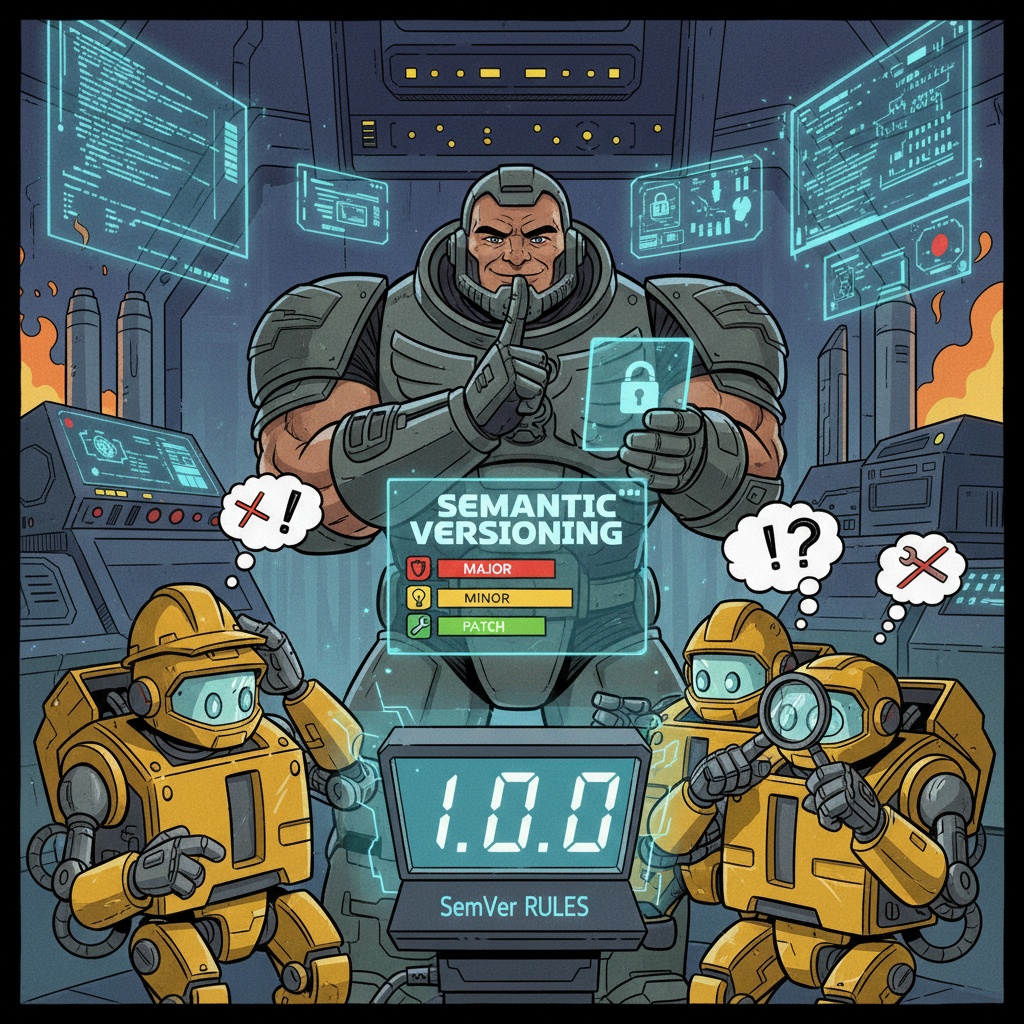
🧐 What is a Version? Why is it Important?
Software versions are not just numbers indicating the order of updates. Through versions, we should be able to predict “what kind of changes were included in this update.”
For example, if a library I was using updated from v1.5.2 to v1.5.3? “Ah, it must be a simple bug fix. I can update it right away without breaking my code!” I can feel relieved.
But if it updated from v1.5.2 to v2.0.0? “Oh? The major number changed? This is a big change that might require modifying existing code. I should carefully read the changes before updating!” I should be cautious.
As such, version numbers are an important means of communication between developers. SemVer is the standard rule for this communication.
📖 The Three Promises of Semantic Versioning (SemVer)
SemVer consists of three parts: Major.Minor.Patch.
Let’s look at each one, starting with 1.0.0.
🚨 1.x.x: The Number of Cataclysmic Change, Major
The major version is the number that should be incremented most cautiously.
- When to increment: When there are incompatible (Breaking Change) API changes from the existing version.
- Core meaning: “Attention! If you apply this update, your existing code may no longer work! You must modify your code.”
What is an ‘incompatible change’? It literally means a change that makes it impossible to use the previous version’s methods.
🚫 These are major updates!
- When the name of a function or class changes. Now, all code that called getUserInfo will result in an error.
- When a required parameter of a function is added or deleted. If you call sendMessage(“hello”) as before, an error will occur because recipient is missing.
- When the behavior or return value of a function changes completely.
Thus, a major version update is like sending a signal to users saying, “Big trouble, I need to study again.”
✨ x.1.x: The Arrival of New Features, Minor
The minor version is a positive signal indicating that new value has been added to the software.
- When to increment: When new features are added that are compatible with the existing version.
- Core meaning: “Don’t worry! Your code will still work as is. And feel free to try out the cool new features we’ve added!”
The key is ‘Backward-Compatible’. Existing code should work perfectly identically without a single line needing to be changed.
✅ These are minor updates!
- When a new function or class is added. Code using calculateSum will not be affected at all.
- When an optional parameter is added to an existing function. If you call createUser(“John”, “john@email.com”) as before, options will have a default value ({}), so it will work without issues.
- When a feature is announced as deprecated (actual removal happens in a major update!).
Minor updates are pleasant updates that allow users to apply them without burden and explore new features.
🐛 x.x.1: Bugs Silently Disappear, Patch
Patch versions are the most frequent and safest updates.
- When to increment: When bugs are fixed that are compatible with the existing version.
- Core meaning: “Existing issues have been resolved. There are no new features, so feel free to update.”
Patch versions should have no functional changes whatsoever. They focus solely on internal error fixes or performance improvements.
🛠️ These are patch updates!
- When correcting an error in calculation logic.
`
// Buggy code (v1.4.1)
function getDiscountPrice(price, discount) {
return price + (price * discount); // Bug! It’s an increase, not a discount
}
// Bug fix (v1.4.2)
function getDiscountPrice(price, discount) {
return price – (price * discount); // Corrected
}
`
- When resolving security vulnerabilities.
- When resolving performance degradation issues or memory leaks.
- Minor changes like correcting typos in documentation or comments.
Let’s See the Forest: So Why is SemVer So Important? 🌲
Adhering to these rules is not just for neatness. It is directly related to ‘Dependency Management’, which is at the core of modern software development.
The programs we build are assembled by bringing in numerous other libraries (dependencies). At this time, we specify versions in files like package.json.
The ^ (caret) and ~ (tilde) seen here are smart mechanisms that utilize SemVer rules.
- ~1.3.1: “Install the latest patch version within the 1.3.x range.” (e.g., 1.3.2, 1.3.5 are okay, but 1.4.0 is not)
- ^18.2.0: “Install the latest minor and patch version within the 18.x.x range that guarantees compatibility.” (e.g., 18.2.1, 18.3.0 are okay, but 19.0.0 is not)
What if the developer of some-library ignored SemVer and included a breaking change in version 1.3.2, claiming it was a bug fix? We would update, believing it to be safe, but our project would suddenly break for no apparent reason. Terrible, right? 😱
SemVer is a trust among developers and a minimum agreement to maintain a stable ecosystem.
Summary: Versioning Rules at a Glance 📜
VersionChange CompatibilityExample
| Version | Change Content | Compatibility | Example |
| Major (1.x.x) | API Change | Broken (Breaking) | Function name change, parameter deletion |
| Minor (x.1.x) | New Feature Added | Maintained (Backward-compatible) | New function added, optional parameter added |
| Patch (x.x.1) | Bug Fix | Maintained (Backward-compatible) | Calculation error fix, security patch |
Now, do you see the meaning embedded in version numbers every time you look at them? When you decide the version of the software you create, please be sure to follow this agreement. It is the most certain way to help your colleagues and your future self.
Leave a Reply