“Clearly, there was a system failure… so why does my dashboard show everything as normal?” 🧐
This is a heart-stopping moment every developer has likely experienced at least once. It’s when the Observability system you painstakingly built remains silent at the most critical juncture. The reason might be that OpenTelemetry exception handling wasn’t done ‘correctly’.
Today, we’ll explore the ‘golden rules’ of OpenTelemetry exception handling that help you achieve both performance and problem-solving utility.
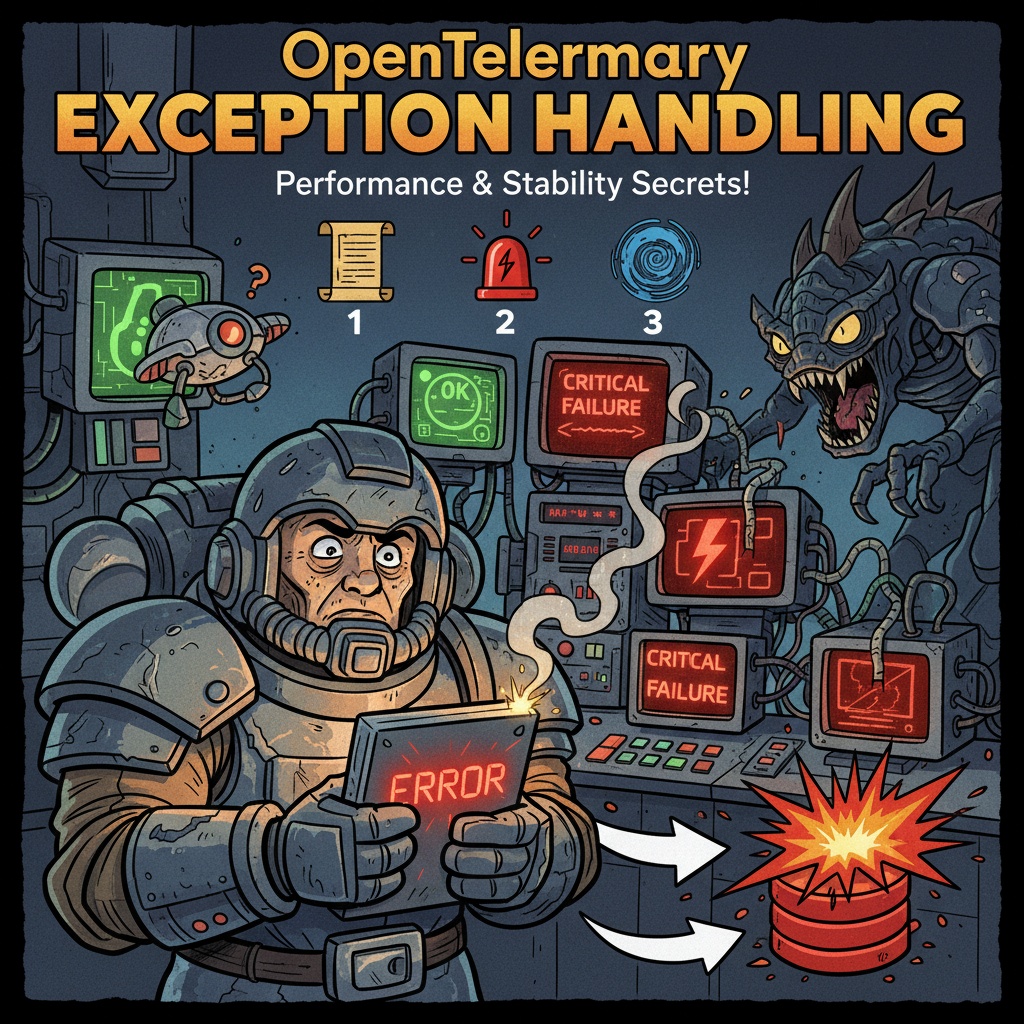
🎯 Key: 3 Golden Rules for Perfect Exception Handling
Let’s get straight to the point. The standard for OpenTelemetry exception handling is this combination of three things:
- span.record_exception(): Records detailed exception information (e.g., stack trace).
- span.set_status(ERROR): Clearly marks the current Span’s status as ‘failed’.
- raise (Re-throw): Re-throws the exception to avoid disrupting the application’s original flow.
Only by using these three together can you achieve perfect exception tracing. Shall we look at each one in detail?
📜 Step 1: Leaving Detailed Clues – record_exception()
When an exception occurs, the first thing to do is to record in detail “what happened.” span.record_exception(e) does exactly this.
- What it does: Adds a special ‘exception’ event to the span. This event contains valuable information such as:
- Exception Type: ZeroDivisionError, NullPointerException, etc.
- Exception Message: The reason the error occurred.
- Stack Trace: The complete function call path leading up to the error 🗺️
- Why is this good? (Performance 🚀): What if all this information were stored in the span’s attributes? Large texts like stack traces place a significant burden on the indexing of backend systems (e.g., Elasticsearch). record_exception handles this as an ‘event’, preventing performance degradation in search and aggregation.
🚨 Step 2: ‘I have a problem!’ Announcing Clearly – set_status(ERROR)
Once exception information is recorded, you need to inform everyone that this span has ‘failed’.
span.set_status(Status(StatusCode.ERROR, “Error summary message”)) acts as that megaphone.
- What it does: Visually sets the span to a ‘failed’ state. It appears in red in Observability UIs like Grafana or Jaeger, allowing you to spot problems at a glance even among thousands of traces.
- What if you don’t use it?: Using only record_exception will record the exception, but the trace list might still show it as ‘successful’. It’s like being sick but not telling anyone. Ultimately, you’ll miss the golden hour for problem identification.
🌪️ Step 3: My Role is Done, Back to the Original Flow – Re-throwing the Exception (raise)
This is the most important and most common mistake. After recording an exception, you must re-throw it.
- What it does: Re-transmits the exception handled in the catch block to the higher-level caller.
- Why is it absolutely necessary?: OpenTelemetry is an ‘observer’ of the application, not a ‘manipulator’. If you catch and then simply end (swallow) the exception, the application will think there’s no error.
- Terrible Consequences 😨:
- DB transactions might not be rolled back and could be committed.
- API servers might send a 200 OK response to the user instead of a 500 error.
- Global exception handling logic might not operate, leading to missed subsequent processing.
OpenTelemetry should not interfere with the application’s normal error handling flow.
🖥️ The Big Picture: Understanding with Code
Now, let’s see how these three principles work together harmoniously with Python code.
from opentelemetry import trace
from opentelemetry.trace.status import Status, StatusCode
tracer = trace.get_tracer(__name__)
def process_data(data):
# Start a new Span in the current Span context
with tracer.start_as_current_span("process_data") as span:
try:
# 🕵️♂️ It's good to add useful context information (attributes) for debugging in advance.
span.set_attribute("data.size", len(data))
# 💣 Perform a dangerous operation that might raise an exception
result = 100 / len(data) # ZeroDivisionError occurs if len(data) is 0
span.set_attribute("result", result)
# In case of success, the default value is OK, so it can be omitted.
# span.set_status(Status(StatusCode.OK))
return result
except Exception as e:
# ❗ Apply the 3-step golden rule ❗
# 1️⃣ Step: Set Span status to ERROR
error_message = f"Failed to process data: {e}"
span.set_status(Status(StatusCode.ERROR, error_message))
# 2️⃣ Step: Record detailed exception information (including stack trace) as an event
span.record_exception(e)
# 3️⃣ Step: Re-throw the exception for normal application error handling
raise
# Example of function usage
try:
# Situation where an error is intentionally raised
process_data("")
except ZeroDivisionError:
# Thanks to 'raise', exceptions can be recognized and handled even at the top level of the application.
print("Application handled the ZeroDivisionError correctly. ✅")❌ Why these methods don’t work (Anti-Patterns)
- Using only record_exception: Stack traces are recorded, but the UI shows success (green), making it easy to miss problems. 😴
- Using only set_status(ERROR): You know the span failed, but without a stack trace, it’s hard to find the root cause of ‘why’ it failed. ❓
- Not raising the exception (Worst!): Traces might look fine, but in reality, it can lead to severe bugs such as data inconsistency in the application or sending incorrect responses to users. 💣
✨ Summary: Checklist for Perfect Exception Handling
Finally, remember this table when handling exceptions in OpenTelemetry.
| Item | Recommended Strategy | Why do it? (Reason) |
| 📜 Record Exception | span.record_exception(e) | Performance + Debugging: Records stack traces as events to reduce backend load and provides all necessary information for root cause analysis. |
| 🚨 Indicate Status | span.set_status(Status(StatusCode.ERROR, …)) | Visibility: Instantly identifies failed traces in the UI, speeding up problem resolution. |
| 🌪️ Control Flow | Re-throw exception (raise) | Stability: Ensures the application’s native error handling logic (rollback, error response, etc.) functions correctly. |
| 🕵️♂️ Context | Add relevant information with span.set_attribute() before the error occurs | Debugging: Provides crucial clues for debugging by understanding the surrounding circumstances at the time of the error, such as user_id, request_id. |
Leave a Reply