Hello! This is the fifth session of the Kyverno Master Series, a time to inject intelligence into your Kubernetes cluster. 🧠
Until now, we’ve learned about static policies, fixed rules like “This resource is not allowed!” or “This label must exist!”. However, in practice, much more complex situations arise. For example, what should you do when you want to “apply different settings based on the logged-in user’s name” or “validate by referring to a ConfigMap containing our company’s standard team list”?
Today’s topic is Variable Utilization Techniques, which maximize the flexibility of Kyverno policies. Let’s focus for just 10 minutes and add ‘intelligence’ to our policies! 🚀
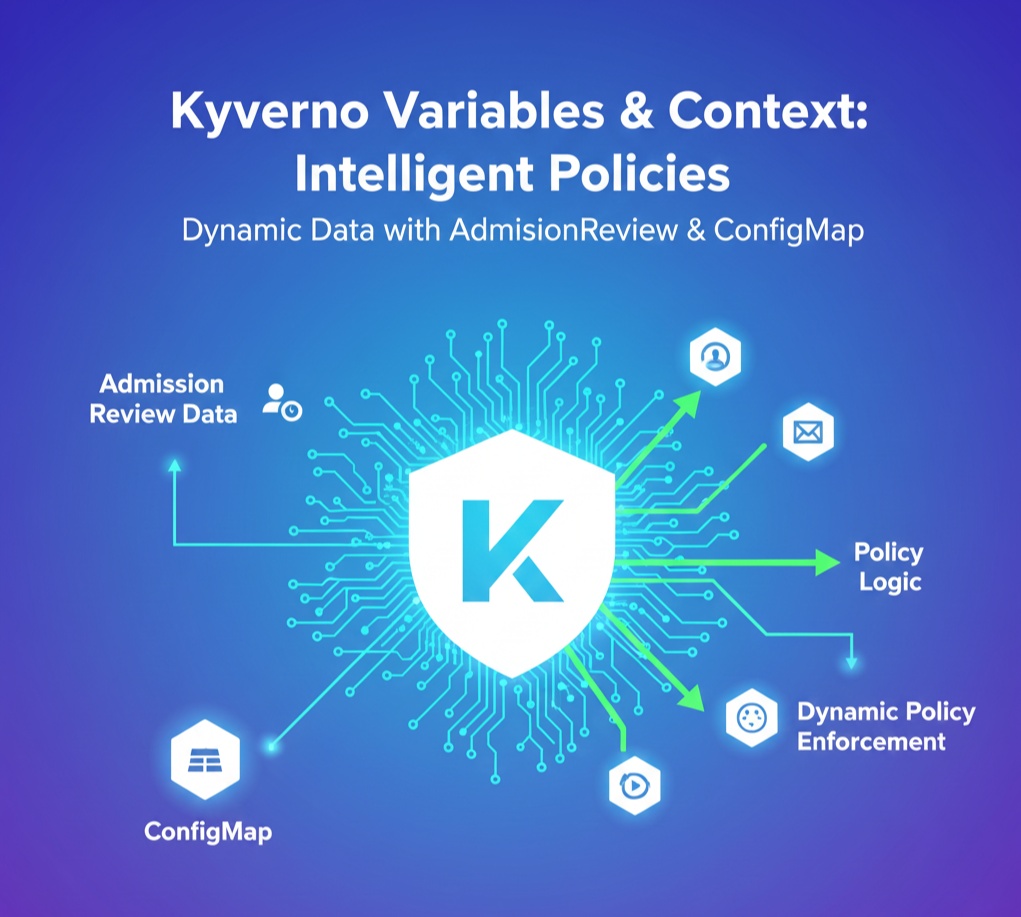
🏗️ 1. What are Variables and Why are They Needed?
In Kyverno, variables are a channel for fetching data ‘at the moment’ a policy is executed.
- Admission Review Data: Fetches real-time information such as who sent the request, and from which IP address.
- External Data Reference: Uses data from a ConfigMap already stored in the cluster as a validation criterion for policies.
By using variables, a single policy can flexibly respond to dozens of situations. 🛠️
🧑💻 2. Utilizing Admission Review Data
When the Kubernetes API server sends a request to Kyverno, it sends a large amount of data called AdmissionReview. This contains all information about the request.
Key Variables Used
- {{ request.userInfo.username }}: Name of the user who sent the request
- {{ request.object.metadata.name }}: Name of the resource to be created
- {{ request.namespace }}: Namespace where the resource will be created
Practical Example: Automatically Adding Creator Name as a Label (Mutate)
Useful when you want to automatically record who created this Pod.
YAML
apiVersion: kyverno.io/v1
kind: ClusterPolicy
metadata:
  name: add-creator-label
spec:
  rules:
  - name: add-user-id
    match:
      any:
      - resources:
          kinds:
          - Pod
    mutate:
      patchStrategicMerge:
        metadata:
          labels:
            created-by: "{{ request.userInfo.username }}" # Using Variables!
📚 3. How to Reference ConfigMap Data (Using Context)
Hardcoding numerous data directly into policies is the worst for management. Instead, standard data can be managed in a ConfigMap, and Kyverno can read it. This is called Context.
Operating Sequence
- Create a ConfigMap containing standard data.
- Declare the ConfigMap in the policy’s context section.
- Reference it in the policy body using the format {{
.data. }}.
Practical Example: Restricting Usage to Only Allowed Team Lists (Validate)
1) First, create a ConfigMap to be used as a standard.
YAML
apiVersion: v1
kind: ConfigMap
metadata:
  name: allowed-teams
  namespace: kyverno
data:
  teams: "frontend,backend,devops,security"
2) Reference this ConfigMap in the policy.
YAML
apiVersion: kyverno.io/v1
kind: ClusterPolicy
metadata:
  name: validate-team-list
spec:
  rules:
  - name: check-team-label
    context:
    - name: team-config # Define context name
      configMap:
        name: allowed-teams
        namespace: kyverno
    match:
      any:
      - resources:
          kinds:
          - Pod
    validate:
      message: "The team label must be one of: {{ team-config.data.teams }}"
      deny:
        conditions:
          all:
          - key: "{{ request.object.metadata.labels.team }}"
            operator: NotIn
            value: "{{ team-config.data.teams }}" # Compare with ConfigMap data!
🧩 4. Advanced Variable Processing with JMESPath
Kyverno uses a query language called JMESPath to process variable data.
- Setting Default Values: Specifies a value to use if a variable is empty.
- {{ request.object.metadata.labels.env || ‘default’ }}
- String Concatenation: Combines multiple variables.
- {{ request.namespace }}-{{ request.object.metadata.name }}
🚀 5. Practical Tips for Operators (Best Practices)
- Namespace Caution: When referencing a ConfigMap, if the policy is a ClusterPolicy, you must accurately specify which namespace the ConfigMap is in. (Kyverno namespace is generally recommended)
- Security: The userInfo in AdmissionReview data is difficult to forge, so policies based on it have high security.
- Performance: In large-scale clusters, frequently referencing too many ConfigMaps can put a load on the API server. Use it mainly for data that doesn’t change often.
- Debugging: To check if variables are working correctly, it’s essential to look at Kyverno logs or test in validationFailureAction: Audit mode first.
🌟 Conclusion
Today, we learned about variable utilization techniques that breathe life into Kyverno policies. Now, you can create intelligent policies that don’t just say “No,” but rather, “The request sent by user X violates regulations when referencing database Y.” 💪
Mastering variables and ConfigMaps will upgrade your Kubernetes governance to the next level.
Next time, we’ll explore the last piece of policy writing, “JMESPath Basics and Data Extraction Principles within Policies,” to learn how to process variables more powerfully. Feel free to leave any questions in the comments! 😊
Leave a Reply