Hello, aspiring ‘CKAD’s! Following our last post on monitoring, today we’re going to delve into “Efficient Dockerfile Writing Strategies,” a core aspect of CKAD (Certified Kubernetes Application Developer) and a fundamental skill for cloud-native engineers. 🐳
When deploying applications in a Kubernetes environment, a well-crafted Docker image is a crucial factor responsible for deployment speed, security, and even cost savings. Now, we’re going to unleash some practical tips applicable to both real-world scenarios and the exam!
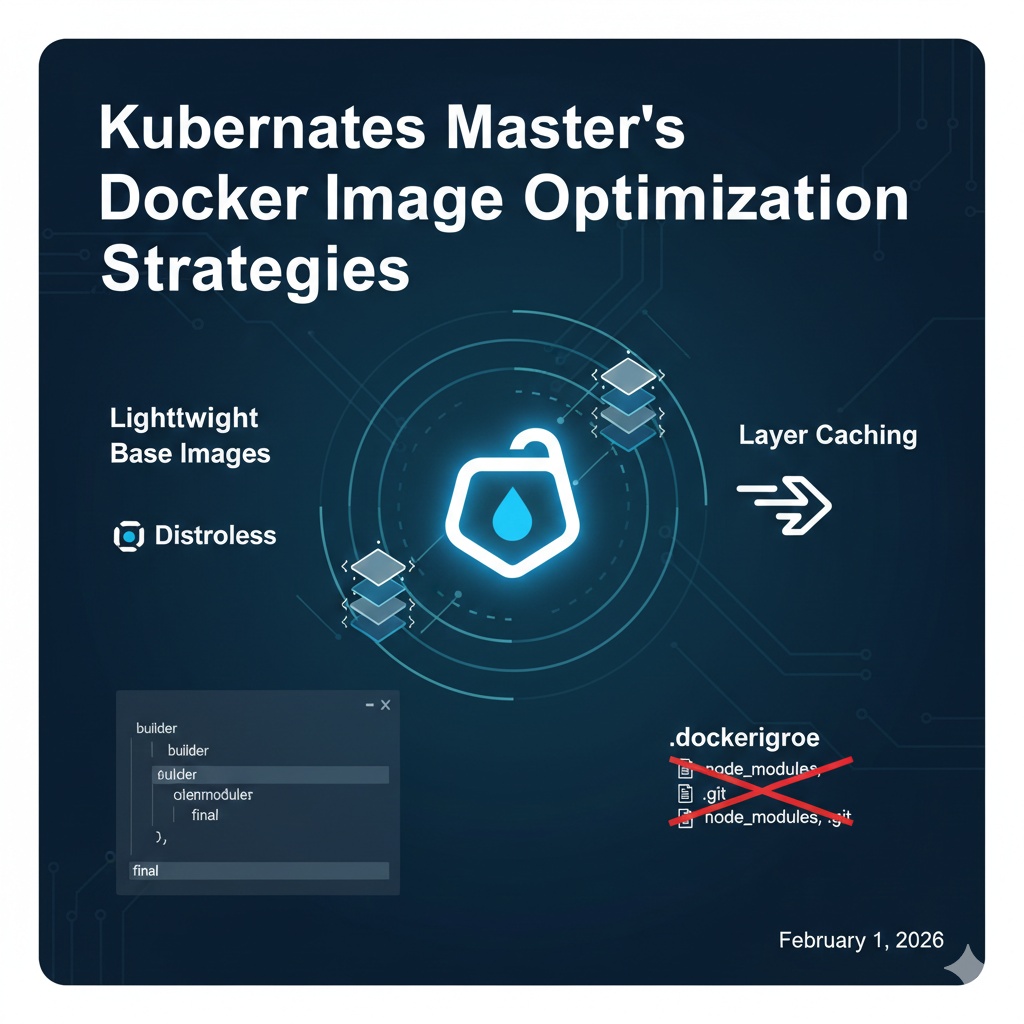
🛠️ 5 Golden Rules for Efficient Dockerfile Writing
1. Choose Lightweight Base Images (Distroless & Alpine) 🧊
The game is won or lost on the first line of your Dockerfile, the FROM instruction. Using heavy OS bases (like Ubuntu, Debian) increases image size and the likelihood of security vulnerabilities.
- Alpine Linux: An ultra-lightweight distribution, around 5MB.
- Distroless: Google’s security-hardened images that contain only the application and its runtime dependencies, without even a shell.
Dockerfile
# Bad: Avoid heavy images.
FROM node:18

# Good: Use lightweight images that include only the necessary runtime.
FROM node:18-alpine
2. Multi-stage Build 🏗️
Build tools (Maven, Go compiler, etc.) are only needed during the build process, not at runtime. Multi-stage builds allow you to leave only the executable files in the final image. This is the most recommended approach for CKAD.
Dockerfile
# Stage 1: Build
FROM golang:1.21-alpine AS builder
WORKDIR /app
COPY . .
RUN go build -o my-app main.go

# Stage 2: Final (Run)
FROM alpine:latest
WORKDIR /root/
# Copy only the build artifacts.
COPY --from=builder /app/my-app .
CMD ["./my-app"]
Result: Instead of hundreds of MBs for the SDK, only tens of MBs for the executable image are created! 🚀
3. Layer Caching Optimization ⚡
Docker stores commands in layers. By placing frequently changing code copies (COPY . .) at the bottom of the layers, you can significantly reduce build time by utilizing the cache for unchanged package installation steps.
Dockerfile
WORKDIR /app

# Perform installation of less frequently changing dependencies first
COPY package.json .
RUN npm install

# Copy source code last (cache from previous steps can be used when code changes)
COPY . .
4. Utilize .dockerignore File 🚫
Exclude files that are not needed inside the container from the build context, such as .git, node_modules, and local log files. This not only reduces image size but also speeds up the build process.
Plaintext
# .dockerignore example
.git
node_modules
dist
*.log
Dockerfile
5. Principle of Least Privilege and Readability 🛡️
Running containers with root privileges is a significant security risk. Create a dedicated user for execution and combine commands appropriately for readability.
Dockerfile
FROM python:3.9-slim

# Minimize the number of layers by combining commands
RUN apt-get update && apt-get install -y
    curl
    && rm -rf /var/lib/apt/lists/*

# Create a non-root user
RUN useradd -m appuser
USER appuser

WORKDIR /home/appuser
COPY . .

CMD ["python", "app.py"]
🎯 CKAD Practical Preparation Points
In the exam environment, you might need to build and modify images multiple times. Remember the following:
- Minimize Layers: Combine RUN commands with && to minimize layer creation.
- Security: Use the USER directive to ensure execution with non-root privileges. (A crucial point also linked to the CKS exam!)
- Environment Variables: Effectively use ENV to make application configurations flexible.
💡 Concluding Thoughts
Image optimization is not just about reducing size; it’s a process of enhancing the efficiency of the entire infrastructure pipeline. Your lightweight images will be orchestrated faster and more stably in the Kubernetes cluster.
Leave a Reply