Hello everyone! In our last post, we explored Kubernetes’ ‘Authorization’ methods and emphasized the importance of cluster security. Today, it’s time to delve deep into the first step: ‘Authentication’! 🔑
“Who are you?” 🤔 The Kubernetes API server poses this question to all users and processes attempting to access the cluster. And there are various ‘keys’ that provide the answer to this question, proving their identity.
Now, let’s explore the diverse authentication methods that unlock the doors to your Kubernetes cluster! 🚀
📜 1. X.509 Client Certificates (X.509 Client Certs)
“Trust me, I have an ID card issued to me!”
This is one of the most common and powerful authentication methods. It’s a way to prove your identity through a unique digital ID card, much like your national ID card or driver’s license.
A Kubernetes cluster has its own Certificate Authority (CA). This CA issues X.509 client certificates upon user request. These certificates contain user information (e.g., ID, groups).
When a client (a user or a tool like kubectl) sends a request to the API server, it presents this issued client certificate. The API server uses its CA to verify if the certificate is valid and who issued it, thereby authenticating the identity. ✅
Advantages:
- Very strong security 💪
- Easy to use in automated systems ⚙️
- Convenient to use once set up
Disadvantages:
- Certificate issuance and management can be somewhat complex 📝
- Requires renewal when the certificate expires ⏳
Most Kubernetes clusters use this method by default, and the certificate information is stored in the kubeconfig file, which kubectl utilizes when communicating with the API server.
📄 2. Static Token File (Static Token File)
“I’ll show you the password written in this file!”
As the name suggests, this method authenticates using a file containing predefined usernames and tokens (strings like passwords).
When starting the cluster, you inform the API server of the path to a specific file via the –token-auth-file option. This file contains the ID, UID, groups, and token for each user (or service), recorded line by line.
<token>,<user-name>,<user-id>,<group1>,<group2>...When a user sends a request to the API server, they include the token in the HTTP header in the format Authorization: Bearer
Advantages:
- Simple to set up and easy to implement 👶
- Suitable for small-scale clusters or test environments
Disadvantages:
- Can be vulnerable to security risks (risk of tokens being stored in plain text in a file) ⚠️
- Difficult to change or manage tokens 😵💫
- Inefficient in large-scale environments
💡 Note: This is considered a legacy method and is not commonly used nowadays.
📨 3. Including a Bearer Token in a Request (Putting a Bearer Token in a Request)
“Since I possess this token, acknowledge me as the ‘bearer’!”
This is not so much a specific authentication method as it is a general way to transmit tokens to the API server. The word ‘Bearer’ implies “the person who possesses this token is indeed that user.” 🤝
Various types of tokens, such as the ‘Static Token File’ discussed earlier, and the ‘Bootstrap Tokens’, ‘Service Account Tokens’, ‘OpenID Connect Tokens’, and ‘Webhook Tokens’ to be explained later, are all transmitted in the form of ‘Bearer Tokens’ within HTTP request headers.
Request Example:
GET /api/v1/pods
Authorization: Bearer <여기_에_인증_토큰_입력>
The API server extracts the token from this Authorization header and validates its authenticity through one of the configured authentication modules (e.g., static token file, OIDC).
🚀 4. Bootstrap Tokens (Bootstrap Tokens)
“Hey new node joining the cluster, use this one-time password to get in and do the basic setup!”
These tokens are used temporarily when initially setting up a Kubernetes cluster or when adding new nodes to the cluster. 🏗️
For a new node (kubelet) to join the cluster, it needs to communicate with the API server. Before authorization methods like Node Authorization are applied, a way to authenticate is required. Bootstrap tokens help the kubelet temporarily prove its identity to the API server during this initial setup (bootstrap) phase and obtain the necessary X.509 certificates.
Features:
- Short validity period ⏰ (usually 24 hours)
- Used for one-time or limited purposes
- Primarily utilized by cluster setup tools like kubeadm
Once a node successfully joins the cluster, bootstrap tokens are no longer used or they expire. For security, they are granted minimal privileges and are typically stored as Secrets in the kube-system namespace.
🤖 5. Service Account Tokens (Service Account Tokens)
“I am the ‘database connection’ service. Allow me to access the database with this token!”
As the name suggests, these are authentication tokens used when ‘services’ or ‘Pods’ (not humans) communicate with the API server. ⚙️
Applications (Pods) running within a Kubernetes cluster often need to access the cluster API to query information or create, modify, and delete resources. For example, a monitoring Pod checking the cluster’s status, or a deployment automation Pod deploying a new service.
Each Pod is typically associated with a specific Service Account. For this Service Account, a Service Account Token is automatically generated, allowing the Pod to authenticate with the API server, and is mounted inside the Pod as a Secret.
Applications within the Pod can then use this token to send requests to the API server.
Advantages:
- Secure API access for internal cluster workloads (Pods) 👍
- Fine-grained permission control possible by integrating with RBAC (applying RoleBinding to Service Accounts)
- Convenient token management handled within Kubernetes
🌐 6. OpenID Connect Tokens (OpenID Connect Tokens)
“I’m a user authenticated by Google/Azure/Salesforce! You can trust me!”
This method authenticates users through external Identity Providers (IdP) commonly used in modern web services. 🆔
You might already be using this method daily. For example, you’ve probably clicked buttons like “Sign in with Google” or “Sign in with Naver” when registering for a website. OpenID Connect (OIDC) is the standard protocol for such methods.
The Kubernetes API server can perform user authentication by integrating with external OIDC providers such as Azure Active Directory, Google, and Salesforce.
How it works:
- A user attempts to access the Kubernetes API using kubectl or similar tools.
- The API server redirects the user to the OIDC IdP for login.
- The user completes the login process with the IdP.
- Upon successful login, the IdP issues an ID token (JWT) to the user and redirects them back to the Kubernetes API server.
- The API server receives and validates this ID token, extracts information (user ID, groups, etc.) from within the token, and completes the authentication. ✅
Advantages:
- Convenient authentication by integrating with existing centralized IdPs (e.g., company SSO systems) 💼
- Efficient user account management from a single location
- High security (token validation and expiration handling)
🪝 7. Webhook Tokens (Webhook Token)
“I’ll go ask an external system if this token is valid!”
This method does not have the Kubernetes API server itself determine the validity of a token; instead, it delegates the decision to an external Webhook service. 📞
When the API server receives a request containing a specific token, it sends a request including that token to a pre-configured URL of an external Webhook authentication service. The external service then validates whether the token is valid using its own logic and backend systems (e.g., LDAP, internal authentication DB), and subsequently informs the API server of the authentication result.
Advantages:
- Can apply complex or custom authentication logic not supported by Kubernetes 🧩
- Can leverage existing complex authentication infrastructure
- Highly flexible
Disadvantages:
- Requires implementation and management of an external Webhook service 🛠️
- Network latency or external service failures can affect authentication
✨ In Conclusion
Today, we explored various ‘Authentication’ methods for accessing Kubernetes clusters.
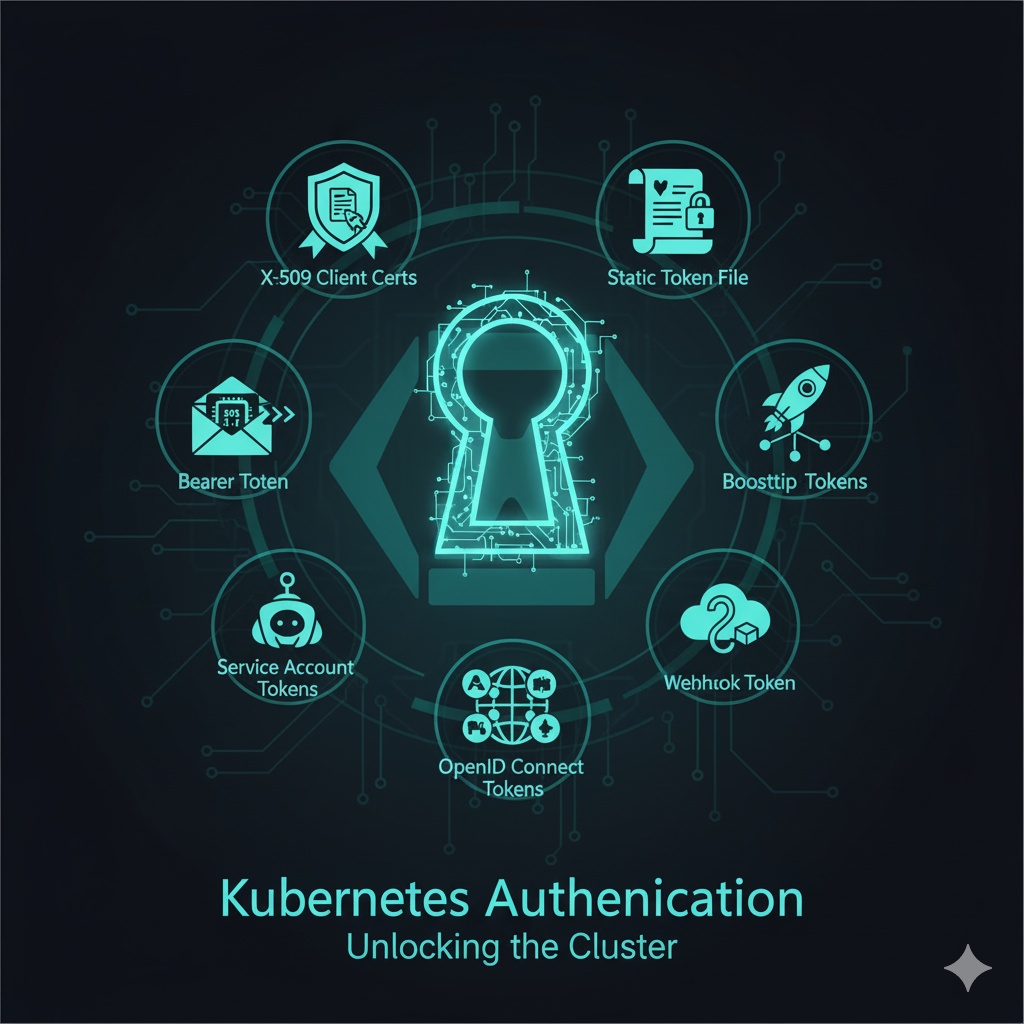
- X.509 Client Certificates: A powerful digital ID method
- Static Token File: A simple but security-vulnerable legacy method
- Bearer Token: A common format for transmitting tokens
- Bootstrap Tokens: Used temporarily during initial cluster setup
- Service Account Tokens: Used by Pods (applications) to communicate with the API server
- OpenID Connect Tokens: Centralized authentication via external IdPs
- Webhook Tokens: A flexible method that delegates authentication decisions to external services
As such, Kubernetes offers various authentication mechanisms, helping you choose the optimal method to suit your cluster environment and security requirements. Whichever method you choose, remember that the most important thing is to adhere to the ‘principle of least privilege’ and to always revoke unused tokens! 🔒
In the next post, we will delve deeper into ‘Authorization,’ which determines ‘what an authenticated user can do.’ 😉
Tags: Kubernetes, Authentication, Security, X509, Token, BearerToken, BootstrapToken, ServiceAccount, OpenIDConnect, OIDC, Webhook, K8s, DevOps
Leave a Reply