Hello everyone! For those exploring the world of Observability, today we’re going to delve deep into a very important OpenTelemetry (OTEL) environment variable. It acts as the “name tag” for your telemetry data. 😊
🧐 Why is the Service Name Important?
Imagine an environment where multiple services are intricately intertwined, like in a Microservices Architecture (MSA). Traces, metrics, and logs data will pour out from countless services, but what if you couldn’t distinguish which data came from which service? 🤯 You’d probably get lost in a flood of data.
This is precisely when it becomes crucial to assign a unique name tag to each service. Thanks to this name tag, we can track the performance of specific services and accurately identify the root cause of issues.
🏷️ My Service’s Name Tag: OTEL_SERVICE_NAME
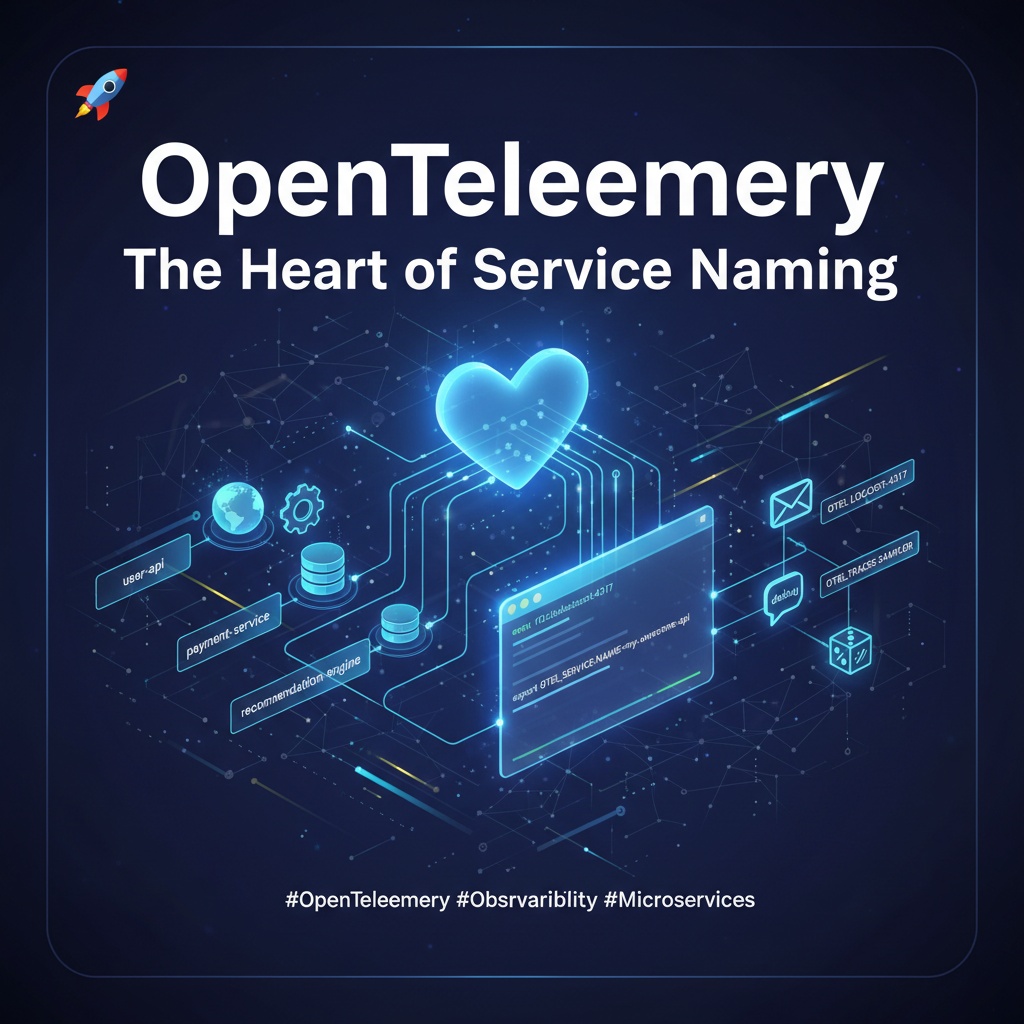
OpenTelemetry uses the OTEL_SERVICE_NAME environment variable to assign this important name tag.
- Role: Adds a service.name attribute to all telemetry data (traces, metrics, logs) generated by the OpenTelemetry SDK to identify the service that produced the data.
- Why use it?: Simply by setting this value, you enable powerful analysis in your Observability backend (e.g., Jaeger, Prometheus, Grafana, etc.), such as viewing only traces from “my-payment-service” or filtering metrics from “user-api”.
# Example: Set service name to 'my-awesome-api'
export OTEL_SERVICE_NAME=my-awesome-api
With this simple setting, your data finally gains an identity! 🕵️♂️
🛠️ Other Useful OTEL Environment Variables to Know
If OTEL_SERVICE_NAME is the protagonist, it’s good to know the excellent supporting characters, right? Let’s look at other frequently used environment variables.
A. Where does the data go? OTEL_EXPORTER_OTLP_ENDPOINT 📮
- Description: Specifies the destination address (Endpoint) where the OTLP (OpenTelemetry Protocol) exporter sends collected data. Simply put, it’s like the post office address for sending data packages.
- Example: http://localhost:4317 (OTLP/gRPC default)
B. SDK, be quiet! OTEL_LOG_LEVEL 🤫
- Description: Sets the log level for the internal operations of the OpenTelemetry SDK itself, not your application logs. This can be useful for debugging when issues arise with the SDK.
- Example: debug, info, warn, error
C. No need to record everything! OTEL_TRACES_SAMPLER 🎲
- Description: Recording trace data for every request can incur cost and performance overhead. This variable sets the strategy for which trace data to sample (collect). For example, you can specify “trace only 10% of requests!”
- Example: always_on, always_off, traceidratio (ratio-based sampling)
✨ In Summary
Today, we’ve taken a detailed look at OTEL_SERVICE_NAME, a core OpenTelemetry environment variable. Assigning clear names to services is the first step towards building a successful Observability environment.
Combine this with OTEL_EXPORTER_OTLP_ENDPOINT for data transmission and OTEL_TRACES_SAMPLER for sampling strategies to monitor your system more smartly!
Leave a Reply