Every moment we watch YouTube, send KakaoTalk messages to friends, and shop online, countless protocols are busily working behind the scenes. Among them, the most fundamental is the ‘address’ system.
Surprisingly, for our computers to use the internet, they don’t use just one address, but three different types of addresses. It’s like when sending a package, you need all sorts of information with different roles, such as ‘Gangnam-gu, Seoul’, ‘Building 101, Apt 502’, and ‘Recipient: Hong Gil-dong’.
Today, let’s thoroughly explore the identities of these confusing addresses: MAC address, IP address, and Port! 🕵️♂️
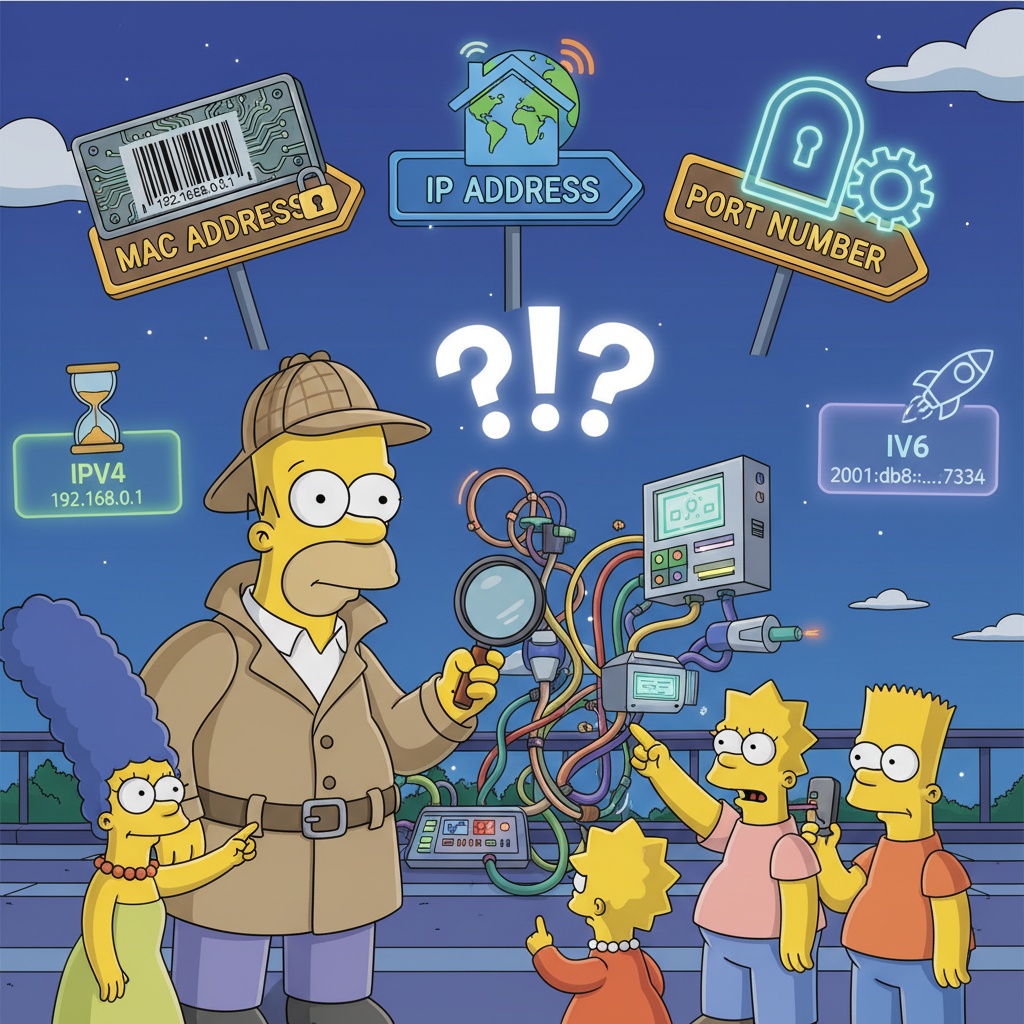
1. MAC Address: The Machine’s Unchanging Resident Registration Number 🆔
The first address we’ll look at is
MAC Address (Media Access Control Address)
.
- Concept: A unique physical address assigned to all network-connected devices (LAN cards, smartphones, etc.) from the factory.
- Analogy: It’s like a person’s unchanging resident registration number or a machine’s unique serial number. Think of it as an address branded onto the device.
Features ✨
- Expressed as a 12-digit hexadecimal number (48 bits), like 00-1A-2B-3C-4D-5E.
- Used to ultimately distinguish devices within a very close local network (LAN), such as devices “connected to the same router”.
⚠️ Key Point: A MAC address is not for the wide world of the internet, but a ‘neighborhood-specific name tag’ used to accurately find “Cheolsu’s computer next door” within a narrow area like our home or office.
2. IP Address: Our Home Address in the Internet World 🏠
Next is the most familiar IP Address (Internet Protocol Address).
- Concept: A logical address assigned to a device connected to the internet.
- Analogy: It’s exactly like our ‘home address’. Just as an address changes when you move, your laptop’s IP address changes when you use Wi-Fi at home versus Wi-Fi at a cafe.
Features 🗺️
- Acts as a global address that can find the desired computer (server) across the worldwide internet.
- Divided into IPv4, which we commonly see, and IPv6, which emerged due to the address depletion problem.
Wait! What’s the difference between IPv4 and IPv6?
IPv4 (Internet Protocol version 4) 😥
Currently the most widely used addressing method.
- Format: Consists of 4 segments of numbers between 0 and 255, like 192.168.0.1. (32 bits)
- Limitation: Can create about 4.3 billion addresses, but with the era of smartphones, tablets, and even refrigerators connecting to the internet, addresses are almost exhausted. (Address Depletion!)
IPv6 (Internet Protocol version 6)🚀
The savior that appeared to solve IPv4’s address depletion problem.
- Format: Consists of 8 segments of hexadecimal numbers, like 2001:0db8:85a3:0000:0000:8a2e:0370:7334. (128 bits)
- Advantages: Can create an almost infinite number of addresses (340 undecillion…), optimized for the Internet of Things (IoT) era. Security features are also much stronger.
# IPv6 addresses can be abbreviated by omitting intermediate zeros like this!
Full:  2001:0db8:85a3:0000:0000:8a2e:0370:7334
Short: 2001:0db8:85a3::8a2e:0370:7334
3. Port: A Door to a Specific Service within a Computer 🚪
We’ve successfully reached the destination computer using the IP address. But inside that computer, countless programs like KakaoTalk, League of Legends, and Chrome browser are running simultaneously. To whom should the data go? This is where
Port
comes in.
- Concept: If an IP address finds the computer, a port is a number that finds a specific program (process) running within that computer.
- Analogy: It’s like an apartment’s building-unit number or a specific store in a department store. After finding ‘Lotte Department Store’ with an IP address, you use the port number to accurately find ‘Nike Store on the 3rd floor’.
Features 🔑
- It’s a ‘virtual door’ represented by numbers from 0 to 65535.
- Thanks to ports, we can surf the web, stream music, and download games simultaneously on a single computer.
- Major services already use agreed-upon numbers. (Well-known Ports)
# Examples of commonly used port numbers (raw data)
----------------------------------
PORT    SERVICE        DESCRIPTION
----------------------------------
21      FTP            파일 전송
22      SSH            보안 원격 접속
80      HTTP           웹사이트 접속 (http://...)
443     HTTPS          보안 웹사이트 접속 (https://...)
3306    MySQL          MySQL 데이터베이스
...
----------------------------------
🏛️ Comprehensive Analogy: Sending a Package to a Friend (Understanding the Whole Flow)
If you’re still confused, this one analogy will clarify everything.
“My computer (me) sending a package (data) to a friend’s computer (Google server)”
- Setting the Destination (IP & Port):
- First, write your friend’s
home address (Google server’s IP address)
on the package slip.
- And since it’s a ‘web surfing’ package, you also write
‘Port number 443 (HTTPS)’
meaning “Please deliver to the main entrance.” 📦
- Nationwide Delivery (Internet & IP):
- The post office and delivery drivers (internet routers) look only at this IP address and successfully deliver the package through countless routes to your friend’s neighborhood post office (your home’s internet router). 🚚
- Final Delivery (LAN & MAC):
- Now the package has arrived at your friend’s apartment complex (local network). But there are many homes (multiple computers, smartphones) in this complex.
- At this point, the postman (router) looks at the
unique nameplate (MAC address)
attached to each door and finally delivers the package to the correct friend’s home (your computer). Ding-dong! 🔔
In this way, the IP address acts as a map for long distances, the port as the exact unit number of the destination building, and the MAC address as the name tag proving identity in the final stage, all collaborating perfectly.
🤔 Correcting Common Misconceptions
- Q: Can I communicate over the internet with a MAC address?
- A: ❌ No! A MAC address is a name tag used only for recognizing each other in very close proximity, like your bedroom and living room. To navigate the vast ocean of the internet, an IP address map is absolutely necessary.
- Q: Does my IP address never change?
- A: ❌ Most home internet uses a ‘dynamic IP’ method, where the ISP assigns a new IP address every time you turn your router off and on. It’s like your address changing when you move!
Do you now have a better grasp of the three internet address titans? Next time your internet isn’t working, thinking that these addresses might have gotten lost somewhere could help you troubleshoot a little! 😉
Leave a Reply