Hello! In the journey of building Observability, OpenTelemetry Collector (Otelcol) has become an indispensable presence. Many focus on configuring config.yaml files and building pipelines, but often fail to properly utilize the power of the otelcol binary that drives this Collector.
If config.yaml is the ‘blueprint’ of the Collector, the commands we’ll introduce today are like a ‘master toolkit’ 🧰 for executing, validating, and managing that blueprint. By effectively using these commands, you can build stable data pipelines and prevent unexpected failures in advance.
Beyond simply knowing individual commands, let’s draw a bigger picture together: why these commands are necessary and what role they play in the overall operational process.
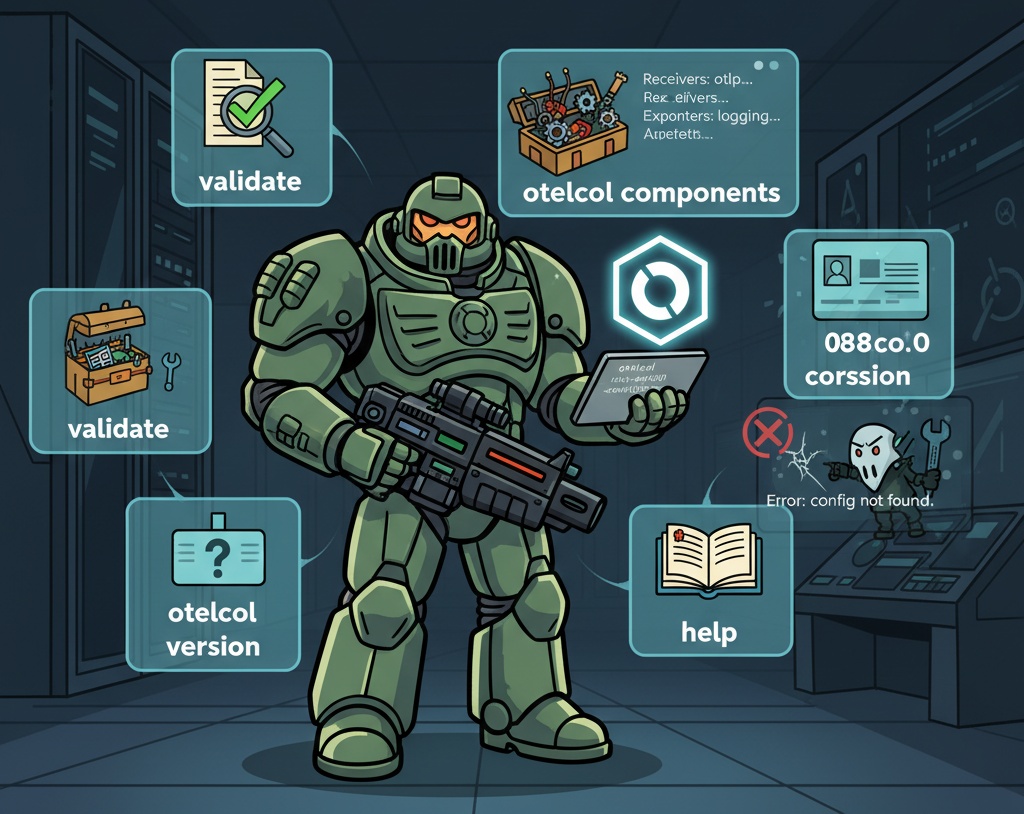
Overall Context: The Relationship Between Configuration Files and Execution Commands 🗺️
The receivers, processors, and exporters we define in YAML files do nothing on their own. otelcol이라는 executable (binary) reads this configuration file, constructs the pipeline, loads it into memory, and executes it, only then does data collection begin.
Therefore, otelcol commands are the most basic interface for managing the Collector’s Life Cycle. They provide essential operational functions such as not just running, but also validating that the configuration is correct before execution, and checking what capabilities the current executable has (components).
Now, let’s look at how pros utilize these commands, one by one.
1. run: The Command That Makes the Collector’s Heart Beat 🚀
This is the most basic and core command. It executes the Collector according to the definitions in the configuration file, starting actual data collection.
- Basic Usage:
- The run command is the default and can be omitted. otelcol –config=
- Various Examples:
- Execute Collector using a local config.yaml file otelcol –config=config.yaml
- Execute using a configuration file at a remote URL (e.g., Kubernetes ConfigMap) otelcol –config=
- Execute by specifying the configuration file path in an environment variable otelcol –config env:MY_OTEL_CONFIG
- Pro Tip ✨: Use the –set flag to temporarily override the contents of the configuration file. This is very useful for testing or debugging.
Temporarily change the exporters.otlp.endpoint value in config.yaml and run
otelcol --config=config.yaml --set exporters.otlp.endpoint=localhost:4318
2. validate: Essential Before Deployment! Configuration File Safety Inspector ✅
This is a very important command that validates the configuration file (config.yaml) for syntax errors or incorrect settings before running the Collector.
🤔 Why is it needed? What if a faulty configuration file is deployed? The Collector might not start or malfunction, leading to data loss. The validate command is a ‘safety belt’ that prevents such terrible situations in advance. Especially, adding this step to your CI/CD pipeline can significantly increase deployment stability.
- Usage:
otelcol validate --config= - Execution Result:
- On Success 👍: It exits silently without any message. (Exit Code 0)
- On Failure 👎: It outputs a detailed error message indicating which line and part of the configuration file has a problem.
# Example: Validating a normal file
otelcol validate --config=config.yaml

# Example: Output when validating a problematic file
Error: failed to validate the configuration: processor "batch2" has invalid type "batch"
👆 The error above means that a processor named ‘batch’ was not defined in the pipeline but was attempted to be used. It clearly tells you the cause!
3. components: The Spec Sheet for My Collector’s Capabilities 🧰
The OpenTelemetry Collector is not a heavy binary containing all functions. You can create a lightweight, optimized custom binary by including only the necessary components (receivers, exporters, etc.). The components command lists which functions are included in the otelcol binary you are currently using.
🤔 Why is it needed? You might add a specific Kafka exporter to your configuration based on official documentation, but the Collector might fail to run, saying ‘such an exporter does not exist.’ This happens because the Kafka exporter was not included when your current otelcol binary was built. Checking with the components command beforehand can prevent such wasted effort.
#사용법
otelcol components

#출력 예시
Receivers:
    - otlp
    - jaeger
    - prometheus

Processors:
    - batch
    - memory_limiter

Exporters:
    - otlp
    - logging
    - prometheusremotewrite

Extensions:
    - health_check
    - pprof
👆 This list shows at a glance that your current Collector can receive OTLP and Jaeger data, and can export to logging or OTLP.
4. version: Checking the Collector’s ID 🆔
This is a simple but surprisingly important command. It checks the version, build time, and other information of the currently running Collector.
🤔 Why is it needed?
- Bug Reports: Accurate version information is essential when reporting bugs that occur only in specific versions.
- Feature Compatibility: Useful for checking if a new feature you want to use is supported by the current version.
- Update Management: You can check the current version and plan for updates to the latest version.
- Usage:
otelcol version - Output Example:
otelcol version 0.88.0
5. help: The Most Complete Official Manual 📖
It shows detailed usage and all available options (flags) for the otelcol command itself or its subcommands (run, validate, etc.). It is often faster and more accurate than searching the internet.
- Usage:
# Help for all commands
otelcol help
Detailed help for the ‘run’ command
otelcol help run `
❌ Avoid These! Common Misconceptions and Incorrect Usage
- Misconception 1: ‘Can’t I just run otelcol?’
- Explanation: No. otelcol must be told which configuration file to read and execute via the –config flag. Simply running otelcol will result in an error because it cannot find the configuration file. otelcol –config=config.yaml is the most basic starting point.
- Misconception 2: ‘If I just make a good config.yaml file, I don’t need to know the CLI.’
- Explanation: Deploying immediately after modifying a configuration file without validating it with validate is a very dangerous habit. Also, if you had first checked whether the current binary supports the desired exporter using the components command when an exporter wasn’t working, you might have saved several hours of debugging time. CLI commands are essential tools for stable operations.
Conclusion
Today, we looked at 5 essential commands for professionally managing and operating the OpenTelemetry Collector, beyond just simple execution.
- run: Execute Collector (🚀)
- validate: Pre-validate configuration file (✅)
- components: Check available features (🧰)
- version: Check version information (🆔)
- help: Official user manual (📖)
Familiarizing yourself with these commands will upgrade the efficiency and stability of your Collector operations. Why not open your terminal and try them out yourself?
Leave a Reply