One of the first things expected when adopting a service mesh, especially Istio, is strong ‘mutual TLS (mTLS)’ encryption. Encrypting all communication between services so that even if data is intercepted in transit, its contents remain unknown – just thinking about it feels reassuring. 💪
That’s why many people immediately change their security settings to STRICT mode as soon as they apply Istio. The thought is, “Since we’re doing it, let’s go with the strongest security!” But did you know that such a hasty decision can actually cause your entire service to crash?
Today, we’ll delve into why you shouldn’t blindly apply STRICT mode, and explore PERMISSIVE mode, a key for a safer and more flexible migration strategy.
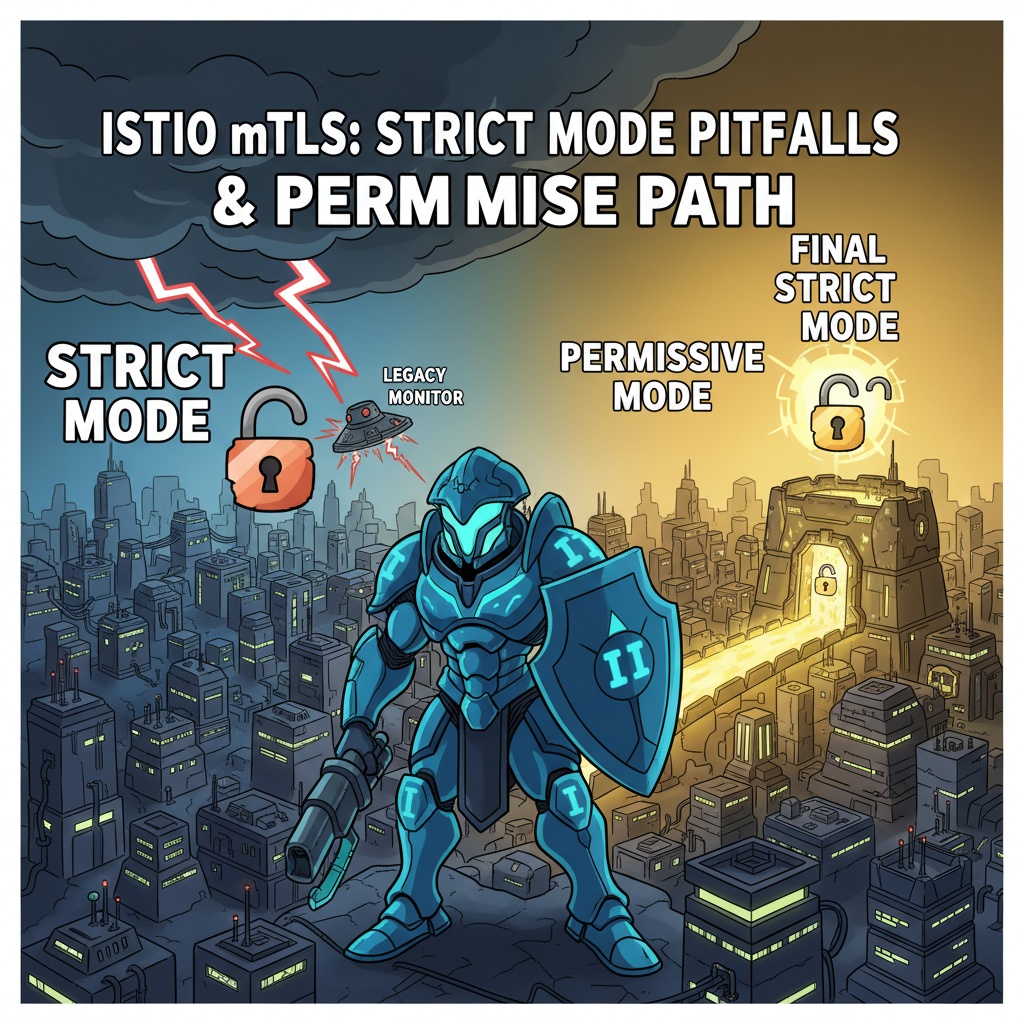
🤔 “All our services are within the mesh, so isn’t it fine?”
Of course, if your development environment or all your services started together within the Istio service mesh from the beginning, STRICT mode is an excellent choice. As its name suggests, STRICT mode is a ‘strict’ policy that only allows mTLS-encrypted traffic through the Istio proxy (Sidecar).
This policy can be expressed in YAML as follows:
# apiVersion: security.istio.io/v1beta1
# kind: PeerAuthentication
# metadata:
#   name: "default-strict-mtls"
#   namespace: "your-namespace"
# spec:
#   mtls:
#     mode: STRICT
STRICT mode causes no problems when services within the mesh communicate with each other. Both have sidecars and know how to communicate via mTLS.
However, real-world systems are not so ideal. 😥
💥 The real problem starts ‘outside the mesh’
Actual operating environments are often in complex situations like these:
- Gradual Migration: It’s almost impossible to move all services to a service mesh at once. A transitional state where some are inside the mesh and some are still outside often persists for a long time.
- Legacy Systems: There are old legacy systems that are not planned for migration to the service mesh.
- External Solutions: There are cases where external solutions, such as monitoring systems (e.g., Prometheus) or specific health check systems, need to directly check the status of internal services from outside the mesh.
What happens if you apply STRICT mode in such situations?
Scenario Example: Let’s assume a `legacy-monitor` outside the mesh calls the health check endpoint (`/healthz`) of a `user-service` inside the mesh.
- user-service: Inside the Istio mesh, with STRICT mode applied. (Only mTLS communication allowed)
- legacy-monitor: Outside the mesh, so it has no Istio sidecar. (Attempts plaintext, Plaintext HTTP communication)
Result: The plaintext HTTP request sent by `legacy-monitor` is blocked by the `user-service`’s sidecar. The sidecar cuts off the connection, saying, “Huh? This isn’t an mTLS encrypted request? I can’t let it through!” 💥
# Executed from legacy-monitor Pod
$ curl http://user-service.your-namespace.svc.cluster.local/healthz

# Expected result
curl: (56) Recv failure: Connection reset by peer
Ultimately, the monitoring system concludes that the service is down and sends an alert, even though the service is perfectly alive!
🌉 The Wise Bridge for Transition, PERMISSIVE Mode
To prevent such chaos, PERMISSIVE mode exists.
PERMISSIVE mode is a flexible policy that accepts both mTLS-encrypted traffic and plaintext traffic. It’s like an airport security checkpoint operating both a domestic-only lane and an international lane. ✈️
The YAML configuration is very simple; you just need to change the `mode`.
apiVersion: security.istio.io/v1beta1
kind: PeerAuthentication
metadata:
  name: "default-permissive-mtls"
  namespace: "your-namespace"
spec:
  mtls:
    mode: PERMISSIVE # <--- This is the exact part!
In PERMISSIVE mode, workloads behave as follows:
- Communication between services within the mesh: If the other party also has a sidecar, they automatically communicate via mTLS. (Security maintained ✅)
- Communication coming from outside the mesh: Even if the other party sends a request in plaintext because they don’t have a sidecar, it is accepted. (Compatibility maintained ✅)
The Full Migration Journey 🗺️
By utilizing PERMISSIVE mode, you can safely transition your entire system to a service mesh without interruption.
Step 1: Introduction and Transition (PERMISSIVE)
- Deploy new services within the Istio mesh and set `PeerAuthentication` to PERMISSIVE mode.
- Result:
- Services within the mesh communicate securely via mTLS.
- Legacy services outside the mesh also communicate without issues using plaintext, as before.
- The system operates stably without interruption. 😌
Step 2: Stabilization and Verification
- Carefully check if all services have moved into the mesh and if all external dependencies have been removed.
- Confirm that all traffic is displayed with a lock (🔒) icon (mTLS) through a dashboard like Kiali, gaining confidence.
Step 3: Final Hardening (STRICT)
- Once all services have successfully settled within the mesh, and you determine that there is no longer a need to allow external plaintext traffic, then switch `PeerAuthentication` to STRICT mode.
- Result: Our service mesh now becomes a robust fortress that completely blocks unencrypted access from outside. 🏰
✨ Conclusion: A strategy tailored to the situation is the best security
Istio’s STRICT mode is certainly a powerful and ideal security goal. However, just as every journey has a process, PERMISSIVE mode plays an essential ‘stepping stone’ role during the transition to a service mesh.
Rather than blindly insisting on the strongest settings, understanding the current configuration of your system and its migration stage, and choosing a flexible strategy accordingly, is the true path to building a stable system.
What stage is your service mesh in right now? Check your `PeerAuthentication` settings immediately to prevent potential failures!
Leave a Reply