In a microservices architecture (MSA) environment, the security of inter-service communication cannot be overemphasized. Istio, a leading service mesh, elegantly solves this problem through mTLS (mutual TLS). It’s like assigning an invisible bodyguard to each service. 💂♂️💂♀️
However, when configuring mTLS in Istio, you’ll encounter two modes: ISTIO_MUTUAL and MUTUAL. Their similar names might make you wonder if they’re the same, or if there’s a subtle difference.
Today, we’ll clearly break down the critical differences between these two modes and when to use each!
TL;DR: Key Summary 📝
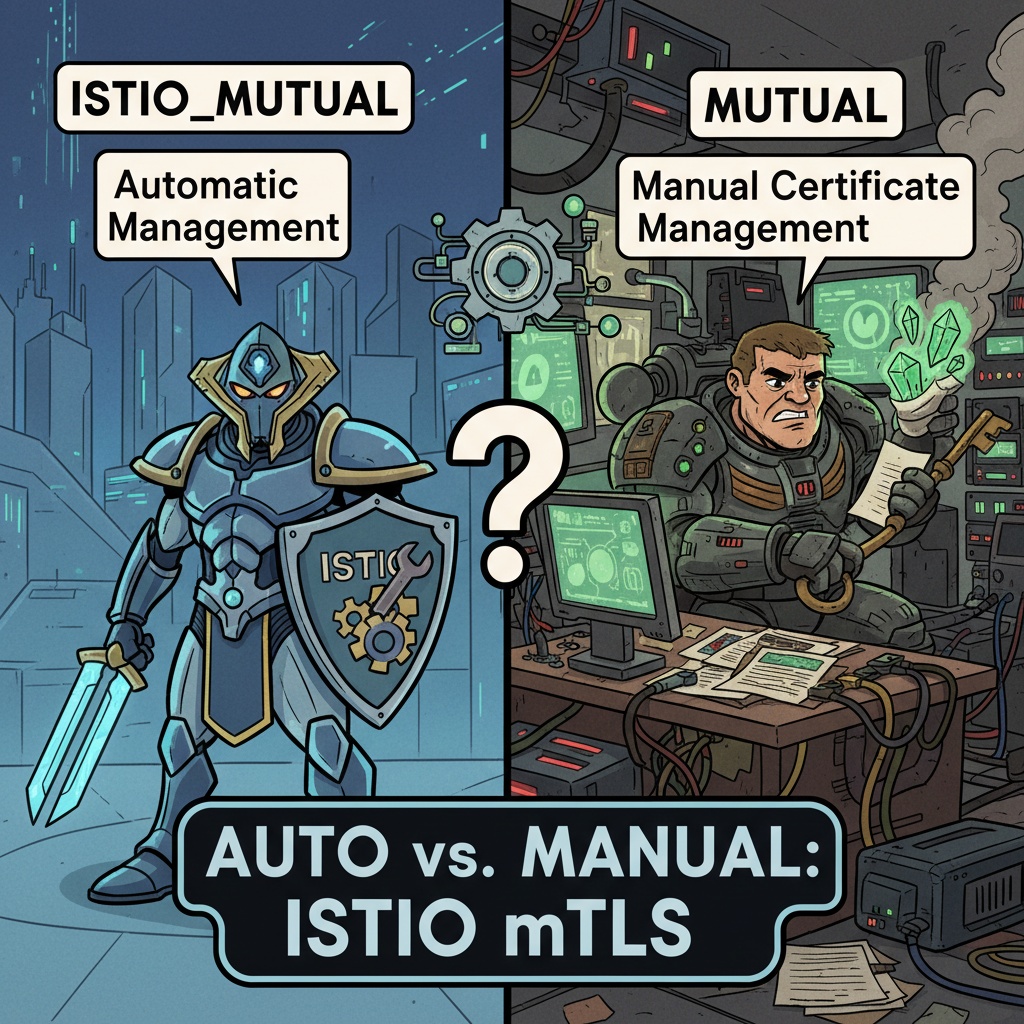
- ISTIO_MUTUAL: Istio automatically issues and manages certificates (Convenience ✨)
- MUTUAL: Users must manually prepare and provide certificates (Flexibility/Control 🔑)
🤔 ISTIO_MUTUAL: Let Istio handle everything!
ISTIO_MUTUAL is the most standard and recommended mTLS approach when using Istio.
With this mode, Istio’s control plane’s built-in CA (Certificate Authority), istiod, handles everything automatically.
- Automatic Certificate Issuance: When a new workload (Pod) is created, istiod automatically issues a certificate matching that workload’s service identity.
- Secure Distribution: The issued certificate and private key are securely delivered to the sidecar proxy (Envoy).
- Automatic Renewal (Rotation): As the certificate expiration date approaches, the existing certificate is automatically replaced with a new one, maintaining security without service interruption. ⚙️
Advantages:
- Overwhelming Convenience: You don’t need to worry about certificate creation, management, or renewal at all. Just say “turn on mTLS!”
- Strong Security: Istio automates the entire process in a verified manner, reducing the possibility of security incidents due to human error.
In most cases, you will use ISTIO_MUTUAL, and this alone can establish sufficiently strong security.
YAML Configuration Example
This is an example of applying ISTIO_MUTUAL mode to all workloads in a specific namespace (default) using a PeerAuthentication resource.
apiVersion: security.istio.io/v1beta1
kind: PeerAuthentication
metadata:
  name: "default-mtls"
  namespace: "default"
spec:
  mtls:
    mode: ISTIO_MUTUAL
Yes, that’s all! It’s really simple, isn’t it? 😉
🧐 MUTUAL: I’ll manage it myself!
The MUTUAL mode is used when the user needs to take direct responsibility for certificate management.
When might this be necessary?
- If your company already has its own external CA (private CA) in use.
- If there are compliance requirements that mandate the use of certificates issued by a specific CA.
- If you want complete control over the certificate’s lifecycle or specifications.
To use this mode, users must manually prepare and provide the following to the workload:
- Server certificate (tls.crt)
- Server private key (tls.key)
- CA chain certificate (ca.crt)
These files must be created as Kubernetes Secrets, mounted to the workload, and Istio must be instructed to use these Secrets.
Disadvantages:
- High Management Cost: Certificate creation, Secret management, and periodic renewal all need to be handled manually. 🥵
- Increased Complexity: The configuration process is complex, and improper certificate management can lead to service outages or security vulnerabilities.
YAML Configuration Example
MUTUAL mode is primarily used in DestinationRule to specify the certificates a client should use when communicating with a specific destination (server).
1. First, create a Secret with the prepared certificate files.
# Create a Secret named httpbin-credential
kubectl create -n default secret tls httpbin-credential
--key=client.key.pem
--cert=client.cert.pem
--cacert=ca.cert.pem
2. Specify MUTUAL mode and the Secret in DestinationRule.
This is an example of configuring requests to the httpbin.default.svc.cluster.local service to use the certificates from the httpbin-credential Secret we just created.
apiVersion: networking.istio.io/v1alpha3
kind: DestinationRule
metadata:
  name: "egress-mtls-httpbin"
  namespace: "default"
spec:
  host: httpbin.default.svc.cluster.local
  trafficPolicy:
    tls:
      mode: MUTUAL
      credentialName: httpbin-credential # Name of the Secret created in step 1
      sni: httpbin.default.svc.cluster.local
It’s clear that this requires much more effort compared to ISTIO_MUTUAL.
Seeing the Big Picture: When to Choose What?
Once you understand the differences between the two modes, you can decide which one to choose from an overall perspective.
| Feature | ISTIO_MUTUAL | MUTUAL |
|---|---|---|
| Certificate Management Authority | Istio (istiod) 🤖 | User 🙋♂️ |
| Configuration Complexity | Low (Simple) | High (Complex) |
| Management Convenience | Very High | Low |
| Use Cases | General service mesh environments, rapid security application | Integration with existing PKI infrastructure, strict security compliance |
| Recommended For | Most Users | Advanced Users with Specific Requirements |
Ultimately, the criterion for choice is “Who should control the certificates?”
If you want to entrust everything to Istio’s automated ecosystem, choose ISTIO_MUTUAL. If you need to integrate Istio with existing security policies and infrastructure, choose MUTUAL.
Conclusion 🚀
ISTIO_MUTUAL and MUTUAL are not just similar in name; they are crucial settings that determine who is responsible for certificate management.
- ISTIO_MUTUAL: Enjoy the benefits of powerful automation provided by Istio.
- MUTUAL: Use when there are special requirements, such as integrating with an external CA.
Understand your environment and requirements precisely, and choose the correct mTLS mode to build a safer and more reliable microservices environment!
Leave a Reply