Hello everyone! Today, we’re going to take a deep dive into Cilium‘s Network Policy, a powerful tool for securing our services in complex Kubernetes environments.
When using Kubernetes, numerous Pods communicate with each other. If you don’t clearly control “which Pod can communicate with whom,” your security can become vulnerable, much like an apartment with all its doors open. 😟
This is where Network Policies come in! And among them, how do Cilium’s Network Policies, boasting powerful performance and features with eBPF technology, work? The key lies in ‘Label’ and ‘Selector’.
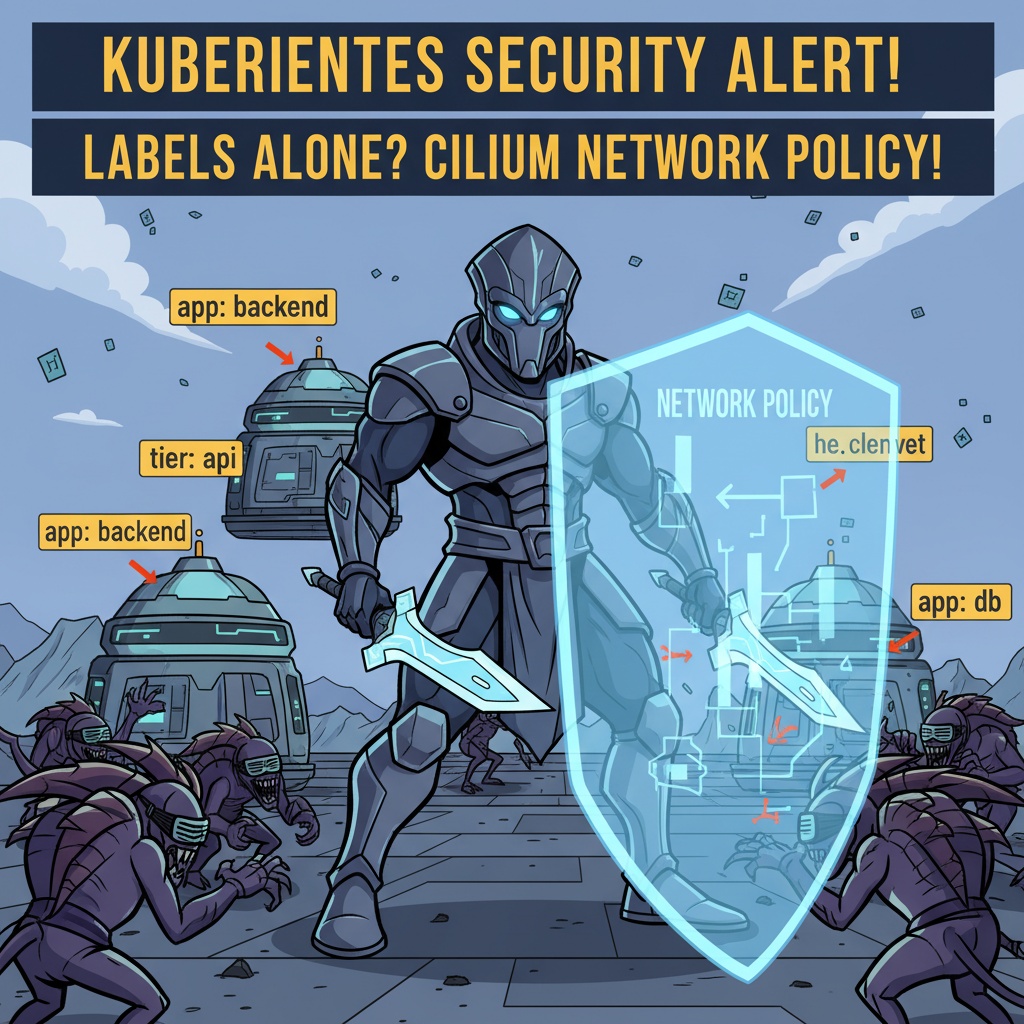
🌍 The Big Picture: Why Do We Need Network Policies?
Let’s start with the big picture. In Kubernetes, Network Policies can be easily understood as firewall rules that control traffic between groups of Pods.
By default, all Pods within a Kubernetes cluster can communicate freely with each other. However, this configuration is very dangerous when operating real services. 💣
For example, a payment-API Pod needs to communicate with an order-service Pod, but it doesn’t need to communicate with an unrelated login-UI Pod. If the login-UI Pod were hacked, without a network policy, an attacker could easily access the payment-API through the internal network.
Cilium Network Policies allow you to define very precisely which Pods (Endpoints) are allowed to send or receive which traffic (Ingress/Egress), preventing such situations.
🎯 Core Principle: Who to Select? Label & Namespace Selectors
The core of Cilium Network Policies lies in the ‘Selector’ mechanism, which determines “which Pods this policy applies to?” and “which Pods/Namespaces are allowed to send traffic from?”
Cilium uses two main selectors for this purpose.
1. endpointSelector: Pinpointing the Target for Policy Application
The endpointSelector selects the Pods (which Cilium calls endpoints) to which this network policy rule will apply. It’s like commanding, “Apply this firewall rule only to servers tagged with ‘class: backend’!”
This is where the ‘Label Selector’ comes into play. It allows you to precisely select policy targets based on the Labels attached to Pods.
apiVersion: "cilium.io/v2"
kind: CiliumNetworkPolicy
metadata:
  name: backend-api-policy
spec:
  endpointSelector:
    matchLabels:
      app: backend
      tier: api
  # ... now define rules for these Pods.
In the example above, Pods with both the app=backend and tier=api labels become the targets for this policy.
2. namespaceSelector: Defining the ‘Neighborhood’ (Namespace) for Allowed Communication
Once you’ve selected the Pods to apply the policy to, you need to define what traffic to allow, right? This is when you use the ‘Namespace Selector’ to allow traffic from an entire specific Namespace.
It’s used within ingress (incoming) or egress (outgoing) rules, allowing you to create rules like, “I trust and will accept all traffic coming from Namespaces labeled ‘team: monitoring’!”
# ... (after endpointSelector)
  ingress:
  - fromEndpoints:
    - matchLabels:
        # Select specific Pods within the same namespace
        app: frontend
  - fromCIDR:
    - "10.0.0.0/8"
  - toPorts:
    - ports:
      - port: "8080"
        protocol: TCP
The code above is part of an ingress rule. It uses fromEndpoints to allow traffic from Pods with the app=frontend label within the same Namespace.
What if you want to select a different Namespace? This is precisely when namespaceSelector comes into play.
# ... (after endpointSelector)
  ingress:
  - fromEndpoints:
    # Allow traffic from all Pods in the 'monitoring' namespace
    - namespaceSelector:
        matchLabels:
          kubernetes.io/metadata.name: monitoring
This rule allows traffic from all Pods within the Namespace labeled kubernetes.io/metadata.name=monitoring, i.e., the ‘monitoring’ Namespace.
🛠️ Understanding the Full Flow with a Real Code Example
Now, let’s fully understand the flow through a complete policy example utilizing both selectors.
Scenario: An app=backend-db Pod in the default Namespace wants to allow 6379/TCP port traffic only from Pods with the app=api-server label.
apiVersion: "cilium.io/v2"
kind: CiliumNetworkPolicy
metadata:
  name: db-access-policy
  namespace: default
spec:
  # 1. Select policy target (Label Selector)
  # Apply this policy to Pods with the 'app=backend-db' label.
  endpointSelector:
    matchLabels:
      app: backend-db

  # 2. Define Ingress rules
  ingress:
  - fromEndpoints:
      # 3. Select allowed communication source (Label Selector)
      # Allow traffic only from Pods with the 'app=api-server' label.
      - matchLabels:
          app: api-server
    # 4. Define allowed ports and protocols
    toPorts:
    - ports:
      - port: "6379"
        protocol: TCP
With just this one YAML file, we can control communication between Pods in a very clear and declarative manner.
🤔 Wait, Why Not Other Methods?
“Why bother with complex Labels? Can’t we just specify by Pod name or IP?”
That’s a good question! However, considering Kubernetes’ dynamic environment, it becomes clear why Labels must be used.
- Pod Name 👎: Pods can die and be recreated at any time (e.g., deployment, scaling, node failure). Each time, the Pod name changes, like backend-db-xxxx-yyyy. Modifying policies every time it changes is almost impossible.
- IP Address 👎: A Pod’s IP is also not fixed. Most of the time, a new IP is assigned when a Pod restarts. Managing policies based on IP is not stable and undermines Kubernetes’ flexibility.
In conclusion, Labels and Selectors are the most suitable method for cloud-native environments where Pods are dynamically created and destroyed, as they identify targets based on unchanging ‘roles’ and ‘attributes’. ✨
The essence of Cilium Network Policies lies in freely utilizing these Label Selectors and Namespace Selectors to establish flexible and robust security policies. Are you ready to upgrade your Kubernetes cluster security one step further?
Leave a Reply