The most beloved package manager in the Kubernetes ecosystem, Helm, has finally made a significant leap to version 4. While the transition from Helm 2 to 3 brought a radical change with the ‘removal of Tiller’, this Helm 4 focuses on “Modernization”, “Security”, and “Developer Experience (DX)”.
Invest about 15 minutes, and let’s thoroughly explore the major changes in Helm 4 that will elevate your cluster management skills to the next level! ⛵
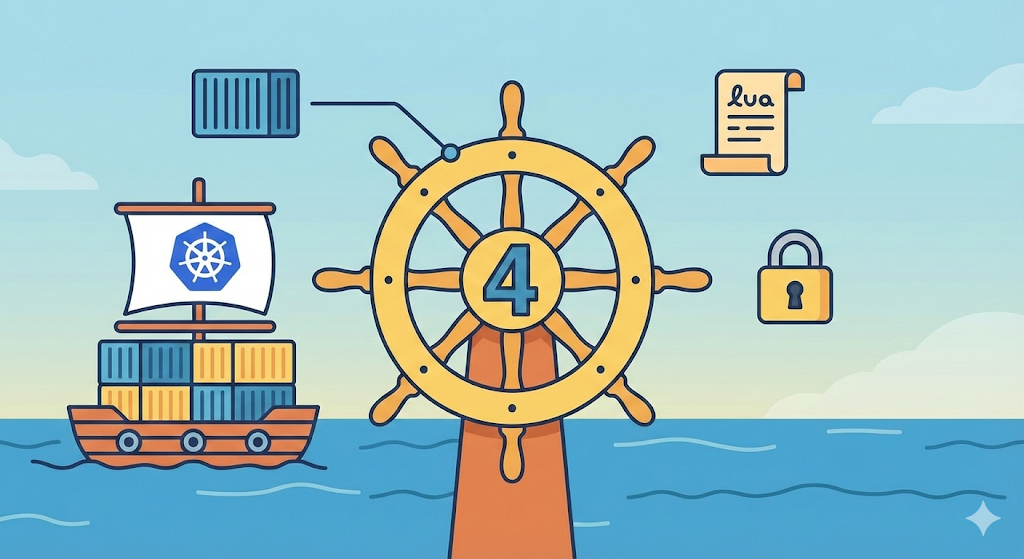
1. 📦 OCI (Open Container Initiative) Becomes the Default!
While OCI registries (such as Docker Hub, GitHub Container Registry, etc.) could be used in Helm 3, it was either an experimental feature or required separate configuration.
- Key Change: OCI registries are now a
first-class citizen
for chart distribution.
- Effect: There’s no longer a need to operate a separate ‘Chart Repository’ server; Helm charts can be stored and managed in the same place as container images.
# In Helm 4, OCI can be used directly without separate environment variable settings.
helm push my-chart-0.1.0.tgz oci://ghcr.io/my-org/charts
2. 🌙 Introduction of Lua Template Engine (Overcoming Go Template Limitations)
Previously, Helm’s Go Template method was often criticized for poor readability and difficult maintenance when implementing complex logic.
- Key Change: Helm 4 officially supports Lua, a high-performance scripting language. (Go Template is still available, maintaining backward compatibility.)
- Emoji Summary: 📜 + 🚀 = 💎
- Effect: Complex installation logic, such as loops and conditional statements, can be written much cleaner and more powerfully.
3. 🛡️ Enhanced Security: Modernization of Signing and Verification
Security cannot be overemphasized. Helm 4 has significantly strengthened supply chain security.
- Key Change: Moving away from the traditional GnuPG-based signing method, integration with modern signing tools like Cosign has deepened.
- Effect: The process of verifying that charts have not been tampered with has become much simpler, and it’s easier to meet the strict security compliance requirements of enterprise environments.
4. 🧹 Legacy Cleanup: Official Farewell to Chart API v1
Support for apiVersion: v1 charts, a legacy from the Helm 2 era that has been maintained for a long time, has been terminated or significantly reduced.
- Key Change: All charts must now be written based on apiVersion: v2.
- Your Action: If you are using very old charts, you must check and convert their Chart.yaml format before upgrading to Helm 4. 🛠️
5. 🏗️ Improved CRD (Custom Resource Definition) Management
One of the biggest complaints about Helm 3 was that “CRDs are not updated.”
- Key Change: Helm 4 improves the lifecycle management of CRDs. New flags like –manage-crds or lifecycle hooks now provide a path to safely update CRDs during application upgrades.
- Caution: While careful approach is still needed to prevent data loss, management convenience has overwhelmingly improved.
6. 🛠️ In Practice! Examples of Changed Commands in Helm 4
You’ll feel the changes more when you see the commands.
# 1. Chart creation (v2 API and improved structure applied by default)
helm create my-new-app

# 2. OCI registry login (same method as Docker)
helm registry login ghcr.io -u <username>

# 3. Installation using enhanced verification features
helm install my-release oci://ghcr.io/my-org/charts/my-app --version 1.0.0 --verify
7. Conclusion: Why Should You Pay Attention to Helm 4 Now? 🏁
Helm 4 is not just a version number increment; it defines the “modern standard for Kubernetes operations.” Especially, the OCI integration and Lua adoption are blessings for experts like you who manage large-scale clusters.
💡 Summary for You:
- Use OCI. Repository management becomes easier.
- For complex charts, consider switching to Lua.
- Automate security signing.
- It’s time to let go of old v1 charts.
Leave a Reply