Vibe Coding is an innovative development method where artificial intelligence (AI) generates code when you describe the desired website features and design using natural language (everyday conversation). A major advantage is that anyone can easily create their own website, even without extensive coding knowledge. If you aim to build a static website to generate ad revenue using this, it’s crucial to incorporate attractive features that entice users to visit, keep them on the site longer, and encourage consistent revisits.
Static websites offer advantages such as faster speed and stronger security compared to dynamic websites, but their fixed content can sometimes make it difficult to encourage user revisits. Therefore, harmoniously combining various informative content, useful tools, and entertainment elements to enhance user satisfaction is key to increasing ad revenue.
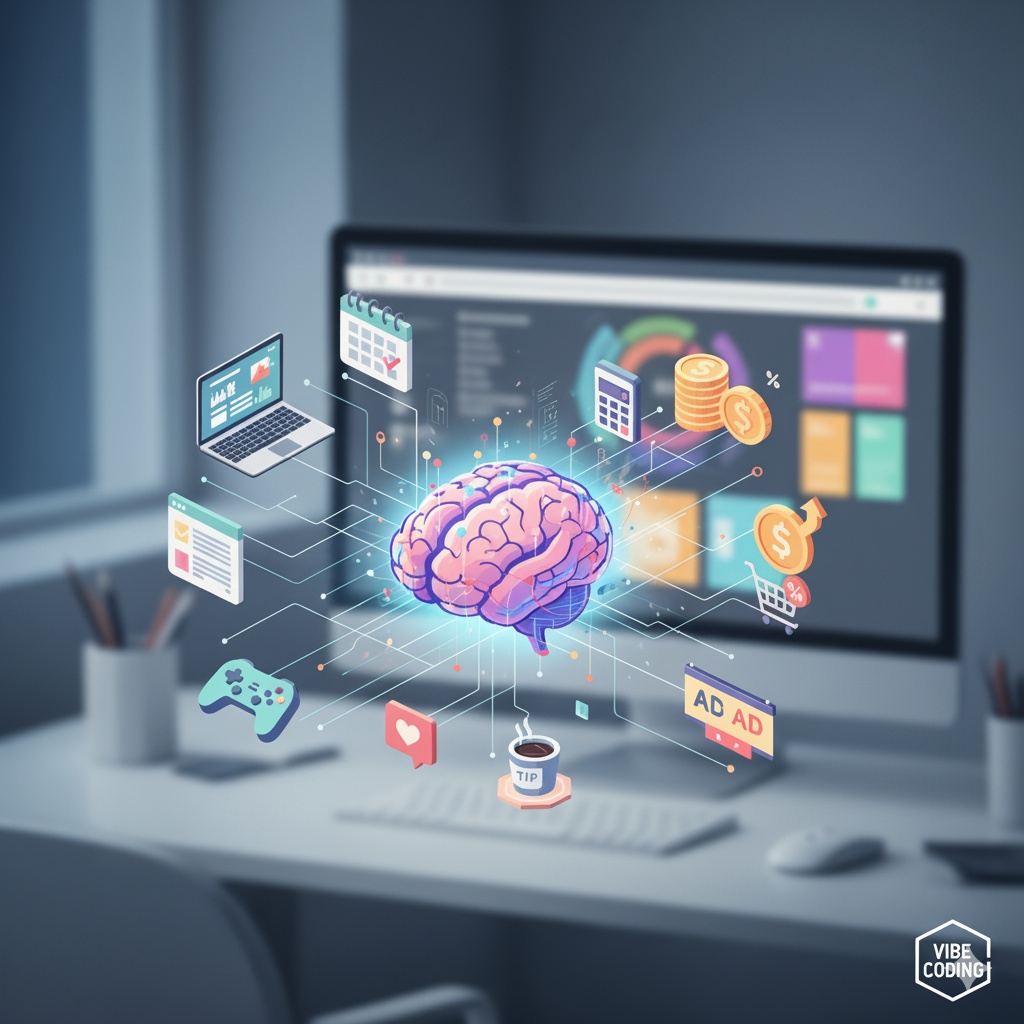
Below, we propose 100 popular and frequently used static website features, categorized, that are well-suited for implementation with Vibe Coding. Get inspired and create your own unique website!
📝 Informative Content Features (Content-based Features)
Engaging content is the most fundamental element for attracting users. Provide in-depth information on specific topics to establish expertise and encourage revisits through consistent updates.
- Blog: Publish professional articles on specific interests (e.g., travel, cooking, technology, parenting).
- Newsletter Subscription Form: Collect email addresses to send notifications when new content is published.
- Frequently Asked Questions (FAQ) Page: Provide pre-compiled answers to questions users might have.
- Glossary: A page that explains specialized terms in a particular field in an easy-to-understand way.
- Interview Series: Post interviews with experts or interesting individuals in a specific field.
- “How-to” Guide: Step-by-step instructions on how to solve a specific task (e.g., ‘How to brew delicious coffee’).
- Checklist: Provide checklists for items needed in specific situations, such as travel preparations or moving.
- eBook/Guidebook Download: Offer useful PDF files for download, collecting email information upon download.
- Infographics: Visually represent complex information or data for easy understanding.
- Case Studies/Success Stories: Introduce successful application cases of products or services.
- Review Content: Provide detailed reviews on various subjects like books, movies, electronics, or restaurants.
- Comparison/Analysis Content: Compare and analyze two or more products or services to help users make choices.
- Timeline/History Page: Show the history or development process of a specific topic in chronological order.
- Quote Collection: Display a collection of famous quotes or quotes on a specific topic.
- Legal/Regulatory Information: Provide easy-to-understand information on laws or regulations in a specific field.
- Statistics Archive: Offer interesting statistical data on a specific topic, accompanied by charts.
- White Paper: Provide in-depth analysis reports on specific technologies or issues.
- Template Provision: Offer various document templates that users can utilize, such as resumes or business plans.
- “Tip of the Day” Widget: A small widget that displays useful daily life tips or information that changes daily.
- Map/Location Information: Display the location of specific places (e.g., restaurants, travel destinations) on a map.
🛠️ Useful Tools & Calculators (Interactive Tools & Calculators)
Tools that provide practical help to users ensure a high revisit rate. With Vibe Coding, you can easily create tools with relatively simple logic.
- Interest Calculator: Calculates interest for deposits, savings, and loans.
- Unit Converter: Converts various units such as length, weight, area, and temperature.
- Date Calculator: Calculates D-Day, international age, military discharge date, etc.
- Character Counter: Counts the number of characters, words, and spaces in the input text.
- MBTI Test: Tells the user’s MBTI type through simple questions.
- Personal Color Diagnosis: Recommends suitable color tones through a few questions.
- Random Number Generator: Generates lottery numbers or arbitrary numbers.
- BMI (Body Mass Index) Calculator: Measures obesity by receiving height and weight input.
- Basal Metabolic Rate Calculator: Calculates the minimum calories needed per day.
- GPA Calculator: Calculates the average GPA by entering grades and credits for each subject.
- Severance Pay Calculator: Calculates estimated severance pay based on hire date, termination date, and monthly salary information.
- Pedometer/Calorie Burn Calculator: Calculates calorie consumption based on steps or type of exercise.
- Naming/Slogan Generator: Provides related name or slogan ideas when a specific keyword is entered.
- Color Code Converter: Converts various color code values such as HEX and RGB.
- QR Code Generator: Creates a QR code from a desired URL or text.
- Spell Checker: Provides a function to correct simple grammatical errors or typos.
- Timer/Stopwatch: Provides a timer function that can be used for studying or exercising.
- Notepad: An online notepad where users can write and save simple notes.
- To-do List: Allows users to create and manage simple to-do lists.
- Recipe Converter: A calculator that automatically adjusts ingredient quantities based on the number of servings.
🎉 Fun & Entertainment (Fun & Entertainment)
Fun elements that allow users to have an enjoyable time are effective in increasing site dwell time and encouraging voluntary sharing.
- Psychological Test: Provides psychological tests on interesting topics such as “Which animal am I most like?”.
- Quiz: Users can take quizzes on various fields such as general knowledge, history, and entertainment.
- Balance Game: Presents “A vs B” type questions and shows the selection ratio of other people.
- Daily Horoscope: Shows today’s horoscope based on birth date.
- Meme Generator: Allows users to create funny memes by adding their own text to famous images.
- Simple Web Games: Provides mini-games like Tetris or Twenty Questions that can be enjoyed without separate installation.
- Ideal Type World Cup: A tournament-style game where users select one candidate out of several.
- Hidden Object Game: A simple game where users find specific objects within an image.
- Virtual Instrument Play: Users can play simple instruments like piano or drums on the web.
- Animated GIF Gallery: A gallery that displays a collection of funny animated GIFs.
- Jokes/Humor Collection: Provides funny jokes or humorous articles categorized.
- Optical Illusion Image Gallery: Displays a collection of amazing and fun optical illusion images.
- MBTI Compatibility Check: Shows compatibility between friends or lovers based on MBTI types for fun.
- Character/Avatar Creator: Allows users to create their own characters by combining simple parts.
- Famous Lines/Scenes Quiz: A quiz where users guess the title of a movie or drama based on famous lines or scenes.
- Random Quote/Phrase Generator: Displays motivational quotes randomly each time the button is pressed.
- Create Your Own Playlist: Recommends music lists suitable for specific situations or moods. (YouTube API integration)
- Movie/Drama Recommendation: Recommends content tailored to user preferences through a few questions.
- “OOO of the Month” Vote: Conducts votes on specific topics like ‘Movie of the Month’ or ‘Song of the Month’ and publishes the results.
- Escape Room Quiz: A web-based escape room game where users solve simple puzzles to guess a password.
🎨 Design & User Experience (Design & User Experience)
Attractive design and a convenient interface enhance user satisfaction, leaving a positive impression of the site.
- Dark Mode/Light Mode Toggle: Allows users to select their preferred screen mode.
- Responsive Web Design: Displays an optimized screen on any device, including desktops, tablets, and mobiles.
- Scroll Animation: Applies an effect where content appears naturally when scrolling.
- Interactive Infographics: Provides dynamic infographics that react to user mouse movements.
- Mouse Cursor Effects: Adds fun with unique mouse cursor designs.
- Image Gallery/Slider: Utilizes galleries or sliders to effectively display multiple images.
- Video Background: Uses a dynamic video background on the website’s main screen to capture attention.
- Parallax Scrolling: Creates a sense of depth by having the background and content move at different speeds when scrolling.
- User-Friendly Navigation: Clearly designs the menu structure so users can easily find desired information.
- “Back to Top” Button: Provides a button that allows users to return to the top of the page with one click when scrolling is long.
- Accordion Menu: A menu where content expands and collapses on click, useful for FAQ pages, etc.
- Tabbed Content: Organizes related content into tabs for a clean display in one space.
- Loading Animation: Shows an entertaining animation during page loading time to reduce boredom.
- Search Function: Provides a search bar to help users easily find desired information within the site.
- Category/Tag-based Classification: Classifies content well by categories or tags to aid user exploration.
- Popular/Latest Posts List: Displays lists of popular and latest posts in the sidebar or footer to encourage additional content consumption.
- Content Table of Contents: For long articles, provides a table of contents at the top to allow direct navigation to desired sections.
- Font Size Adjustment Feature: Offers an option to adjust font size so users can read comfortably.
- SNS Share Buttons: Allows users to easily share their favorite content on platforms like Facebook and Twitter.
- Content Print Button: Provides a function that allows users to print desired pages in a clean format.
🤝 Community & Social (Community & Social)
Features that encourage communication and participation among users help increase site activity and foster a community.
- Comment Function (e.g., Disqus integration): Provides a space at the bottom of posts for users to write comments.
- User Polls/Surveys: Conducts polls or surveys to ask users’ opinions on specific topics.
- Guestbook: Provides a space where visitors can freely leave messages.
- Forum/Bulletin Board (External service integration): Integrates a bulletin board where users can freely discuss specific topics.
- “Like” Button: Encourages positive user reactions to content.
- User-Submitted Content: Accepts photos or articles submitted by users and publishes them on the website. (e.g., ‘Show off your neighborhood cat’)
- Real-time Chat Widget: Adds a chat function for real-time communication with visitors. (External service integration)
- Social Media Feed Integration: Automatically displays the latest posts from Instagram, Twitter, etc., on the website.
- Event Calendar: Shares schedules of offline/online events in relevant fields.
- “Was this content helpful?” Feedback: Places a simple feedback button at the bottom of the content to gauge satisfaction.
💰 Ad Revenue Optimization (Ad Revenue Optimization)
To maximize ad revenue, strategic ad placement and diversification of revenue models are necessary.
- Google AdSense Integration: Generate revenue by placing Google ads on your website.
- In-content Ads: Insert ads intermittently within long articles to increase exposure.
- Sidebar Ads: Place fixed ads on the left or right sidebar of the website.
- Anchor Ads: Ads fixed at the top or bottom of the screen, exposed regardless of scrolling.
- Affiliate Marketing Links: Include purchase links in specific product reviews or recommendation articles, earning a commission when sales occur through those links. (e.g., Coupang Partners)
- “Shop Now” Section: Create a separate page that collects and displays affiliate marketing products.
- Ad-Friendly Content Creation: Plan content targeting specific keywords (e.g., ‘laptop recommendations’) that have high ad unit prices.
- Paid Subscription Model for ‘Ad-Free Version’: Offer an option to view content without ads by paying a small monthly fee. (Implementation can be complex for static sites, but possible with external membership management service integration)
- Sponsorship/Donation Button (e.g., Buy Me a Coffee): Add a button for users who find the site useful to voluntarily support it.
- Review Request Banner: Display an ad banner requesting the creation of review content for specific products or services.
When implementing these features with Vibe Coding, it’s important to make clear and specific requests to the AI, such as “Create a travel checklist page” or “Add a feature to check MBTI compatibility.” It’s recommended to start small, observe user reactions, and gradually expand features. We wish you successful website operation!
Leave a Reply