Hello everyone! 👋 Welcome to the OWASP Top 10 Conquest Series. Today, we’ll be discussing A05:2021-Security Misconfiguration, which has risen from #6 to #5, highlighting its increased importance.
Are you still using ‘admin/admin’ as the administrator password for your new router? Such a seemingly minor but critical mistake is the beginning of a ‘security misconfiguration’. This issue isn’t a bug in a single line of code, but rather stems from vulnerabilities in ‘settings’ that we often overlook. Let’s check together now to see if our system’s backdoor is wide open! 🧐
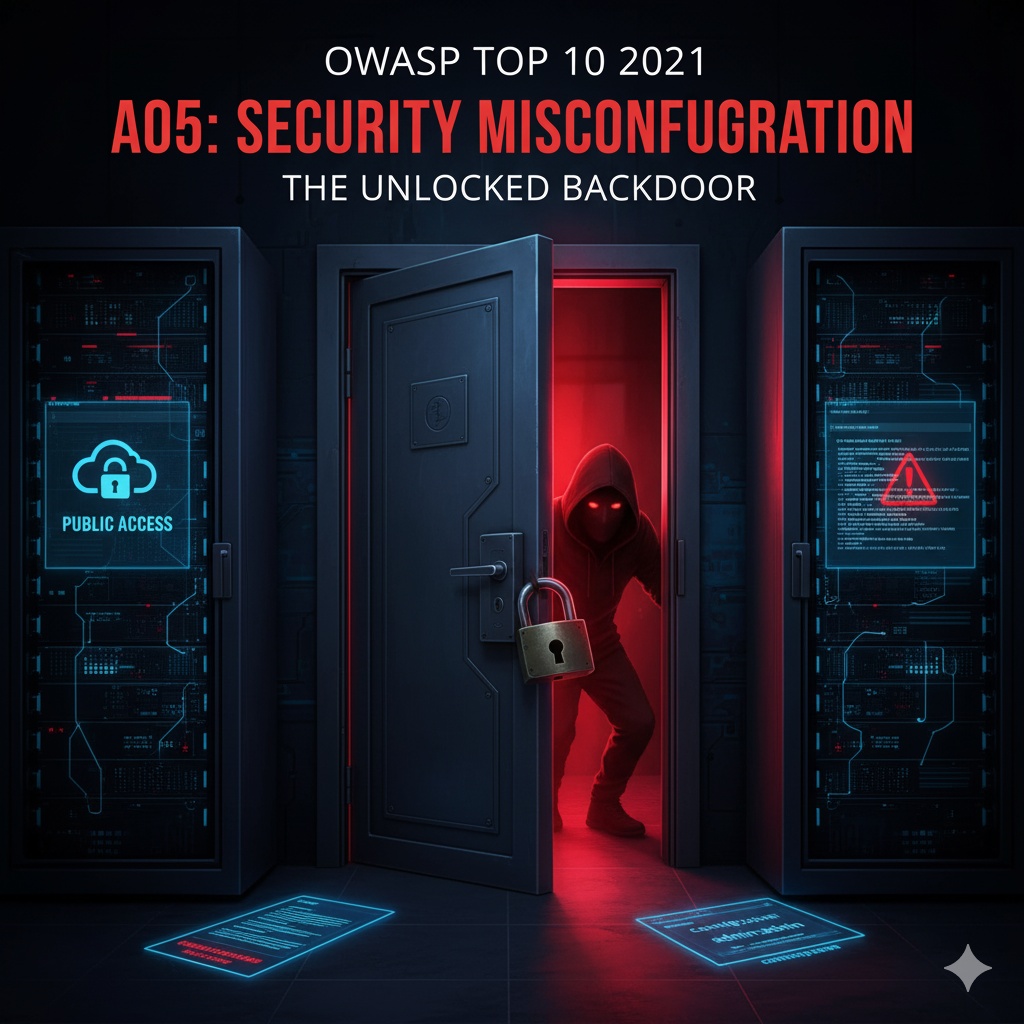
🤔 Security Misconfiguration? What exactly is it?
Security misconfiguration literally means that security-related settings are incorrect, or left at their default values, making the system vulnerable to attacks.
This issue is not so much a flaw in the application code itself, but rather a widespread problem that can occur across all environmental layers where the application runs.
- Web and application servers (Apache, Nginx, Tomcat, etc.) ⚙️
- Databases (MySQL, MongoDB, etc.) 🗄️
- Frameworks (Spring, Django, Node.js, etc.) 🏗️
- Cloud services (AWS, Azure, GCP, etc.) ☁️
- Network devices (firewalls, routers, etc.) 🌐
If all of these are not securely ‘configured’, they become an open infiltration route for attackers, like a popular restaurant.
🕵️♂️ Common Security Misconfiguration Examples
In what cases can we say that ‘settings are incorrect’? Let’s explore some common examples we see around us.
1. Using Default Accounts and Passwords 🔑
This is the most classic and common mistake.
- Problem: Many software and devices provide default administrator accounts like admin/admin, root/password. If these are not changed, attackers can gain system administrator privileges with simple guessing.
- Example: Leaving the administrator account of a newly installed database at its default value, leading to the leakage of all data.
2. Enabling Unnecessary Features 🚪
The thought of ‘let’s just keep it on, just in case’ invites danger.
- Problem: Sample applications, debugging features, and test pages that are enabled by default on web servers can expose system information to attackers or provide new attack vectors.
- Example: Debug mode being active on a production server, exposing the full system path and parts of the source code to users when an error occurs.
3. Overly Verbose Error Messages 🗺️
While inconvenient for users, they are a treasure map for attackers.
- Problem: Detailed error messages like “Database connection failed: User ‘abc’ to database ‘xyz’ failed.” provide valuable information to attackers, such as the system’s internal structure, technologies used, and database names.
- Example: Exposing detailed Stack Trace error messages directly, allowing attackers to find and exploit vulnerabilities in specific libraries.
4. Cloud Service Misconfiguration ☁️🔓
This is the most frequently occurring issue in modern environments.
- Problem: Incorrectly setting access permissions for cloud storage like Amazon S3 buckets or Azure Blob Storage to ‘Public’, making all stored data publicly accessible on the internet.
- Example: A large-scale personal information leak occurring when files containing customer personal information are stored in an S3 bucket with public access permissions.
5. Directory Listing Enabled 📂
This is like showing everyone your entire file list.
- Problem: If directory listing is enabled on a web server, and there is no index file in a specific path, all files and subfolder lists in that directory are exposed.
- Example: An attacker identifying the location of backup files or important configuration files through directory listing and downloading them.
🛡️ How Can We Prevent It? (Defense Methods)
Security misconfigurations mostly stem from human error, so defense must be implemented through systematic and automated processes.
- Establish Secure Baseline Configurations (Hardening) 🧱: Instead of using the default state immediately after installation, create hardened configurations in advance and build systems based on them. As a principle, unnecessary ports, services, and accounts should all be disabled from the start.
- Automate, Automate, Automate 🤖: Manual configurations lead to errors. Use tools like Chef, Puppet, Ansible, and Terraform to manage infrastructure configuration and security settings as code and automate them. This ensures that all servers maintain consistent and secure settings.
- Principle of Minimalism ✂️: “If you don’t use it, don’t install it, don’t enable it.” Remove everything except essential functions, libraries, and frameworks to reduce the attack surface itself.
- Regular Patching and Updates 🔄: Security misconfiguration also includes ‘using outdated software versions’. It is crucial to have a regular and automated patch management process to maintain the latest versions with known vulnerabilities patched.
- Continuous Monitoring and Auditing 📡: Getting the settings right once is not the end. Continuously monitor for unintended changes in settings and regularly audit the security configuration status. Especially in cloud environments, utilizing CSPM (Cloud Security Posture Management) tools is effective.
✨ Conclusion
‘Security misconfiguration’ is not about fancy hacking techniques, but rather a vulnerability that exploits our small oversights – perhaps the easiest to prevent, yet the easiest to miss. Secure software is completed not just by well-written code, but by robust configurations of the environment in which that code runs.
How about taking some time right now to reopen our service’s configuration files and carefully check if there are any backdoors that need to be locked?
Tags: OWASP, A05, Security Misconfiguration, Security Settings, Secure Coding, Cloud Security, Server Security
Leave a Reply