When operating services in a Kubernetes environment, you often encounter mysterious situations like, “The configuration is definitely correct, but why isn’t communication working from this pod to that pod? 🤔” Even after digging through logs or running `describe` commands, the cause often isn’t clear.
The detective who solves these frustrating network issues is none other than Cilium Hubble. Hubble leverages eBPF technology to grant us the magical ability to transparently peer into all communication within a Kubernetes cluster.
In this post, we will thoroughly explore how Hubble works and its internal structure. If you properly understand this architecture, you’ll never be flustered by network issues again!
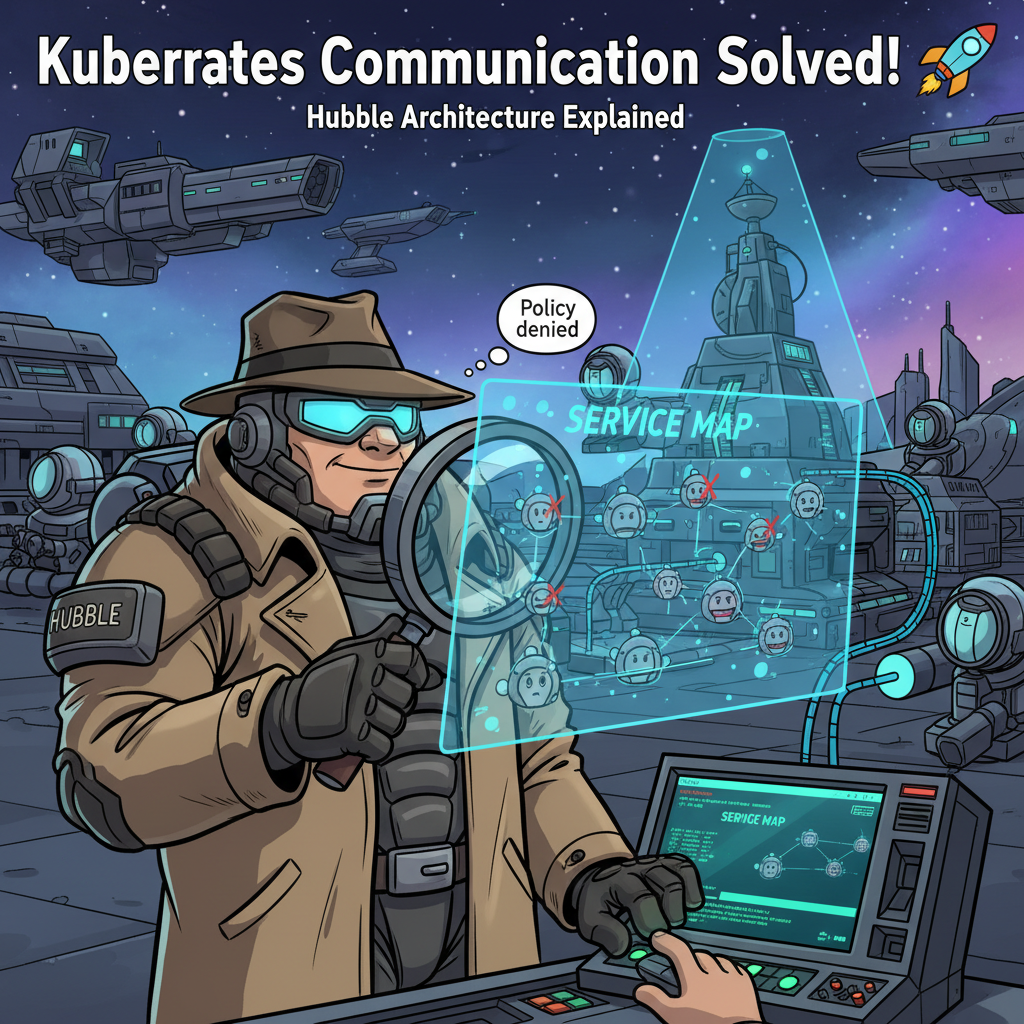
Hubble Avengers: Three Key Players 🦸♂️
Hubble doesn’t work alone. Like an Avengers team, three core components with distinct roles collaborate organically.
(Source: Cilium.io)
1. Hubble Agent (🕵️ Field Agent)
- Deployment Type: DaemonSet (One on every node in the cluster!)
- Mission: A frontline agent that monitors and collects all network activities occurring on each node in real-time.
How does the Agent know everything? The secret lies in eBPF.
- Data Detection 🔍: Cilium uses eBPF deep within the kernel to snoop on all network packets (L3/L4 information, L7 HTTP requests, DNS queries, etc.).
- Recording to Buffer ✍️: Detected event information is accumulated in the eBPF Perf Ring Buffer, a high-speed channel between the kernel and user space.
- Data Processing 🍳: The Hubble Agent deployed on each node retrieves data from this buffer. It then transforms this raw data into meaningful information (Flow objects) by adding Kubernetes details like pod names or labels, indicating “who communicated with whom, and whether it was allowed or blocked by policy.”
- Opening Local Server 📡: Finally, the Agent prepares to provide the processed data via its local gRPC server. In essence, every node is streaming its own real-time communication records.
> Key Point: The Agent is the starting point for all data collection and is deployed as a DaemonSet to cover all nodes.
2. Hubble Relay (📡 Central Control Station)
- Deployment Type: Deployment (Usually just one in the cluster!)
- Mission: Acts as a central control station, gathering and organizing reports from all scattered field agents (Agents) and delivering them to the end-user.
If a cluster has hundreds of nodes, would we have to connect to hundreds of Agents individually to view communication information? 🤯 Just thinking about it is dreadful. Relay solves precisely this problem.
- Discovering Agents 🗺️: Relay automatically discovers all Hubble Agents within the cluster via the Kubernetes API.
- Aggregating Reports 📊: It connects to the gRPC servers of all discovered Agents, pulling in real-time streamed data from each node and consolidating it into one.
- Providing a Single Interface 🚪: The aggregated communication data for the entire cluster is then provided through a single interface via its own gRPC server.
> Key Point: Relay is a valuable component that centrally aggregates distributed data, allowing users to view the entire cluster’s situation from a single location.
3. Hubble UI & CLI (💻 Command Center)
- Deployment Type: UI (Deployment & Service), CLI (Installed locally)
- Mission: An interface that allows us to visually inspect the data provided by Relay and issue commands.
- Hubble UI (Visual Dashboard) ✨:
- Accessed via a web browser, it provides a Service Map that allows you to see all services and communication flows in the cluster at a glance.
- If communication is blocked from a certain pod? It’s displayed as a red line on the service map, and with a few clicks, you can find out in detail why it was blocked (Policy denied). This dramatically reduces debugging time!
- Hubble CLI (Terminal Commands) ⌨️:
- You can check real-time communication flows as text in the terminal using commands like `hubble observe`.
- Powerful filtering features such as `–verdict DROPPED` (view only blocked communications) and `–to-port 80` (view only communications going to port 80) allow you to pinpoint desired information, making it useful for automation scripts and more.
> Key Point: The UI and CLI connect to Hubble Relay, serving as the final gateway that presents complex network data in an easily understandable format.
How Does Data Reach Our Eyes? 🗺️
Let’s follow the journey of a single network packet until it becomes visible to us.
- [Kernel] 📦 Pod A sends a packet to Pod B.
- [eBPF] 🕵️♂️ Cilium’s eBPF program embedded in the kernel intercepts the packet and records source/destination information, policy violation status, etc.
- [Perf Buffer] 📝 This information is stored in the kernel’s eBPF Perf Ring Buffer.
- [Hubble Agent] 👨💻 The Hubble Agent on the node retrieves data from the buffer and adds Kubernetes information to create meaningful Flow data.
- [Hubble Relay] 📡 Relay collects Flow data from all Agents in the cluster and consolidates it.
- [Hubble UI/CLI] 🖥️ When a user opens the UI or executes a CLI command, it connects to Relay, receives the integrated data, and displays it nicely on the screen.
Understanding this flow allows you to clearly visualize why each part of Hubble is necessary and how they work together.
So, What’s Good About Knowing This? (Key Summary) 💡
Understanding the Hubble architecture goes beyond merely accumulating knowledge; it dramatically enhances your practical problem-solving abilities.
- Agent as DaemonSet vs Relay as Deployment: Now you can explain why they are deployed this way. Data needs to be collected from all nodes (DaemonSet), and aggregation only needs to happen once centrally (Deployment).
- The source of data is the eBPF Perf Ring Buffer: The root of all information displayed by Hubble is kernel-level eBPF. This is why Hubble data is highly reliable.
- Reason for Relay’s existence: Scalability and a single access point! Thanks to Relay, even in large-scale clusters with thousands of nodes, you can efficiently monitor the overall situation.
- What you can learn with Hubble:
- Simple IP, port information (L3/L4)
- Application-level information like HTTP paths, Kafka topics (L7)
- DNS query information
- Most importantly: Network policy verdict results (ALLOWED / DROPPED) 👈 The decisive clue for problem-solving!
Now, when network issues arise in Kubernetes, don’t rely on guesswork anymore. Open Hubble, follow the data flow, and become an expert at solving problems based on clear evidence!
Leave a Reply