Hello! Today, I’d like to delve deep into how to manage container (Pod) permissions in AWS EKS. When your application needs to access AWS services like S3 or DynamoDB, how are you currently granting permissions safely and efficiently?
Many of you are probably using IRSA (IAM Roles for Service Accounts). But haven’t you ever had a headache with complex IAM trust policies when setting up IRSA? 🤯
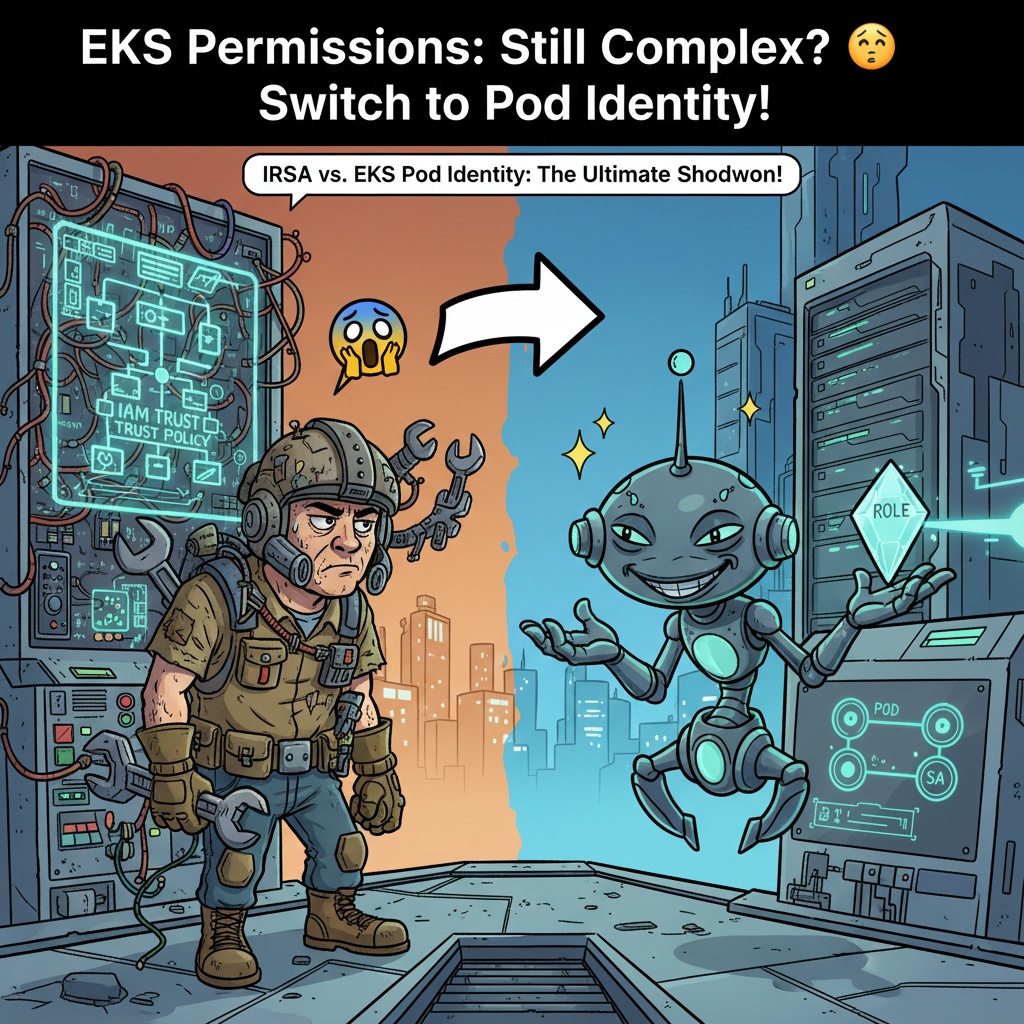
Recently, AWS introduced a new feature called EKS Pod Identity to solve this problem. Today, I will clearly compare the existing powerhouse IRSA with the new challenger EKS Pod Identity, and help you decide which one to choose for different situations!
🧐 IRSA: A Familiar but Tricky Friend
IRSA is a method that directly links Kubernetes Service Accounts with AWS IAM roles. It leverages the OIDC (OpenID Connect) information of the EKS cluster to configure the IAM role to trust a specific Service Account.
✨ How does IRSA work?
- OIDC Identity Provider Configuration: When an EKS cluster is created, a unique OIDC provider URL is generated. This is like an ID card that allows AWS IAM to identify our cluster. 🆔
- IAM Role Creation and Trust Policy Configuration: You create an IAM role with the permissions to be granted to the Pod. The core here is the Trust Policy, which must explicitly state: “This role trusts the EKS cluster’s OIDC provider and will only issue temporary credentials to the service account named my-service-account in the my-app namespace!”
- Add Annotation to Service Account: You specify which IAM role to use for the Kubernetes Service Account that the application will use, by adding an annotation (eks.amazonaws.com/role-arn).
- Obtain Credentials: When the Pod runs, the internal AWS SDK requests temporary credentials from AWS based on this information, and then calls AWS APIs using the obtained keys. 🚀
🔧 IRSA Configuration Example
Let’s look at the most troublesome part: the IAM role’s trust policy. It’s really long and complex.
{
    "Version": "2012-10-17",
    "Statement": [
        {
            "Effect": "Allow",
            "Principal": {
                "Federated": "arn:aws:iam::111122223333:oidc-provider/oidc.eks.ap-northeast-2.amazonaws.com/id/EXAMPLED539D4633E53BF441"
            },
            "Action": "sts:AssumeRoleWithWebIdentity",
            "Condition": {
                "StringEquals": {
                    "oidc.eks.ap-northeast-2.amazonaws.com/id/EXAMPLED539D4633E53BF441:sub": "system:serviceaccount:my-namespace:my-app-sa",
                    "oidc.eks.ap-northeast-2.amazonaws.com/id/EXAMPLED539D4633E53BF441:aud": "sts.amazonaws.com"
                }
            }
        }
    ]
}
If even one of the OIDC address, namespace, or service account name is incorrect in this long policy, a permission error will occur. 😭
And the Kubernetes Service Account is configured like this:
apiVersion: v1
kind: ServiceAccount
metadata:
  name: my-app-sa
  namespace: my-namespace
  annotations:
    # You must directly insert the ARN of the IAM Role here!
    eks.amazonaws.com/role-arn: arn:aws:iam::111122223333:role/my-app-s3-access-role
👍 Advantages of IRSA
- No Agent Required: No need to install a separate agent on the nodes, resulting in a clean configuration.
- Based on Standard Technology: Uses OIDC, an open standard, making the principle clear.
- Explicit Configuration: All permission connection information is managed as code in Kubernetes manifests (favorable for GitOps).
👎 Disadvantages of IRSA
- Overly Complex Trust Policy: IAM trust policies are long and complex, making them prone to errors and difficult to manage.
- Tight Coupling: The ARN of the IAM role is hardcoded in the Service Account YAML. If you change the role, you need to redeploy the Kubernetes resource.
- Distributed Management Points: As the number of roles increases, the number of IAM trust policies to manage also increases proportionally, making management cumbersome.
😎 EKS Pod Identity: A New Savior with Simplicity as its Weapon
EKS Pod Identity emerged as a savior to solve the complexity of IRSA. The core idea is to shift the center of permission configuration from Kubernetes to AWS.
✨ How does EKS Pod Identity work?
- Install EKS Pod Identity Agent: Install the agent as an EKS Add-on in the cluster. This agent runs on each node and is the entity that performs the magic. 🪄
- Simple IAM Role Creation: Now, the IAM role’s trust policy becomes surprisingly simple. “The EKS Pod Identity service can trust me!” One line is all it takes.
- Create Pod Identity Association: You map (Associate) the IAM role and the Kubernetes Service Account via the AWS console or CLI. This operation takes place outside Kubernetes, i.e., in AWS.
- Obtain Credentials: When a Pod requests AWS credentials, the agent on the node intercepts the request. It then checks the mapping information configured in AWS and obtains temporary credentials for the correct IAM role on behalf of the Pod, delivering them to the Pod.
🔧 EKS Pod Identity Configuration Example
See how much simpler the IAM trust policy is compared to IRSA.
{
    "Version": "2012-10-17",
    "Statement": [
        {
            "Effect": "Allow",
            "Principal": {
                "Service": "pods.eks.amazonaws.com"
            },
            "Action": "sts:AssumeRole"
        }
    ]
}
Yes, that’s all there is to it. No OIDC URL, no namespace, no service account name needed! ✨
The connection between the IAM role and the service account can be completed with a single line via the AWS CLI like this:
aws eks create-pod-identity-association
    --cluster-name my-eks-cluster
    --namespace my-namespace
    --service-account my-app-sa
    --role-arn arn:aws:iam::111122223333:role/my-app-s3-access-role
Now, developers don’t need to add complex annotations to the Service Account YAML file; they just need to specify serviceAccountName: my-app-sa.
👍 Advantages of EKS Pod Identity
- Revolutionary Simplicity: Complex trust policies are eliminated, and IAM role management becomes very easy.
- Centralized Management and Role Separation: The infrastructure team can manage permission mappings in AWS, and the development team can focus solely on application code. Roles and responsibilities become clear!
- Flexibility and Reusability: A single IAM role can be easily mapped to multiple namespaces and multiple service accounts, maximizing role reusability.
- Separation of Configuration and Code: IAM role information is separated from Kubernetes manifests, so there’s no need to redeploy the application when permissions change.
👎 Disadvantages of EKS Pod Identity
- Agent Dependency: The EKS Pod Identity agent add-on must be installed and managed on all nodes.
- Relatively New Feature: Compared to IRSA, there may be fewer community use cases or troubleshooting information available yet.
🆚 IRSA vs EKS Pod Identity: A Quick Comparison
| Category | IRSA (IAM Roles for Service Accounts) | EKS Pod Identity |
|---|---|---|
| How it works | K8s Service Account ↔️ IAM Role (Direct OIDC connection) | Pod ➡️ Agent ➡️ IAM Role (Mapping-based) |
| Center of Configuration | Kubernetes (Service Account Annotation) | AWS (Pod Identity Association) |
| IAM Trust Policy | Very Complex 😭 (Explicit OIDC, Namespace, SA conditions) | Very Simple 😊 (“Service”: “pods.eks.amazonaws.com”) |
| Management Ease | Low (cumbersome individual policy management) | High (centralized management of mapping information) |
| Flexibility | Low (tight 1:1 coupling between IAM role and Service Account) | High (separation of role and SA, easy N:M mapping) |
—
🎯 So, What’s Your Choice?
Now, it should be clear which one to choose.
🚀 Choose EKS Pod Identity!
- If you are building a new EKS cluster or just starting with permission configuration (highly recommended!)
- If you operate numerous microservices and want to simplify IAM role management
- If you want to clearly separate roles and responsibilities between the infrastructure team and the development team
- If you want to reuse a single common role across multiple applications
🤔 You can continue to use or consider IRSA.
- If all your systems are already stably operating based on IRSA, and you don’t have the capacity to migrate
- If it’s difficult to install additional agents on nodes due to security policies or other reasons
- If you prefer to manage all permission settings explicitly as code (GitOps) within Kubernetes manifests
✨ Conclusion
EKS Pod Identity solves the complexity of IRSA and presents a more suitable permission management paradigm for cloud-native environments. Its simplicity of configuration, centralized management, and flexible reusability are attractive advantages that can no longer be ignored.
Of course, this doesn’t mean IRSA is a bad technology. But if an easier and more efficient path has opened up, there’s no reason to avoid it, right? If you’re currently contemplating EKS permission management, we strongly recommend considering EKS Pod Identity!
Leave a Reply