Hello! When implementing GitOps in Kubernetes, Argo CD is undoubtedly our most familiar tool. However, accurately understanding what resources are actually moving beyond the dashboard is another matter entirely.
Today, we will delve into the Custom Resources (CRs) that form the core of Argo CD and explore in detail how they connect within the cluster to achieve ‘declarative deployment’. 🛠️
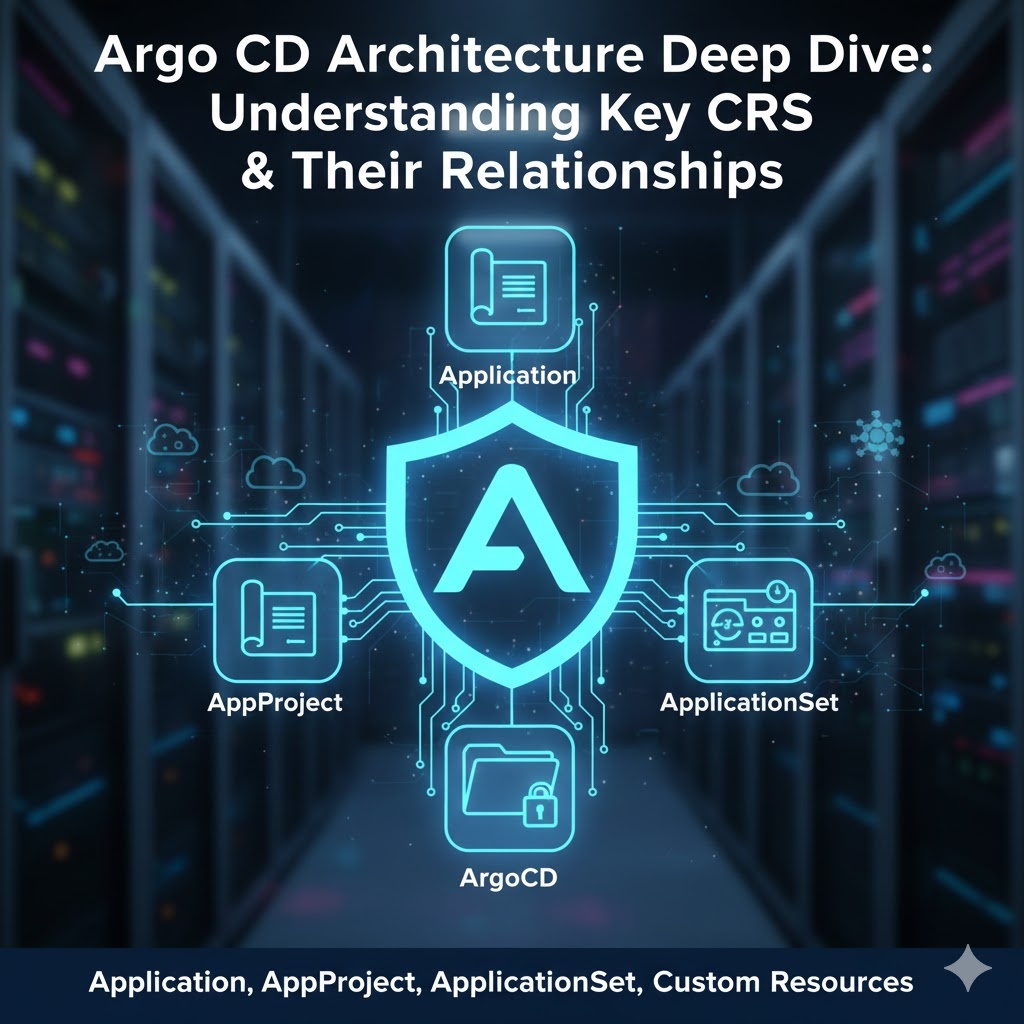
1. 🌟 The 4 Core Custom Resources (CRs) of Argo CD
When Argo CD is installed, several CRDs are created in the cluster. Among them, the following four are the core resources that operators must know:
① Application (The most crucial!)
This is the smallest unit that connects a user-defined ‘source (Git)’ with a ‘target (Cluster)’.
- Role: Defines which manifest in which path of which repository should be deployed to which namespace in which cluster.
② AppProject (Logical Group)
This serves as a governance and security boundary that groups Applications.
- Role: In a multi-tenancy environment, it restricts repositories, target clusters, and resource types accessible by each team.
③ ApplicationSet (The flower of automation)
This is a template engine that dynamically generates multiple Applications based on patterns.
- Role: Handles requirements such as “deploy this app to all regions” or “create each Git folder as a separate app”.
④ ArgoCD (Instance Management)
This resource appears when Argo CD is installed via the Argo CD Operator and is responsible for configuring Argo CD itself.
2. 🧬 Relationships Between Resources
These resources do not exist independently but work together like gears.
- AppProject ↔ Application: Every Application must belong to one AppProject. The project acts like a parent, controlling the permissions of its child applications.
- ApplicationSet ↔ Application: An ApplicationSet is like a ‘fish-shaped pastry mold’. It automatically stamps out multiple Application resources according to the configured Generator (pattern).
- Application ↔ Kubernetes Resources: When an Application is synced, actual standard Kubernetes resources like Deployment and Service are finally created.
3. 💻 Practical Code and Detailed Explanation
Let’s look at the YAML structure of each resource and how to configure them in practice.
📜 AppProject: Setting Security and Boundaries
First, create a project, which is the ‘container’ for your applications.
YAML
apiVersion: argoproj.io/v1alpha1
kind: AppProject
metadata:
  name: platform-team-project
  namespace: argocd
spec:
  description: "플랫폼 팀 전용 프로젝트"
  # 1. Limit allowed Git repositories 📦
  sourceRepos:
    - "https://github.com/my-org/platform-infra.git"
  # 2. Specify deployable target clusters and namespaces 🎯
  destinations:
    - server: "https://kubernetes.default.svc"
      namespace: "production-*"
  # 3. Limit deployable resource types (enhance security) 🛡️
  clusterResourceWhitelist:
    - group: ""
      kind: Namespace
📜 Application: Mapping Source and Target
This is the resource you will use most frequently.
YAML
apiVersion: argoproj.io/v1alpha1
kind: Application
metadata:
  name: guestbook-app
  namespace: argocd
spec:
  # Specify which project it belongs to (the project created above)
  project: platform-team-project
  source:
    repoURL: "https://github.com/my-org/platform-infra.git"
    targetRevision: HEAD
    path: "guestbook" # Git internal path
  destination:
    server: "https://kubernetes.default.svc"
    namespace: "production-apps"
  # Set automatic synchronization policy 🔄
  syncPolicy:
    automated:
      prune: true     # If deleted from Git, also delete from cluster
      selfHeal: true  # Revert if manually modified in the cluster
📜 ApplicationSet: Automating Large-Scale Deployments
Use this when managing multiple clusters or multiple folders at once.
YAML
apiVersion: argoproj.io/v1alpha1
kind: ApplicationSet
metadata:
  name: microservices-set
  namespace: argocd
spec:
  # 1. Define creation pattern (using List here) 📋
  generators:
    - list:
        elements:
          - cluster: engineering-dev
            url: https://1.2.3.4
          - cluster: engineering-prod
            url: https://5.6.7.8
  # 2. Template for the actual Application to be created 🏗️
  template:
    metadata:
      name: '{{cluster}}-guestbook' # Variable substitution
    spec:
      project: default
      source:
        repoURL: https://github.com/argoproj/argocd-example-apps.git
        targetRevision: HEAD
        path: guestbook
      destination:
        server: '{{url}}'
        namespace: guestbook
4. 🔍 Advanced: Resource Lifecycle and Dependencies
Based on what we’ve discussed previously, let’s summarize the points to be aware of in practice.
- Cascading Delete: When deleting an Application, you can decide whether to also delete the actually deployed resources. This is controlled via finalizers settings.
- Project-level RBAC: Roles defined within an AppProject are integrated with argocd-rbac-cm, allowing specific teams to view only their own projects.
- Status Sync: The status field within the Application CR stores the real-time differences (Diff) between Git and the cluster, as well as the health status.
📝 Summary Table
| Resource Name | Key Role | Analogy |
|---|---|---|
| AppProject | Permission control, resource restriction | Fence, management zone |
| Application | Definition of a single app deployment | Actual deployment specification |
| ApplicationSet | Dynamic/mass app creation | Fish-shaped pastry mold |
| ArgoCD | Argo CD configuration control | Control tower settings |
—
💡 Conclusion
Understanding Argo CD’s CR structure is the first step towards stable GitOps operations. Especially by carefully designing the relationship between ApplicationSet and AppProject, you can securely manage hundreds of microservices with just a few lines of code. 🎯
Apply this structural design to your clusters to build a more robust infrastructure!
Leave a Reply